Image: supplied by the mod author
Realistic Infotainment for DAF 2021
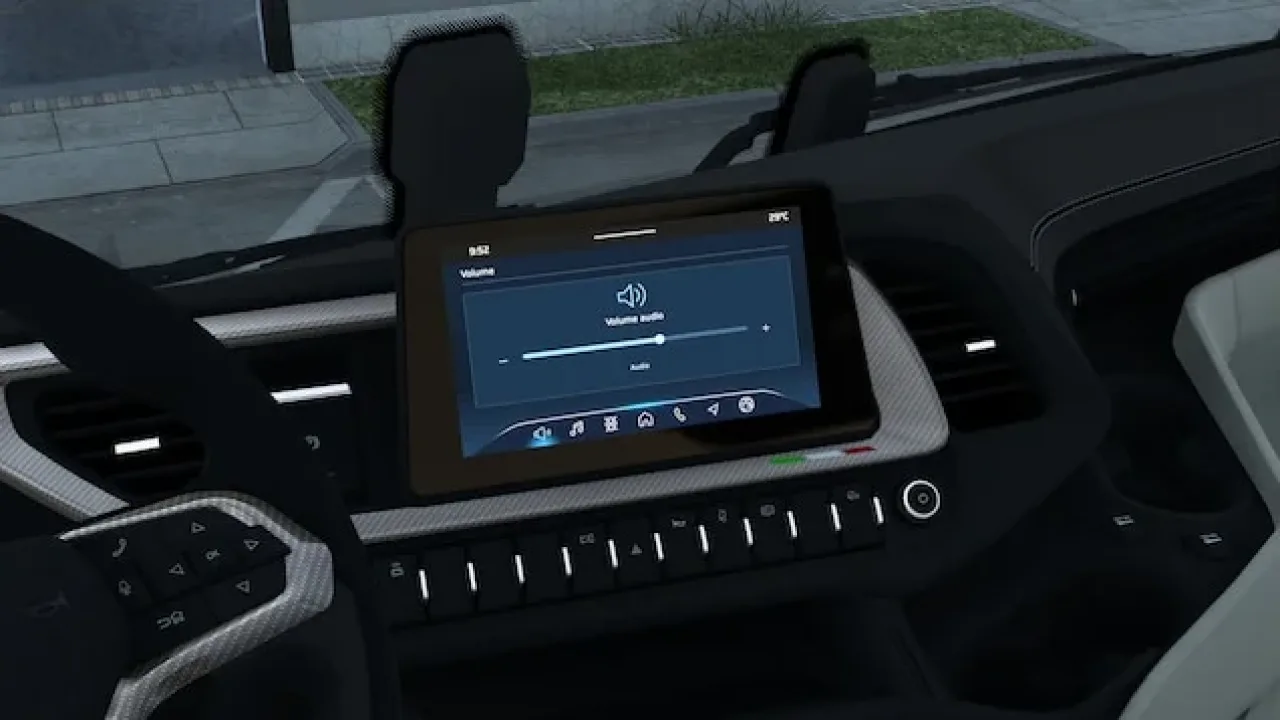
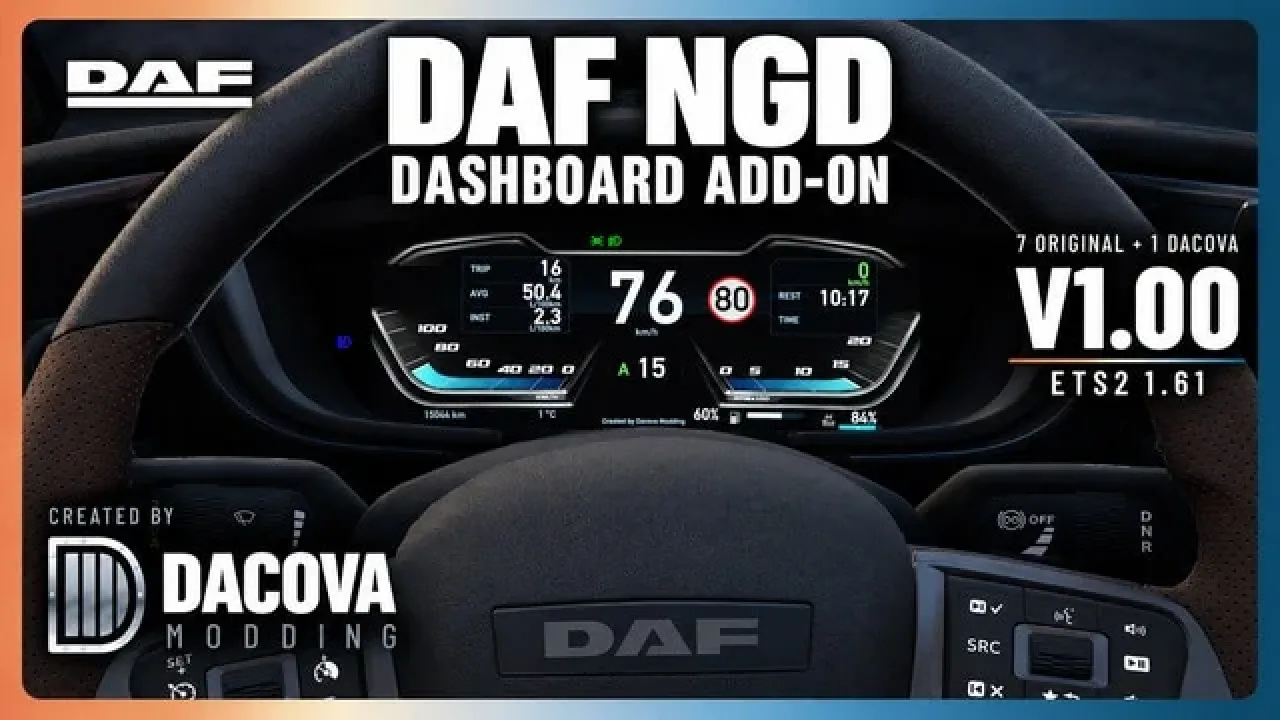
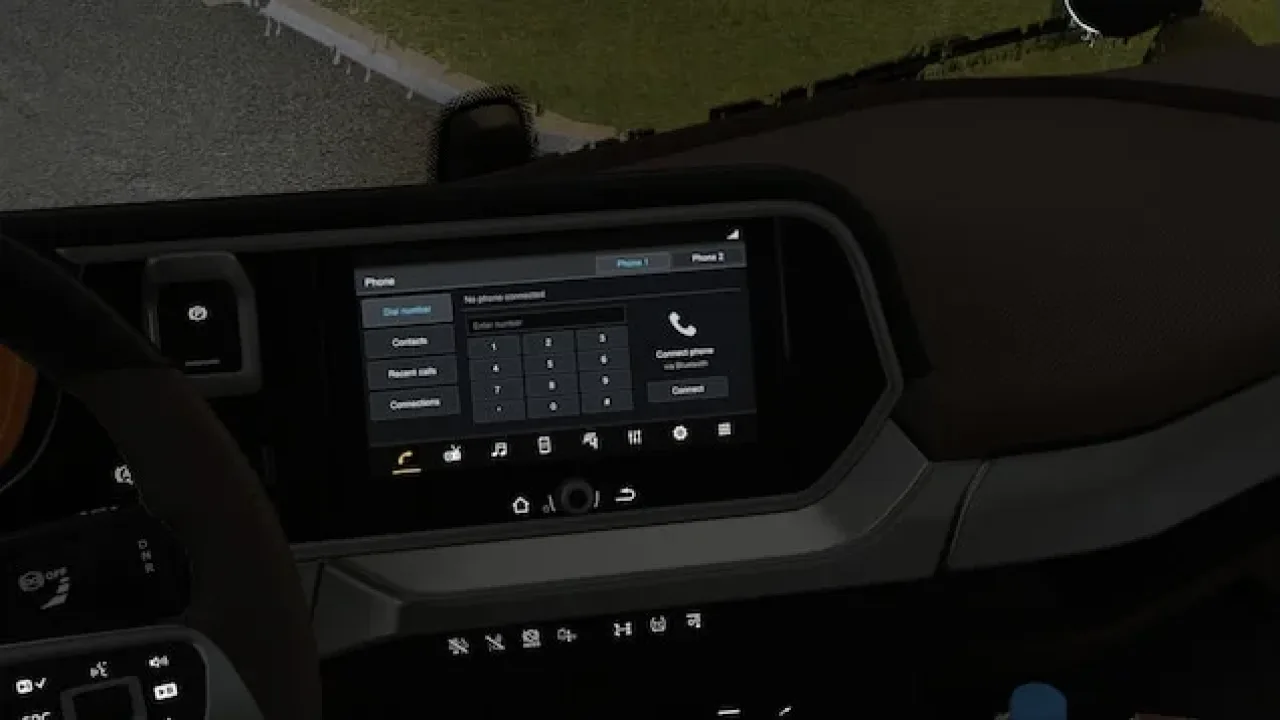
Give the stock DAF 2021 and XD eight manufacturer-inspired infotainment pages while retaining the game's working navigation.
- Author
- NiamhFox
- Works with
- 1.61
- DLC needed
- None, base game is enough
- Price
- Free
- Link checked
- 25 October 2026
- Listed by
- The mod's author, reviewed by us
This opens the mod's official page. We never re-upload mods, so you always get the author's latest, untouched version.
Does it work for you on ETS2 1.61?
Screenshots (3)
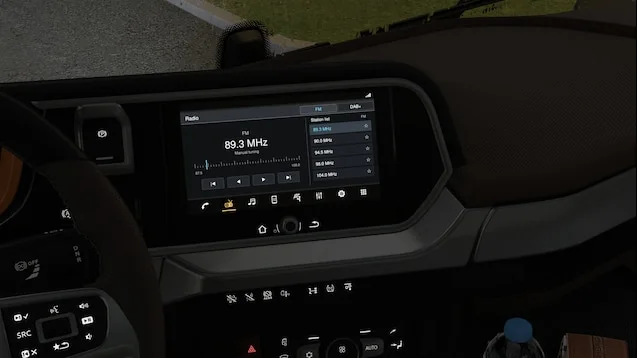
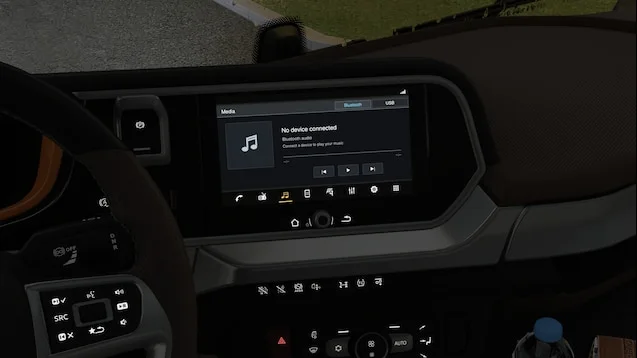
Screenshots supplied by the mod author. Click a picture to see it full size.
About this mod
Switch between phone, radio, media, smartphone, navigation, audio, settings and application screens using the game's infotainment display control. The active page is highlighted in orange, with the familiar lower icon bar retained.
The extra screens provide visual detail: they do not add touch controls, phone pairing or streaming. Disable competing GPS, CarPlay or infotainment replacements for these trucks. Download from NiamhFox's official Workshop listing for updates. Screenshots and custom infotainment credit: NiamhFox; original trucks and navigation assets: SCS Software.
Features
- Eight selectable infotainment pages
- Supports stock DAF 2021 and DAF XD
- Original working navigation retained
- Orange active-page highlight
- Switch pages with the infotainment display control
How to install Realistic Infotainment for DAF 2021
- Open the mod's Steam Workshop page (sign in to Steam if asked) and press Subscribe. Steam downloads it for you.
- Start Euro Truck Simulator 2. On the profile screen, open the Mod Manager.
- Find Realistic Infotainment for DAF 2021 in the list and move it to Active mods, then press Confirm changes.
Helpful guides
Link broken, or the mod has a newer version? Tell us and we'll check it.