Image: supplied by the mod author
Realistic Infotainment for Iveco Sway
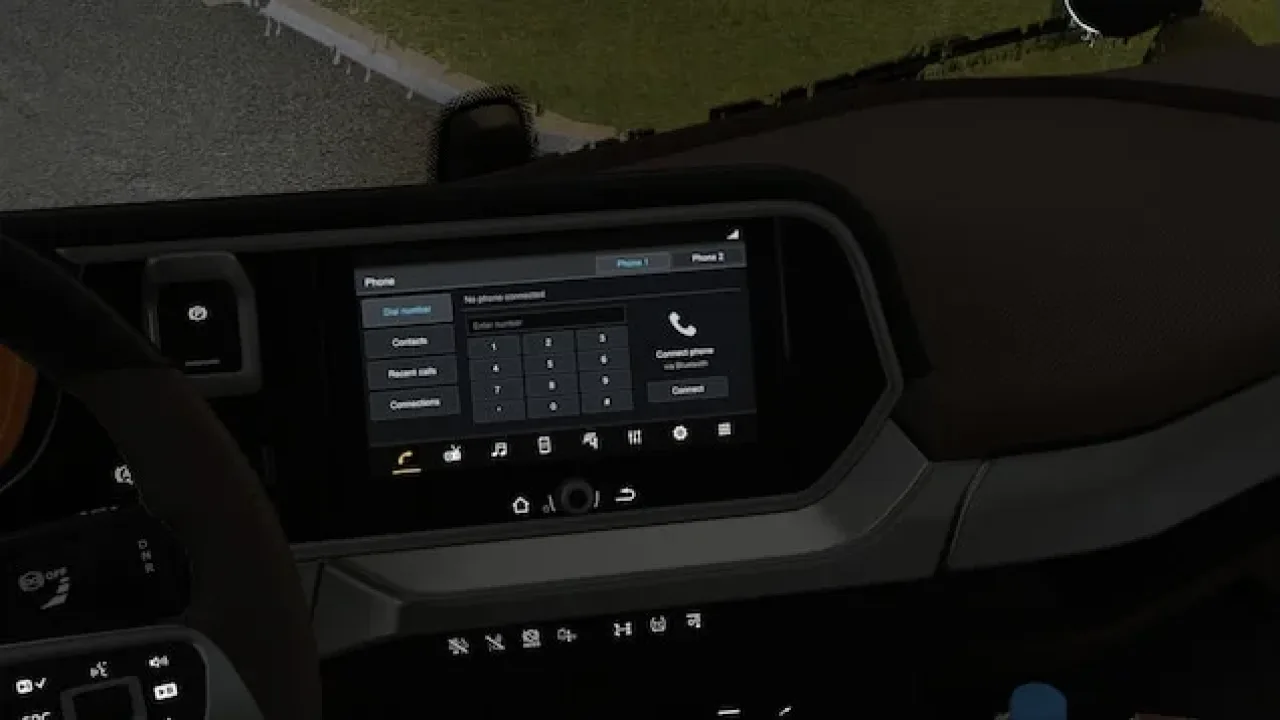
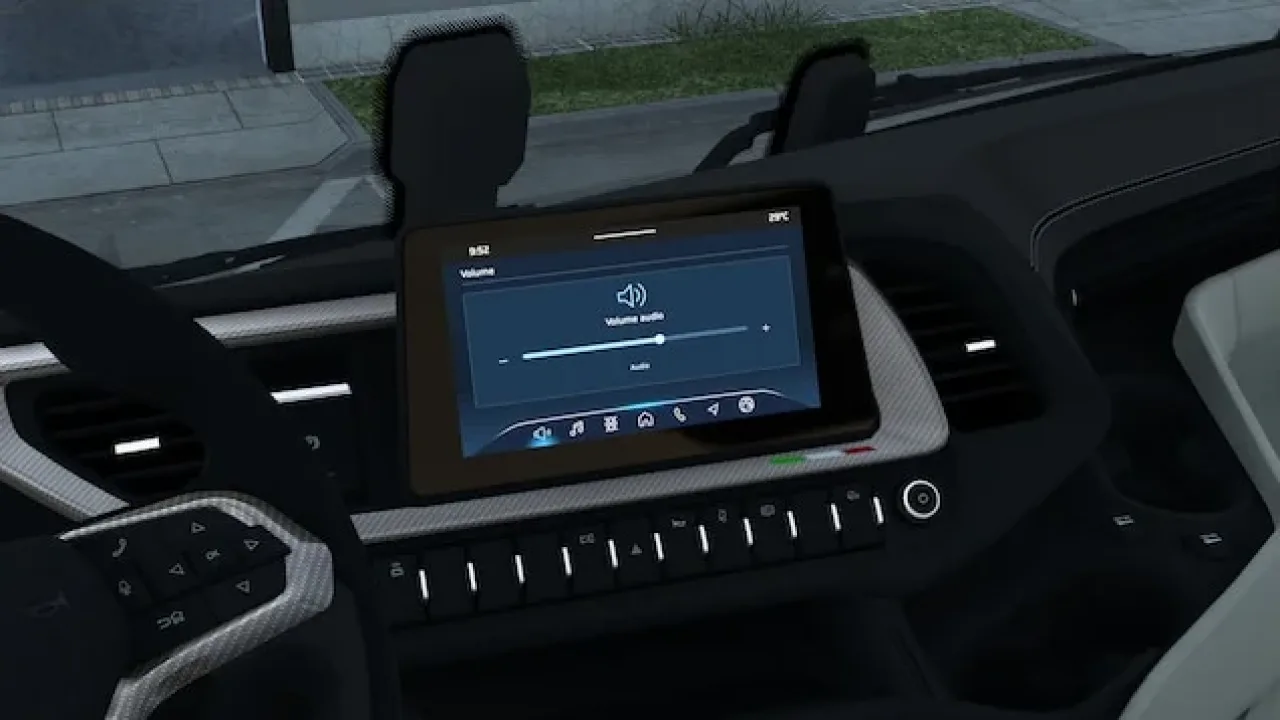
Eight selectable infotainment screens for the stock Iveco S-Way, with live time and temperature on active pages.
- Author
- NiamhFox
- Game version
- 1.61as the mod author told us when submitting it (see the official page)
- Players
- Needs
- Nothing extra, the base game is enough
- Price
- Free
- Link checked
- 25 October 2026 (the download page opens; not a test of the mod)
- Listed by
- The mod's author, reviewed by us
Hear about more like this? We'll show new ones in Your week on My mods.
Tried it on ETS2 1.62? Tell other players:
Screenshots (3)
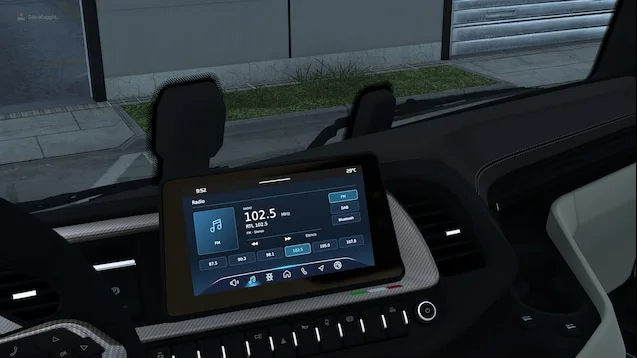
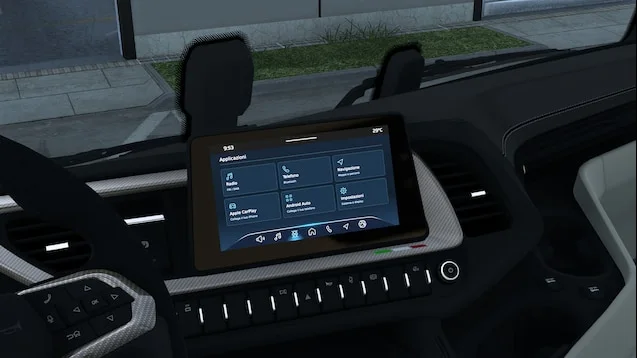
Screenshots supplied by the mod author. Click a picture to see it full size.
The author lists ETS2 1.61. 1.62 isn't confirmed on the official page yet. Small mods (skins, trailers, trucks) often keep working after an update; maps, physics and graphics packs usually need one. Tried it on 1.62? Use Works for me or Doesn't work above to tell other players. See all mods ready for 1.62.
About this mod
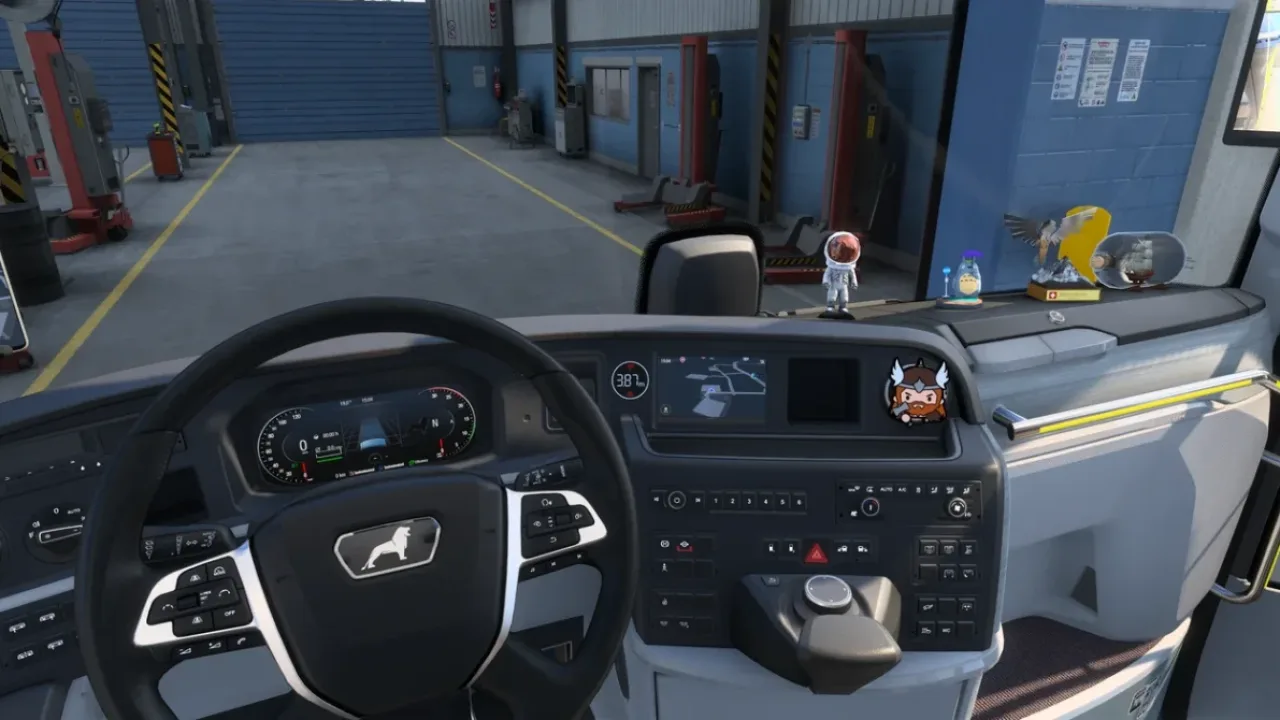
Add an Iveco-inspired screen layout to the original SCS interior. The selection includes home, radio, volume, applications, phone, navigation, connected services and an off screen. Assign the infotainment switching control to cycle through them. Navigation keeps its original function; the other pages are decorative and do not add connectivity, voice assistance or touchscreen operation. Other dashboard or infotainment replacements may conflict.
Mod and screenshots credit: NiamhFox. The download link leads to the author’s official Workshop release.
Features
- Eight selectable screen pages
- Live clock and outside temperature
- Original GPS retained
- Blue active-page highlight
- Stock SCS Iveco S-Way support
How to install Realistic Infotainment for Iveco Sway
- Open the mod's Steam Workshop page (sign in to Steam if asked) and press Subscribe. Steam downloads it for you.
- Start Euro Truck Simulator 2. On the profile screen, open the Mod Manager.
- Find Realistic Infotainment for Iveco Sway in the list and move it to Active mods, then press Confirm changes.
Helpful guides
 Best ETS2 Realism Mods for 1.62 & 1.61: Sound, Physics, Traffic and WeatherSound, physics, traffic, weather and lights: what to install, what clashes, in what orderInstalling from Steam WorkshopSubscribing, switching the mod on, and removing it safelyIf the game crashesHow to find the mod that causes it in a few restarts
Link broken, or the mod has a newer version? Tell us and we'll check it.