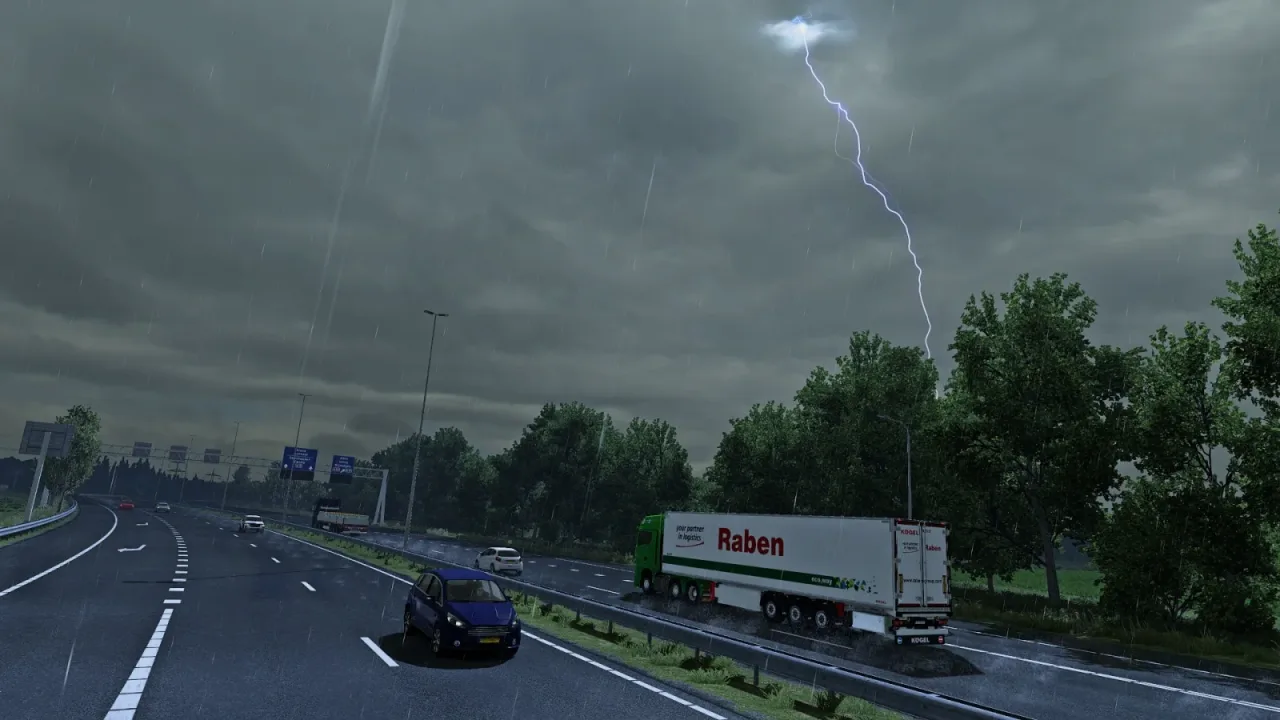
Image: supplied by the mod author
Realistic Weather System ETS2
Drive through region-based summer rain and thunderstorms, with revised windscreen droplets, spray, mist and wet-road behaviour.
- Author
- Lionv8
- Works with
- 1.61
- DLC needed
- No specific DLC listed by the author
- Price
- Free
- Link checked
- 25 October 2026
- Listed by
- The mod's author, reviewed by us
This opens the mod's official page. We never re-upload mods, so you always get the author's latest, untouched version.
Does it work for you on ETS2 1.61?
Screenshots (2)
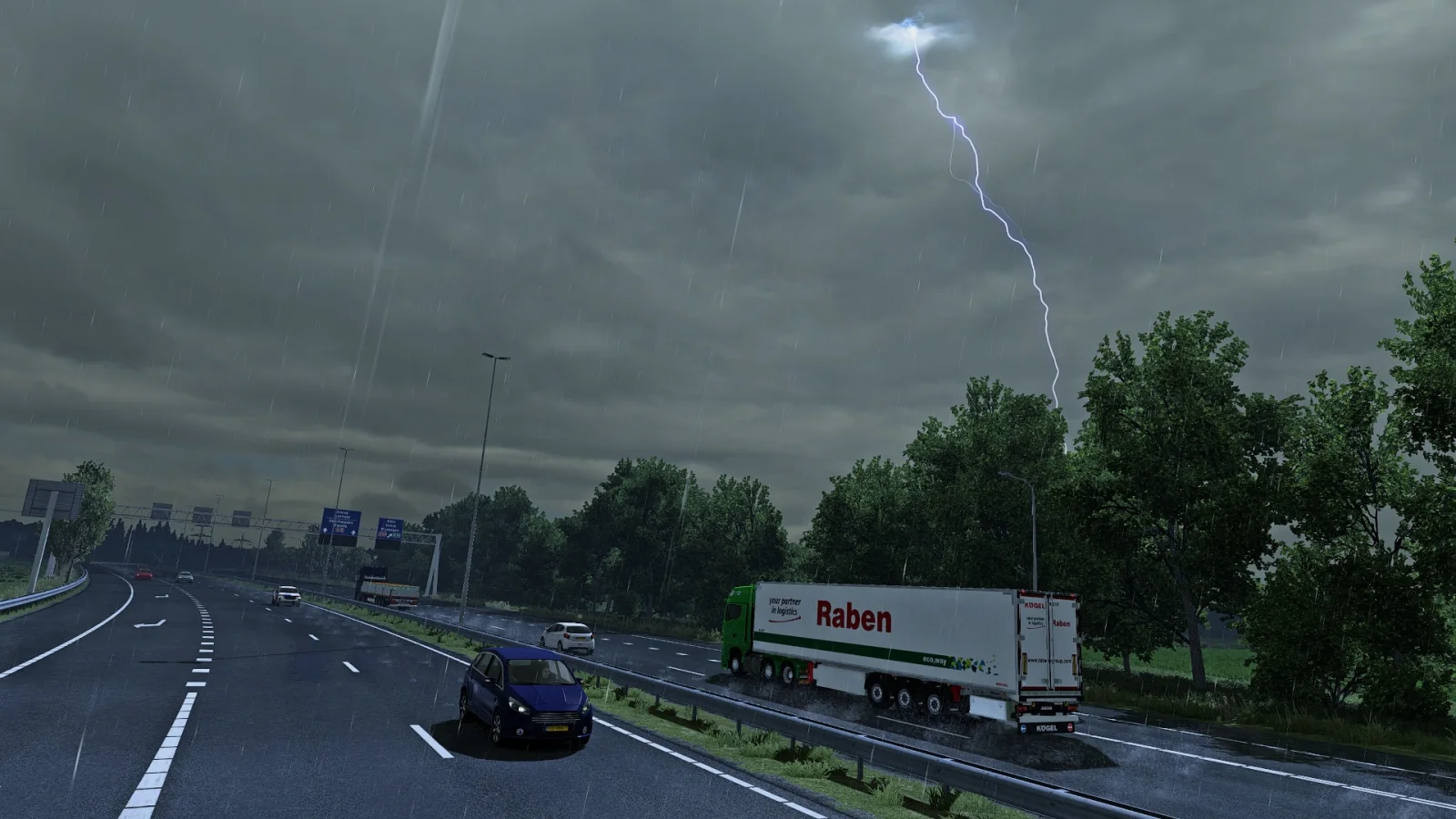
Screenshots supplied by the mod author. Click a picture to see it full size.
About this mod
A summer trip across Europe does not need the same rain everywhere. Lionv8’s weather system varies storm probabilities by region, using historical summer data to shape when rain arrives. Ten levels of rain and thunder give showers and heavier storms distinct moods.
Beyond the forecast, the mod changes droplets on the windscreen, vehicle spray, mist, wind and slippery roads. The author recommends setting rain probability to 24% and explicitly supports ETS2 1.61.
Use it as your chosen weather package. The author warns against combining it with other graphics, weather or rain mods, including Grimes seasonal packs. Weather probabilities are designed around the base game and DLC map regions; extra map areas may not receive the intended regional balance.
Subscribe to the official Workshop item and enable it in Mod Manager.
Disable conflicting weather, rain, graphics and Grimes seasonal packages.
Set rain probability to the author’s recommended 24%.
Features
- Region-based rain and thunderstorm probabilities
- Ten rain and thunder intensity settings
- Reworked droplets, spray, mist and road slipperiness
How to install Realistic Weather System ETS2
- Open the mod's Steam Workshop page (sign in to Steam if asked) and press Subscribe. Steam downloads it for you.
- Start Euro Truck Simulator 2. On the profile screen, open the Mod Manager.
- Find Realistic Weather System ETS2 in the list and move it to Active mods, then press Confirm changes.
Helpful guides
Link broken, or the mod has a newer version? Tell us and we'll check it.