Video from the mod author. It plays from YouTube when you press play.
Spring v6.7
Fresh vegetation, flowers and spring daylight refresh the landscape, with revised rain and wet surfaces for ETS2 1.61.
- Author
- Grimes
- Game version
- 1.61as the mod author told us when submitting it (see the official page)
- Players
- Needs
- Nothing extra, the base game is enough
- Price
- Free
- Link checked
- 25 October 2026 (the download page opens; not a test of the mod)
- Listed by
- The mod's author, reviewed by us
Hear about more like this? We'll show new ones in Your week on My mods.
Tried it on ETS2 1.62? Tell other players:
Screenshots (3)
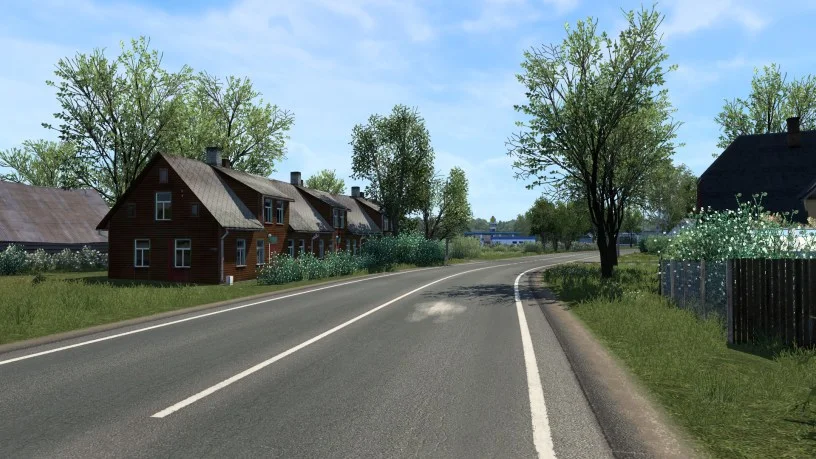
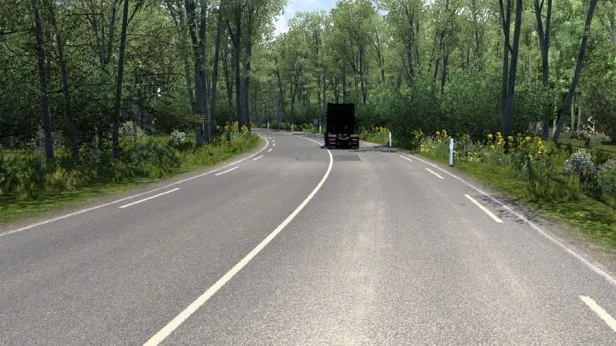
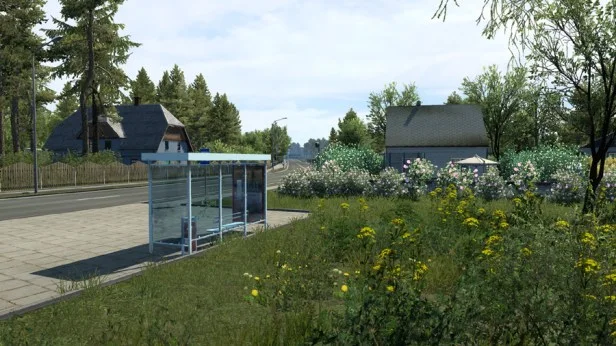
Screenshots supplied by the mod author. Click a picture to see it full size.
The author lists ETS2 1.61. 1.62 isn't confirmed on the official page yet. Small mods (skins, trailers, trucks) often keep working after an update; maps, physics and graphics packs usually need one. Tried it on 1.62? Use Works for me or Doesn't work above to tell other players. See all mods ready for 1.62.
About this mod
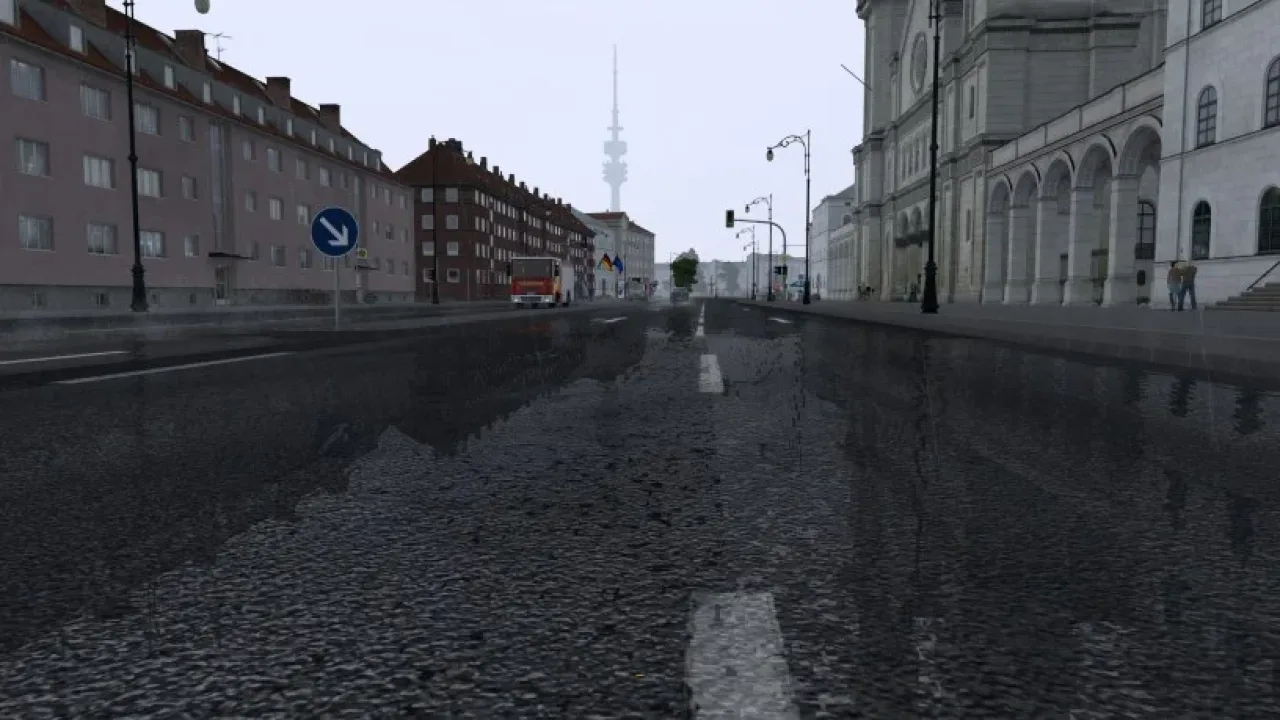
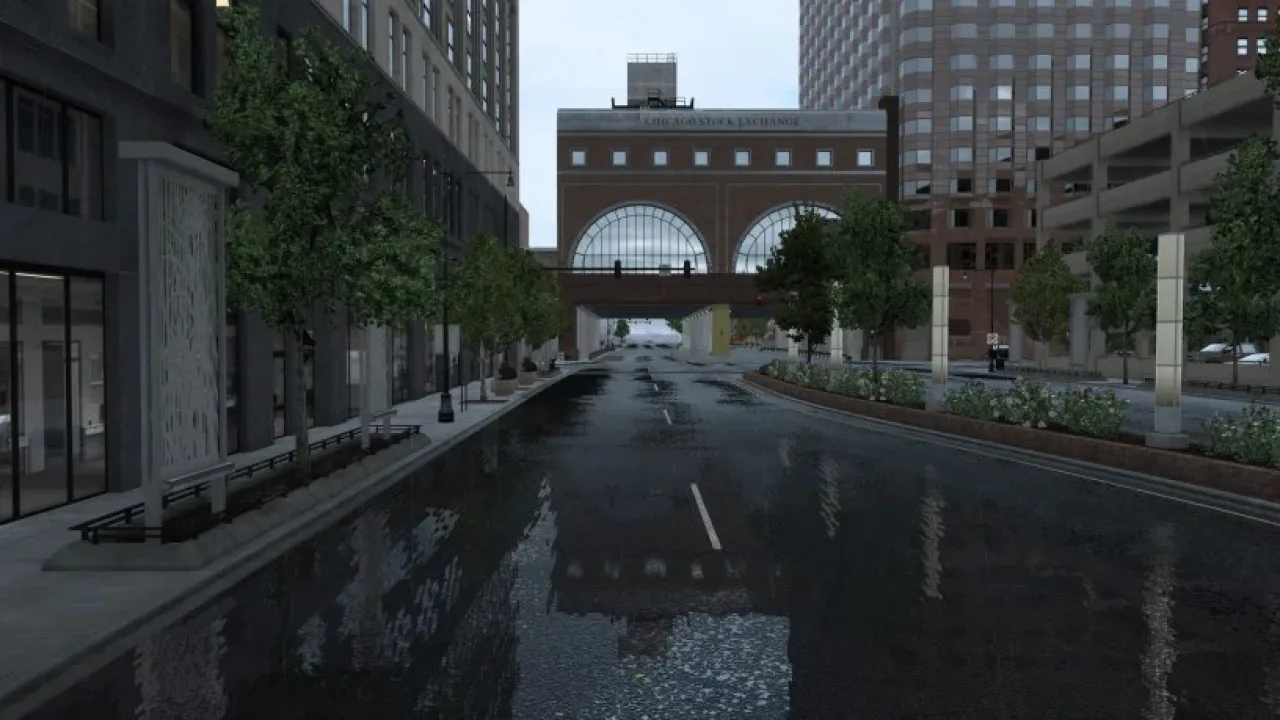
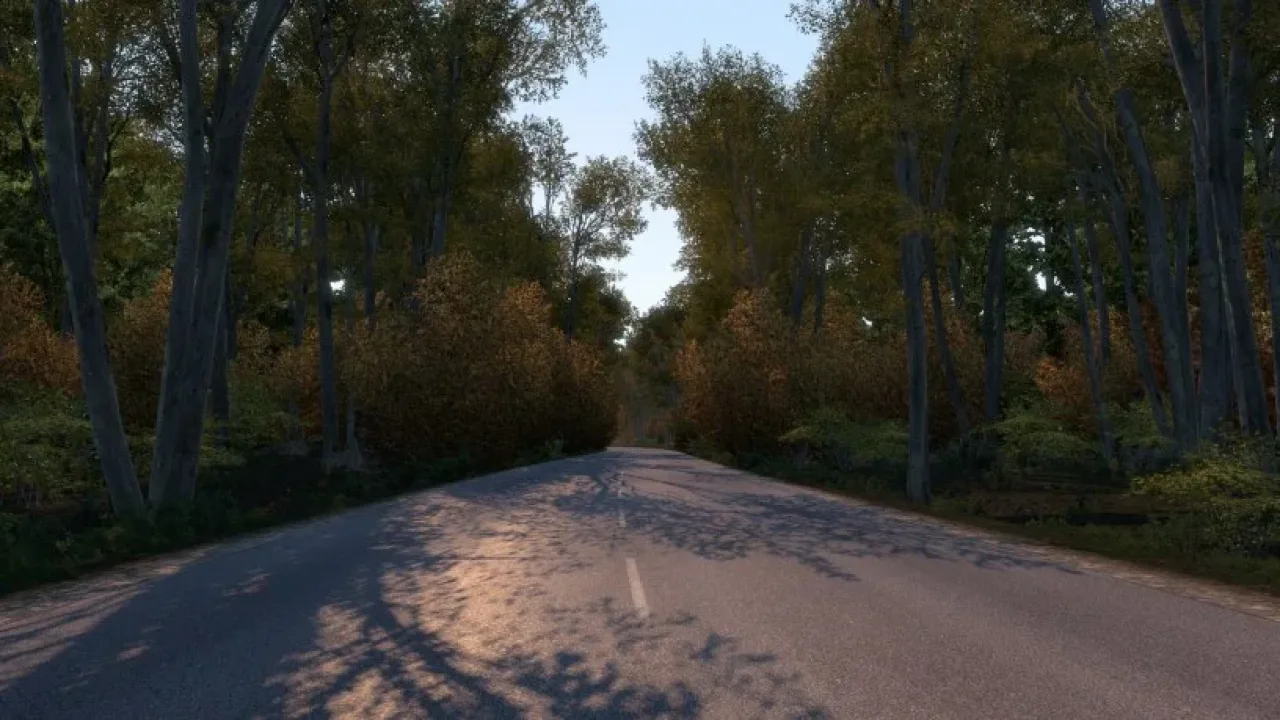
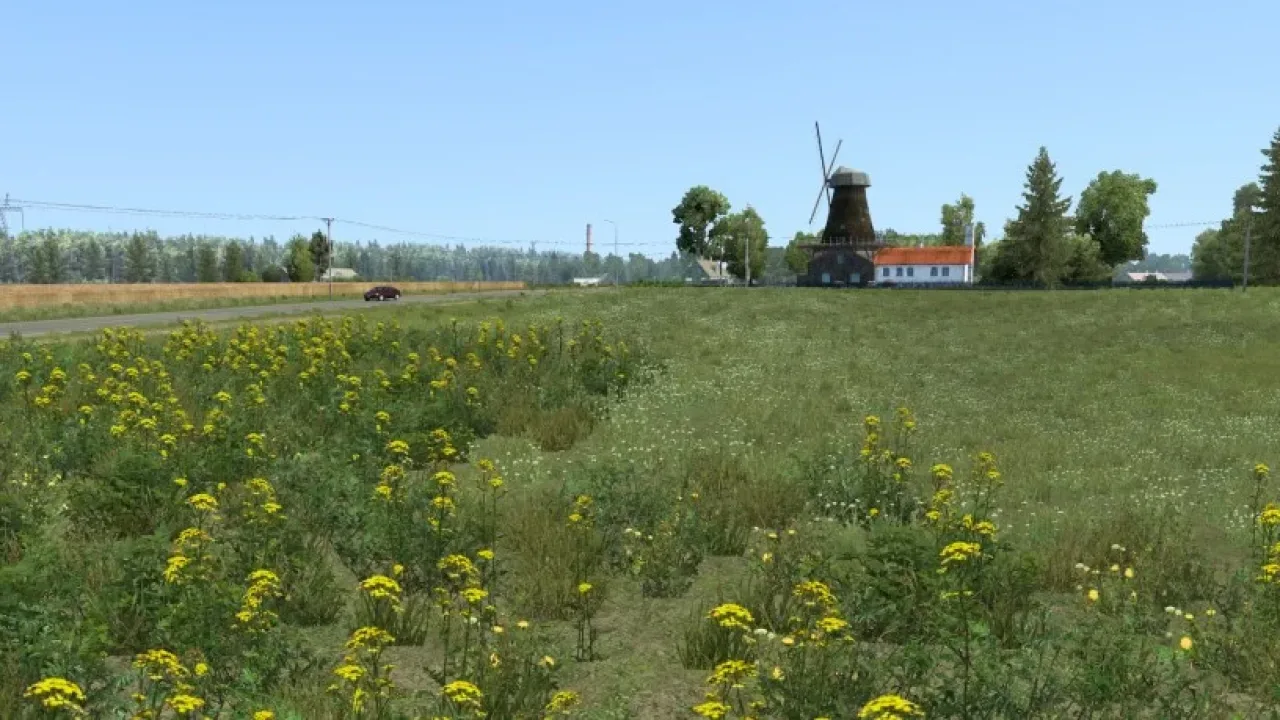
Spring changes the seasonal atmosphere through greener vegetation, more flowers and lighting suited to the time of year. It also updates road appearance, rainfall and wet reflections, with surfaces taking longer to dry after rain.
Keep this mod at the top of Mod Manager and turn off other graphics or weather overhauls. Activate one season at a time. High vegetation detail and grass density are recommended, together with enabled normal maps. Grimes provides both free ad-supported and paid ad-free downloads on the official page.
Mod and screenshots credit: Grimes. Download from the official author page linked above.
Features
- Spring scenery and flowering vegetation
- Seasonal daylight and lighting
- Reworked rainfall and wet reflections
- Improved grass and road textures
- Updated for ETS2 1.61
How to install Spring v6.7
- Download the mod from grimesmods.wordpress.com.
- Follow the author's installation instructions. Keep ready-to-use
.scsor.zipmod packages intact; extract archives containing separate mod packages as directed. - Move the ready-to-use
.scsor.zipmod package(s) intoDocuments\Euro Truck Simulator 2\mod. Create themodfolder if it isn't there. - Start the game, open the Mod Manager on the profile screen, move Spring v6.7 to Active mods and press Confirm changes.
Helpful guides
 Best ETS2 Realism Mods for 1.62 & 1.61: Sound, Physics, Traffic and WeatherSound, physics, traffic, weather and lights: what to install, what clashes, in what orderInstalling a downloaded modWhere the mod folder is and what to do with .scs, .zip and .7z filesLoad order explainedWhich mod wins when two change the same thingIf the game crashesHow to find the mod that causes it in a few restarts
Link broken, or the mod has a newer version? Tell us and we'll check it.