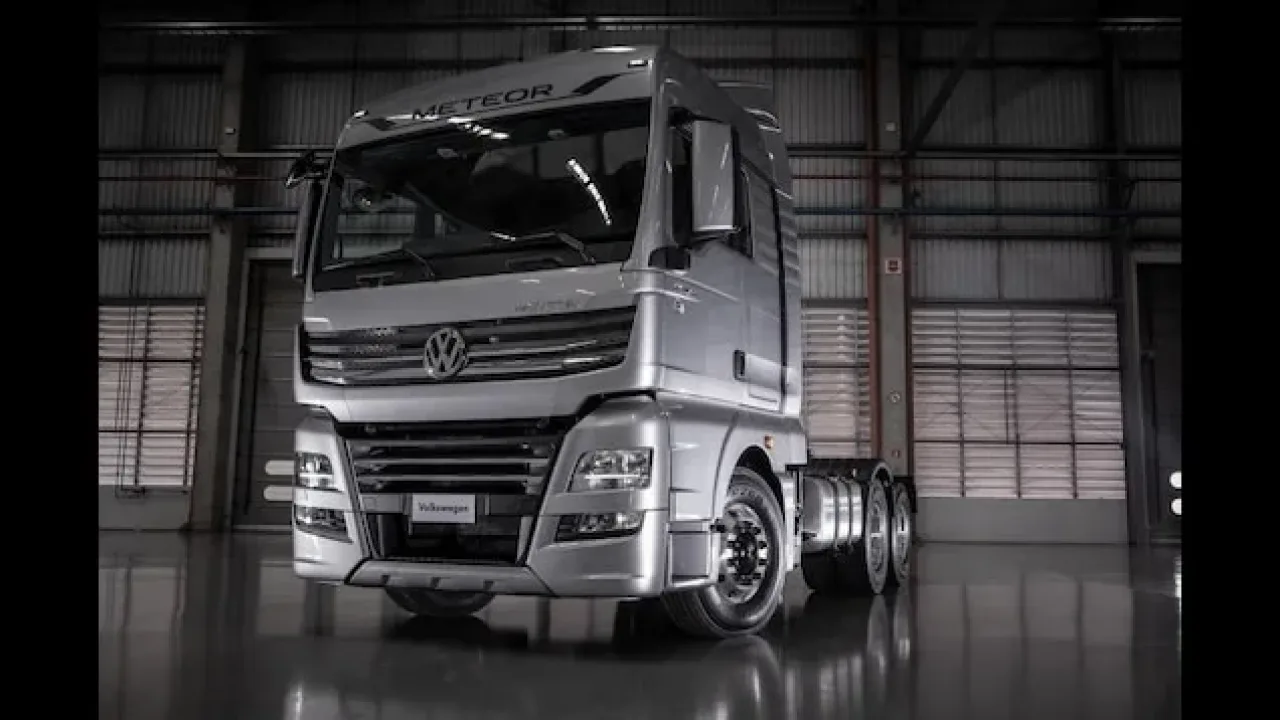
Image: supplied by the mod author
Volkswagen Meteor
Drive a standalone Volkswagen Meteor with 6x2 or 6x4 chassis, D2676 engines and ZF Traxon gearboxes.
- Author
- Cristhian Cardoso
- Game version
- 1.61as the mod author told us when submitting it (see the official page)
- Players
- Needs
- Nothing extra, the base game is enough
- Price
- Free
- Link checked
- 25 October 2026 (the download page opens; not a test of the mod)
- Listed by
- The mod's author, reviewed by us
Hear about more like this? We'll show new ones in Your week on My mods.
Tried it on ETS2 1.62? Tell other players:
Screenshots (3)
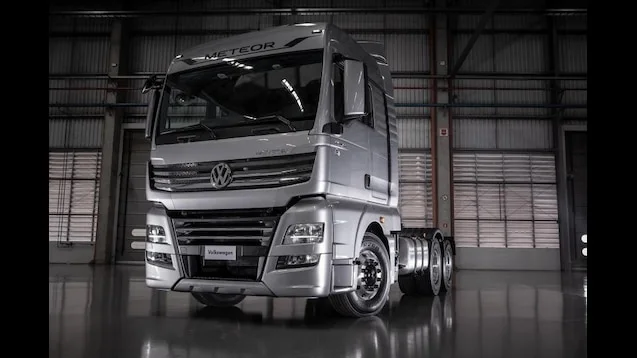
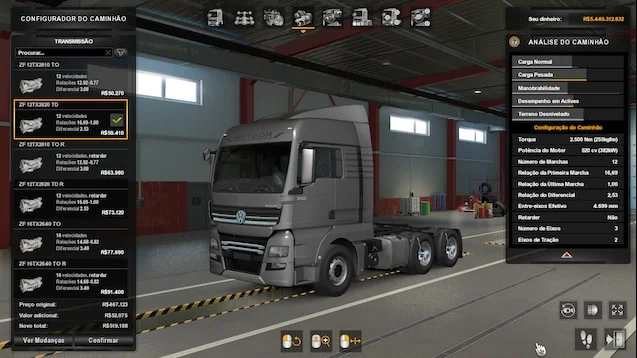
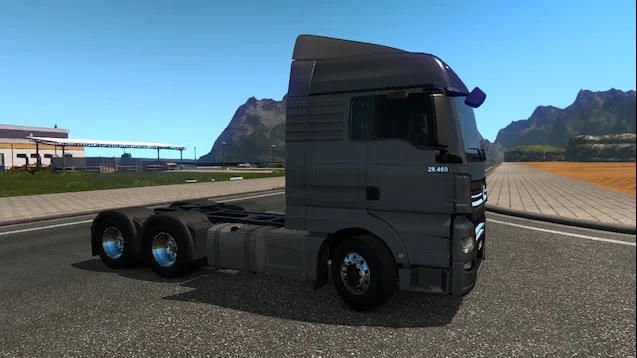
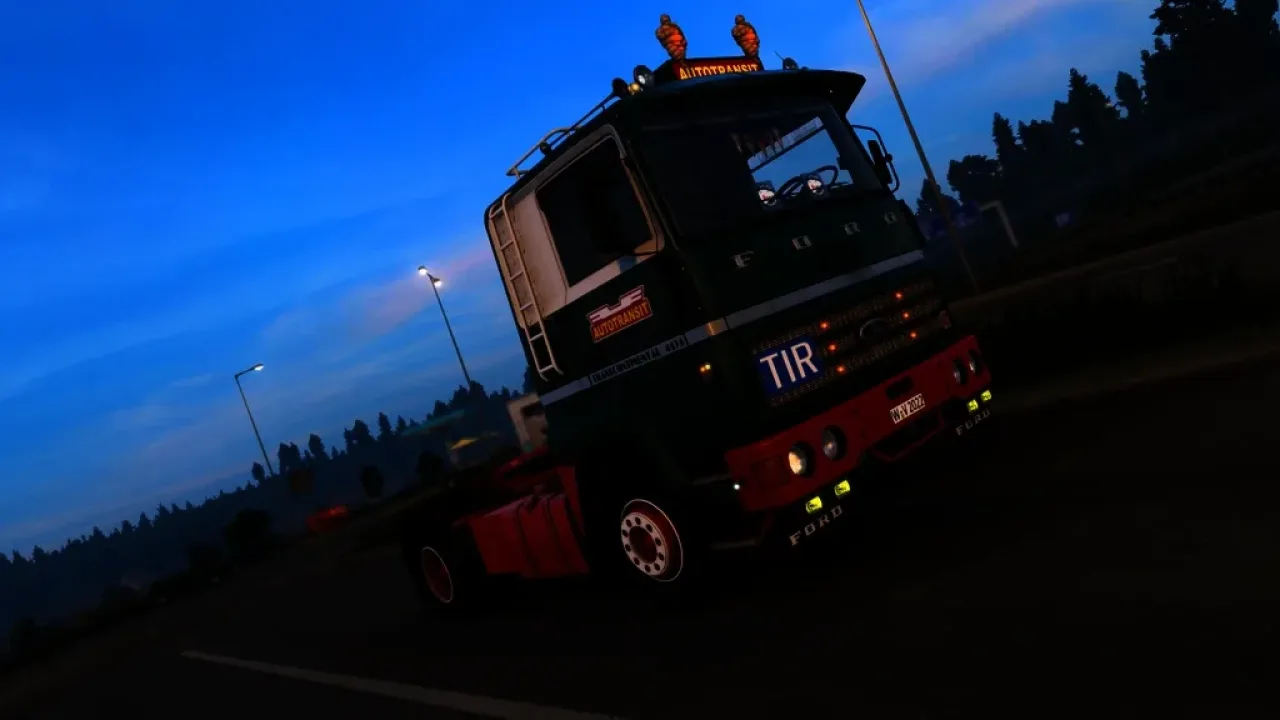
Screenshots supplied by the mod author. Click a picture to see it full size.
The author lists ETS2 1.61. 1.62 isn't confirmed on the official page yet. Small mods (skins, trailers, trucks) often keep working after an update; maps, physics and graphics packs usually need one. Tried it on 1.62? Use Works for me or Doesn't work above to tell other players. See all mods ready for 1.62.
About this mod
Add Volkswagen’s Brazilian heavy truck to your fleet through the mod dealer. The 6x2 versions use 460/475 hp engines, while 6x4 configurations offer 520/525 hp. Two ZF Traxon transmission families provide matching drivetrain choices.
Cristhian Cardoso builds on SCS Software’s MAN TGX Euro 6 assets with adaptations for the Meteor. The official Workshop page lists compatibility from ETS2 1.51 through 1.62, covering 1.61. This is a separate truck rather than a replacement for your existing models.
Mod and screenshots credit: Cristhian Cardoso. Use the official author link above for downloads and updates.
Features
- Standalone truck at the mod dealer
- 6x2 and 6x4 chassis
- D2676 engines up to 525 hp
- ZF 12- and 16-speed Traxon transmissions
- Author confirms ETS2 1.61 support
How to install Volkswagen Meteor
- Open the mod's Steam Workshop page (sign in to Steam if asked) and press Subscribe. Steam downloads it for you.
- Start Euro Truck Simulator 2. On the profile screen, open the Mod Manager.
- Find Volkswagen Meteor in the list and move it to Active mods, then press Confirm changes.
Helpful guides
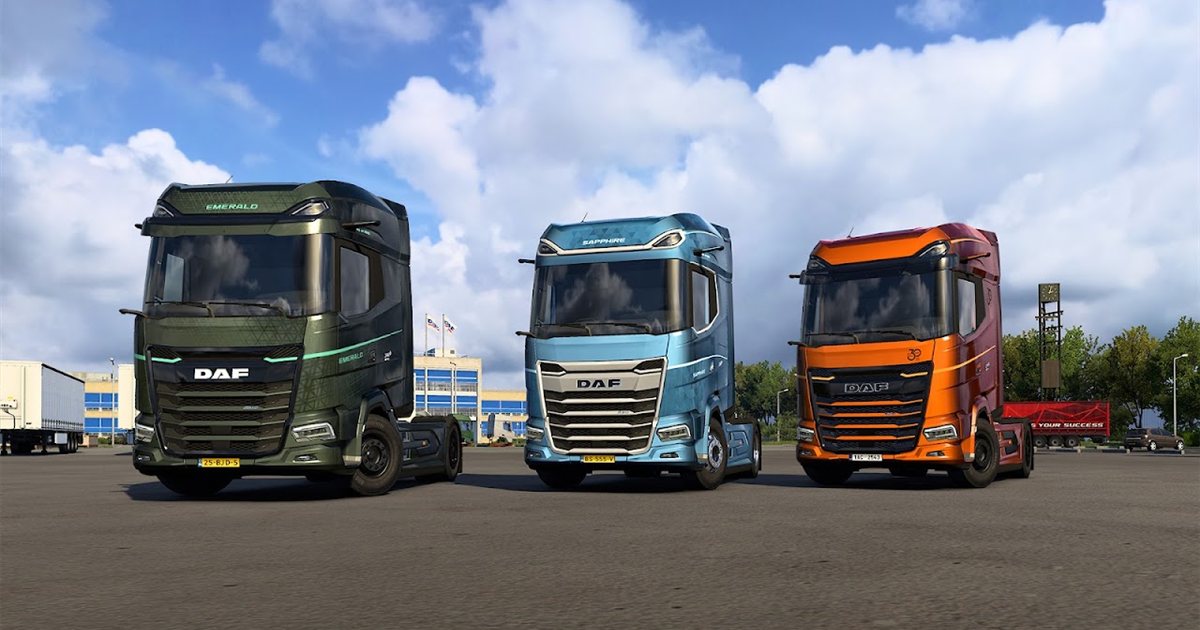 ETS2 1.62 Update Is Out: New Garages, DAF XG+ Editions & ModsOut now: new garages, three DAF XG+ editions, a better Iveco S-Way cab, and what it means for your mods
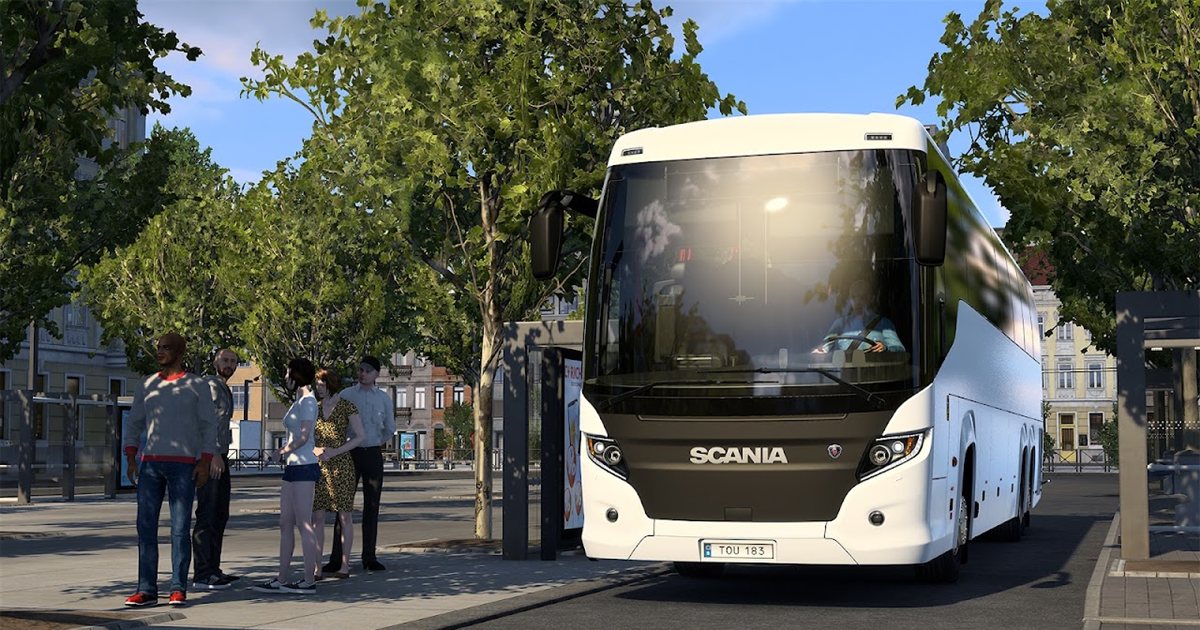 ETS2 Coaches DLC Is Out: Price, Buses, Jobs & FeaturesOut now, £12.69: the three coaches, passenger jobs, Coach Mode and how to get your profile ready
 ETS2 Car Mods: How They Work and How to Avoid Bad DownloadsHow drivable cars work in ETS2, ripped models, fake sites and safe places to lookInstalling from Steam WorkshopSubscribing, switching the mod on, and removing it safelyIf the game crashesHow to find the mod that causes it in a few restarts
Link broken, or the mod has a newer version? Tell us and we'll check it.