

Picture by Cristhian [BR], from the mod's Steam Workshop page.
Volkswagen Parati 1994
A 1994 Brazilian Volkswagen Parati estate car for ETS2, with reworked suspension, engine and transmission behaviour and a set of paint skins.
- Author
- Cristhian [BR]
- Game version
- 1.62 1.61as listed by the author (see the official page)
- Players
- Needs
- Nothing extra, the base game is enough
- Price
- Free
- Link checked
- 26 November 2026 (the download page opens; not a test of the mod)
Hear about more like this? We'll show new ones in Your week on My mods.
Does it work for you on ETS2 1.62?
Screenshots (6)


Screenshots by Cristhian [BR], from the mod's Steam Workshop page. Click a picture to see it full size.
About this mod
The Parati is a Volkswagen do Brasil station wagon, built from 1982 to 2012. This mod brings the 1994 version into ETS2 as a driveable vehicle, with its own engine and gearbox options taken from the real car's trim levels.
The author has adjusted the suspension, engine and transmission to behave more realistically within what the game allows. The changes sit outside the game's physics.sii file, so the base physics are left alone. The mod is labelled experimental, so expect rough edges.
The model is credited to Jorge Henrique Affonso, with the ETS2 conversion, sounds and skins by Cristhian Cardoso. The author asks that the credits are kept intact, and skin editing is available through the author's own page.
Features
- Volkswagen Parati 1994 model converted for ETS2
- Suspension, engine and transmission adjusted for realism
- Several engine and gearbox options from the original trims
- Custom sounds and skins included
- Physics file left unchanged
How to install Volkswagen Parati 1994
- Open the mod's Steam Workshop page (sign in to Steam if asked) and press Subscribe. Steam downloads it for you.
- Start Euro Truck Simulator 2. On the profile screen, open the Mod Manager.
- Find Volkswagen Parati 1994 in the list and move it to Active mods, then press Confirm changes.
Helpful guides
 Best ETS2 Mods for 1.62 (2026): Hand-Picked by JobMods worth installing, grouped by job, with version, DLC needs and load order
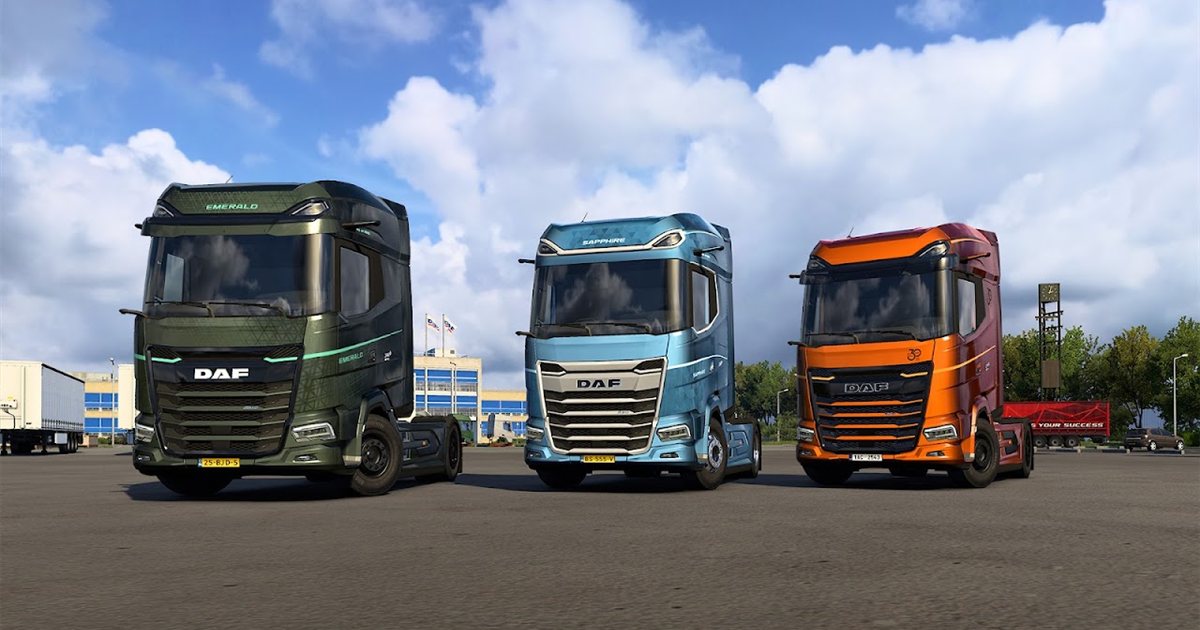 ETS2 1.62 Update Is Out: New Garages, DAF XG+ Editions & ModsOut now: new garages, three DAF XG+ editions, a better Iveco S-Way cab, and what it means for your mods
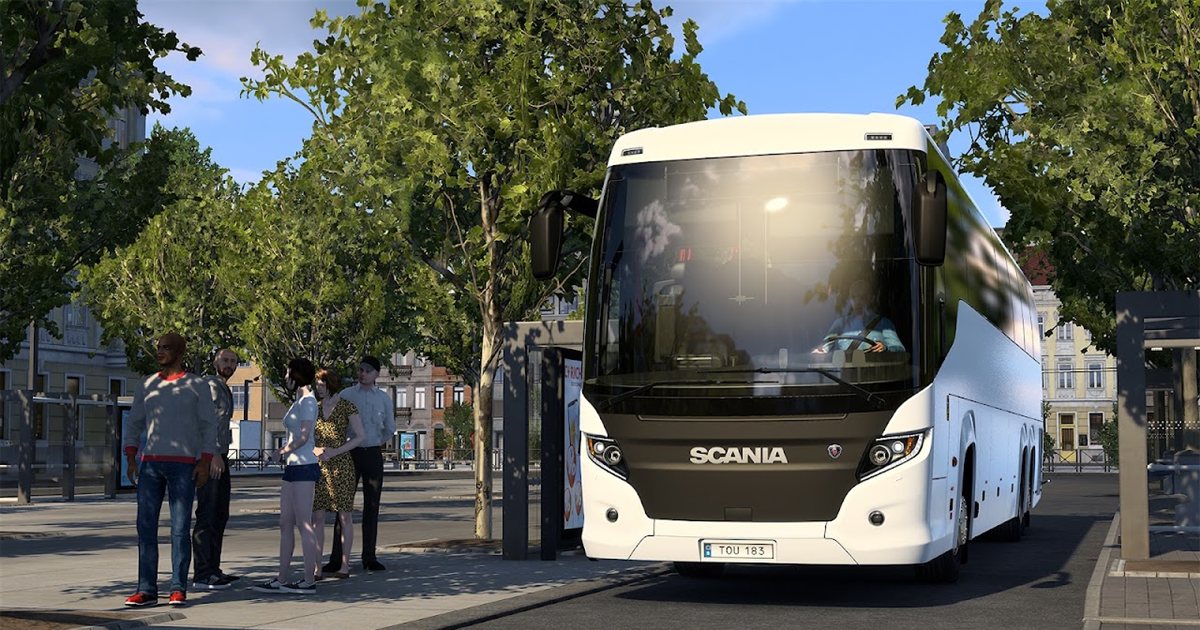 ETS2 Coaches DLC Is Out: Price, Buses, Jobs & FeaturesOut now, £12.69: the three coaches, passenger jobs, Coach Mode and how to get your profile ready
 ETS2 Car Mods: How They Work and How to Avoid Bad DownloadsHow drivable cars work in ETS2, ripped models, fake sites and safe places to lookInstalling from Steam WorkshopSubscribing, switching the mod on, and removing it safelyIf the game crashesHow to find the mod that causes it in a few restarts
Link broken, or the mod has a newer version? Tell us and we'll check it.


