

Picture by Enrique, from the mod's Steam Workshop page.
Volvo 9700 DD Tuning Parts
Dress up your Volvo 9700 DD coach with body-colour or chrome bars, extra lighting slots, roof mounts for beacons and horns, and a Volvo-branded rear…
- Author
- Enrique
- Game version
- 1.62as listed by the author (see the official page)
- Players
- Needs
- Nothing extra, the base game is enough
- Price
- Free
- Link checked
- 24 November 2026 (the download page opens; not a test of the mod)
Hear about more like this? We'll show new ones in Your week on My mods.
Does it work for you on ETS2 1.62?
Screenshots (5)


Screenshots by Enrique, from the mod's Steam Workshop page. Click a picture to see it full size.
About this mod
This tuning pack adds a set of styling and accessory parts to the Volvo 9700 DD coach. You get side bars, a lower front bar and light bars, all available in body colour or chrome so they can match your paint or stand out.
Extra mounting points cover the front, rear, and upper and lower rows along both sides of the coach. The roof has hidden mounts for beacons and air horns, with the rear set lined up parallel to the front ones.
The pack also includes a Volvo-badged rear mudflap and custom accessory icons carrying the EC logo. The author notes a preconfigured 500 hp version of the coach is available from the Volvo dealer.
Features
- Side bars and a lower front bar in body colour or chrome
- 7-slot and 8-lamp light bars, with eight forward mounts on the larger bar
- Front, rear and side accessory slots, upper and lower
- Concealed roof mounts for beacons and air horns
- Volvo-branded rear mudflap and EC-logo accessory icons
How to install Volvo 9700 DD Tuning Parts
- Open the mod's Steam Workshop page (sign in to Steam if asked) and press Subscribe. Steam downloads it for you.
- Start Euro Truck Simulator 2. On the profile screen, open the Mod Manager.
- Find Volvo 9700 DD Tuning Parts in the list and move it to Active mods, then press Confirm changes.
Helpful guides
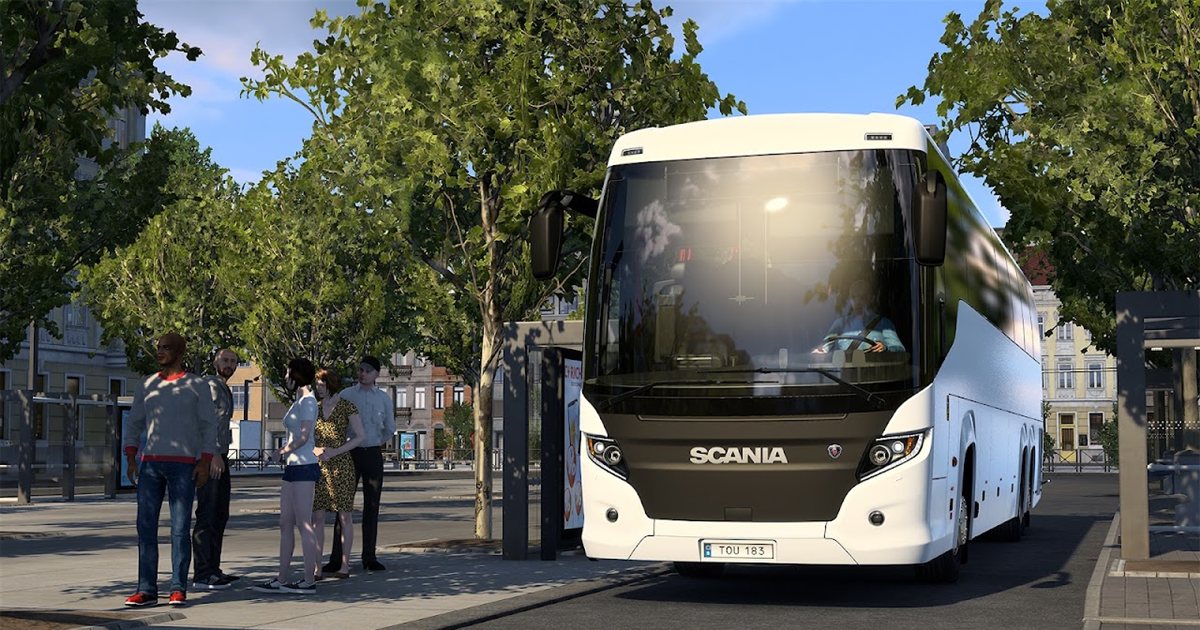 ETS2 Coaches DLC Is Out: Price, Buses, Jobs & FeaturesOut now, £12.69: the three coaches, passenger jobs, Coach Mode and how to get your profile ready
 Best ETS2 Bus Mods for 1.61: Coaches, Passengers & MapsChoose a coach, city bus, passenger mod or bus map, and check what each one needsInstalling from Steam WorkshopSubscribing, switching the mod on, and removing it safelyIf the game crashesHow to find the mod that causes it in a few restarts
Link broken, or the mod has a newer version? Tell us and we'll check it.


