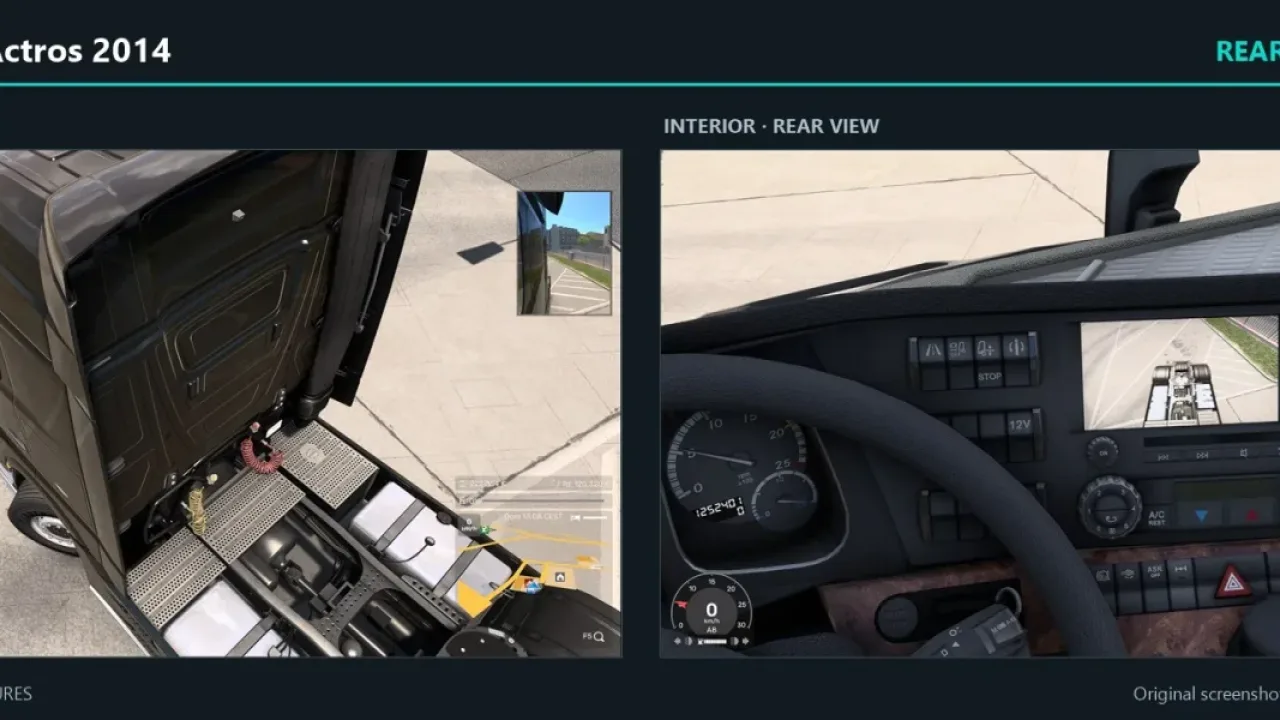

Picture by Kron98, from the mod's Steam Workshop page.
Volvo FH6 Rear View Camera - Base
Rear parking camera for the stock Volvo FH6 and FH Aero, shown on the original SCS infotainment screen. No Coaches needed.
- Author
- Kron98
- Game version
- 1.62as listed by the author (see the official page)
- Players
- Needs
- Nothing extra, the base game is enough
- Price
- Free
- Link checked
- 22 November 2026 (the download page opens; not a test of the mod)
Hear about more like this? We'll show new ones in Your week on My mods.
Does it work for you on ETS2 1.62?
Screenshots (5)


Screenshots by Kron98, from the mod's Steam Workshop page. Click a picture to see it full size.
About this mod
This accessory adds a rear parking camera to the official Volvo FH6 and FH Aero, with the picture shown on the existing infotainment screen. It sits below the rear aero and needs no extra program.
You buy the camera at a truck service, then bind a parking-camera control in Keyboard and Buttons to switch the view on or off. It only looks behind the tractor unit, so an attached trailer can block it. Run only one Volvo camera edition at a time.
It replaces screens used by the camera, so it clashes with several other screen mods, including some dashboard and dashcam packs. Performance impact has not been measured by the author.
Features
- Shows the coupling area on the stock infotainment screen
- Compact camera housing mounted below the rear aero
- Works without Coaches
- Bought at a truck service for €800 in standard economy
- Toggled with a parking-camera control
- No DLL or external application required
How to install Volvo FH6 Rear View Camera - Base
- Open the mod's Steam Workshop page (sign in to Steam if asked) and press Subscribe. Steam downloads it for you.
- Start Euro Truck Simulator 2. On the profile screen, open the Mod Manager.
- Find Volvo FH6 Rear View Camera - Base in the list and move it to Active mods, then press Confirm changes.
Notes for this mod
- Enable the mod in the Mod Manager
- Visit a truck service and fit the accessory on the rear cab panel
- Buy the camera for €800 in standard economy
- Assign the parking-camera control in Keyboard and Buttons
- Remove the accessory at the service shop before permanently disabling the mod
Known conflicts
- New CarPlay
- CarLife+
- Volvo FH6 Improved Dashboard
Helpful guides
 ETS2 1.62 Update Is Out: New Garages, DAF XG+ Editions & ModsOut now: new garages, three DAF XG+ editions, a better Iveco S-Way cab, and what it means for your mods
 ETS2 Coaches DLC Is Out: Price, Buses, Jobs & FeaturesOut now, £12.69: the three coaches, passenger jobs, Coach Mode and how to get your profile ready
 ETS2 Car Mods: How They Work and How to Avoid Bad DownloadsHow drivable cars work in ETS2, ripped models, fake sites and safe places to lookInstalling from Steam WorkshopSubscribing, switching the mod on, and removing it safelyIf the game crashesHow to find the mod that causes it in a few restarts
Link broken, or the mod has a newer version? Tell us and we'll check it.