Video from the mod author. It plays from YouTube when you press play.
Late Autumn/Mild Winter v6.7
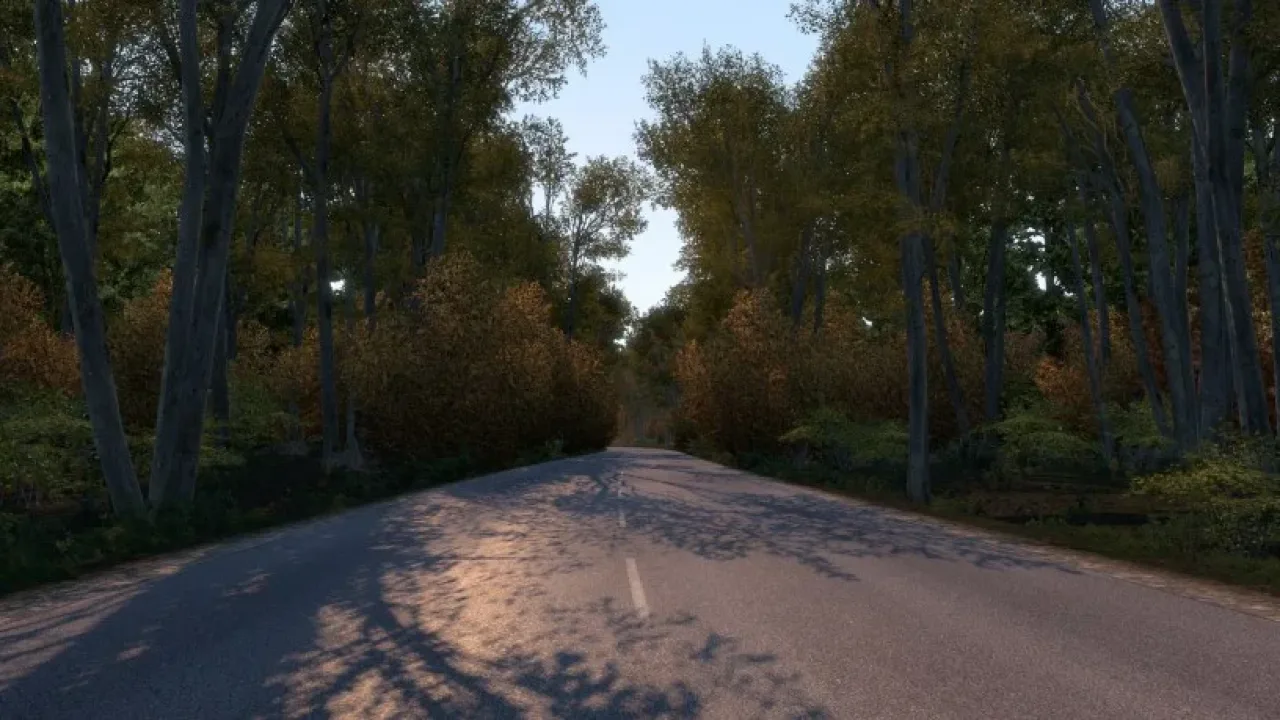
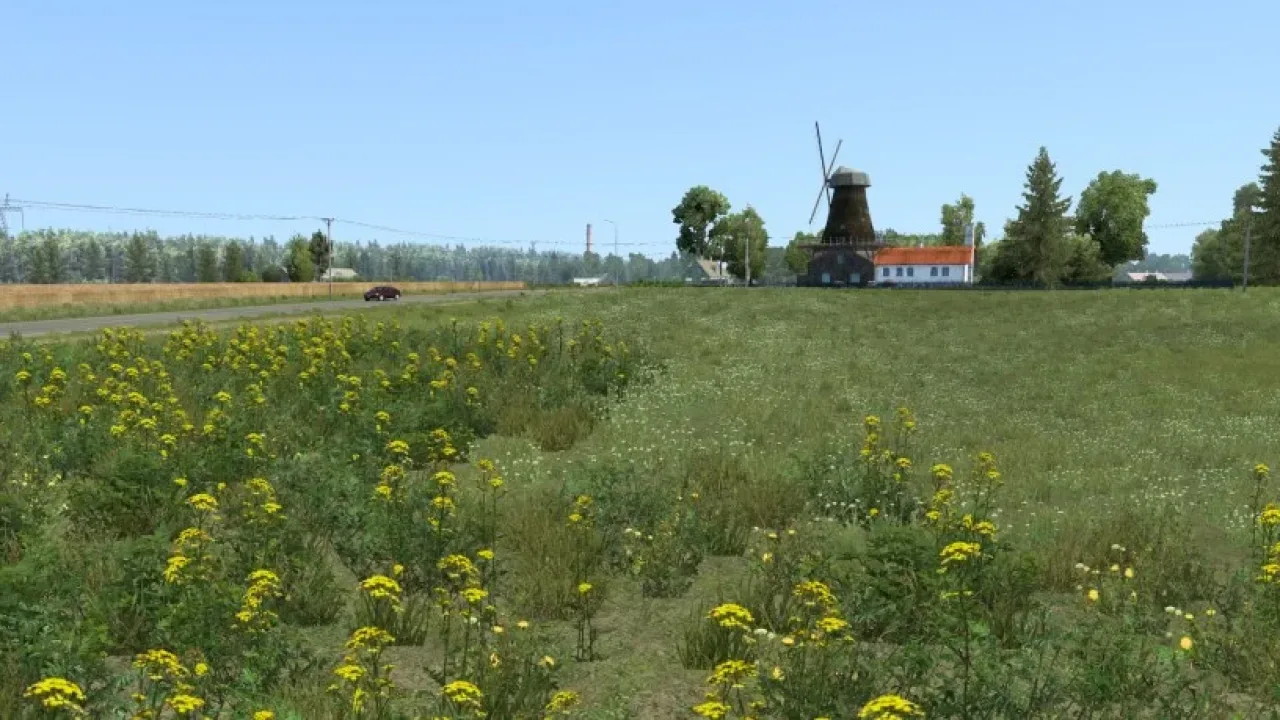
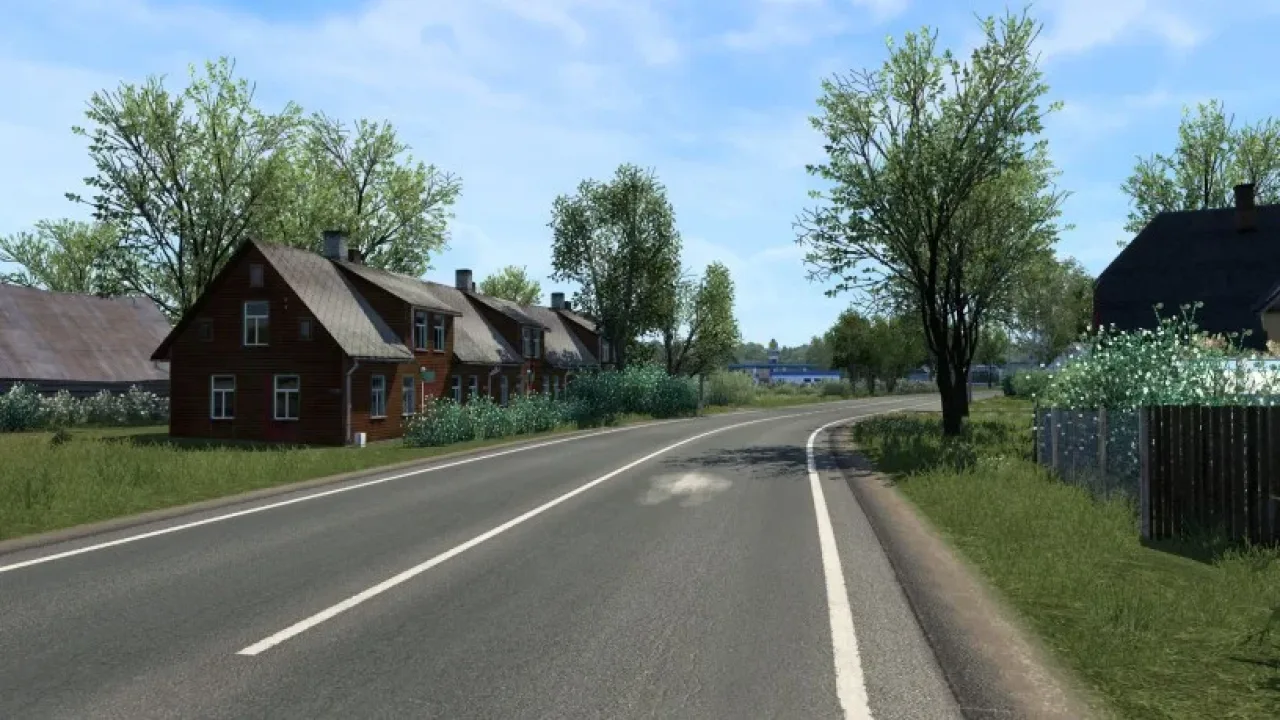
Bare trees, shorter daylight and cold-season scenery create a late-autumn or mild-winter setting for ETS2 1.61.
- Author
- Grimes
- Works with
- 1.61
- DLC needed
- None, base game is enough
- Price
- Free
- Link checked
- 25 October 2026
- Listed by
- The mod's author, reviewed by us
This opens the mod's official page. We never re-upload mods, so you always get the author's latest, untouched version.
Does it work for you on ETS2 1.61?
Screenshots (3)
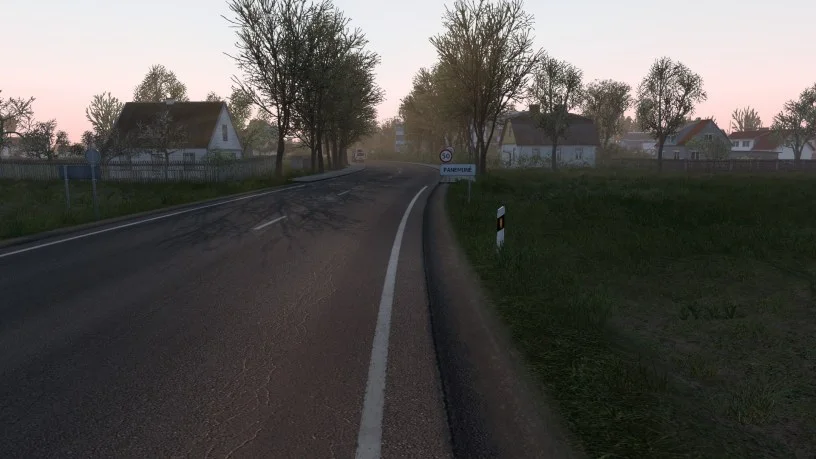
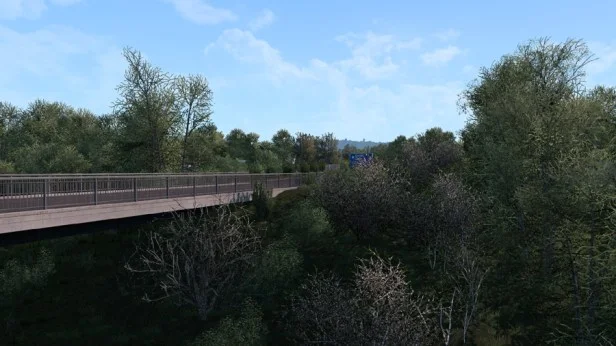
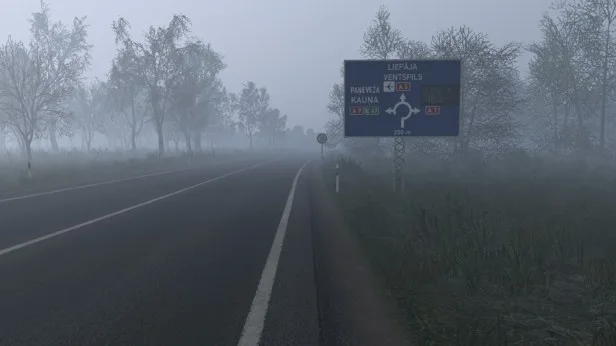
Screenshots supplied by the mod author. Click a picture to see it full size.
About this mod
Give your routes a colder seasonal appearance with leafless vegetation, winter-dressed pedestrians and revised lighting. Rainfall, windscreen drops, road textures and wet reflections are updated, with roads taking longer to dry.
Place the mod at the top of Mod Manager and disable other weather and graphics overhauls to avoid conflicts. Keep only one season active. Use high vegetation detail and grass density, with normal maps enabled. The official Grimes page offers a free ad-supported download alongside a paid ad-free option.
Mod and screenshots credit: Grimes. Download from the official author page linked above.
Features
- Late-autumn and mild-winter scenery
- Leafless vegetation
- Shorter seasonal daylight
- Pedestrians in winter clothing
- Reworked rain and wet surfaces
- ETS2 1.61 support
How to install Late Autumn/Mild Winter v6.7
- Download the mod from grimesmods.wordpress.com.
- If you get a
.zip,.raror.7zfile, extract it. You need the.scsfile(s) inside. - Move the
.scsfile(s) intoDocuments\Euro Truck Simulator 2\mod. Create themodfolder if it isn't there. - Start the game, open the Mod Manager on the profile screen, move Late Autumn/Mild Winter v6.7 to Active mods and press Confirm changes.
Helpful guides
Link broken, or the mod has a newer version? Tell us and we'll check it.