Image: supplied by the mod author
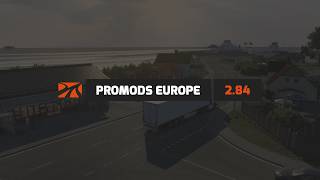
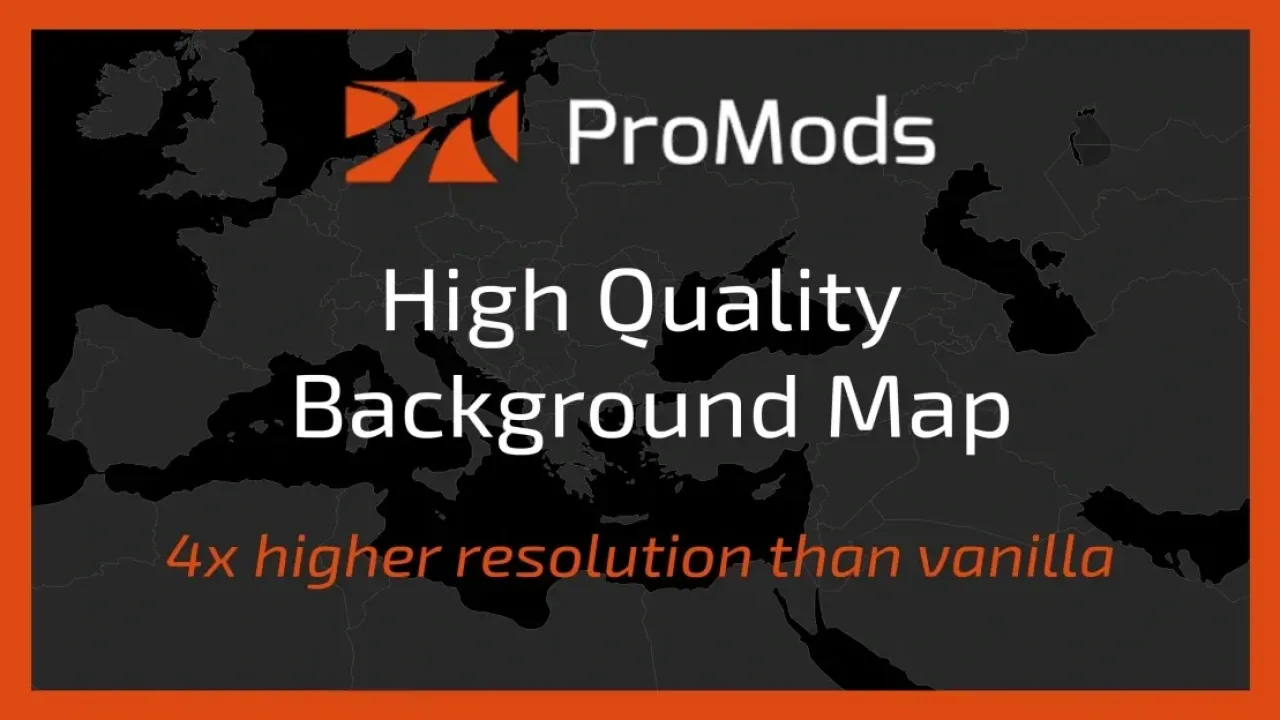
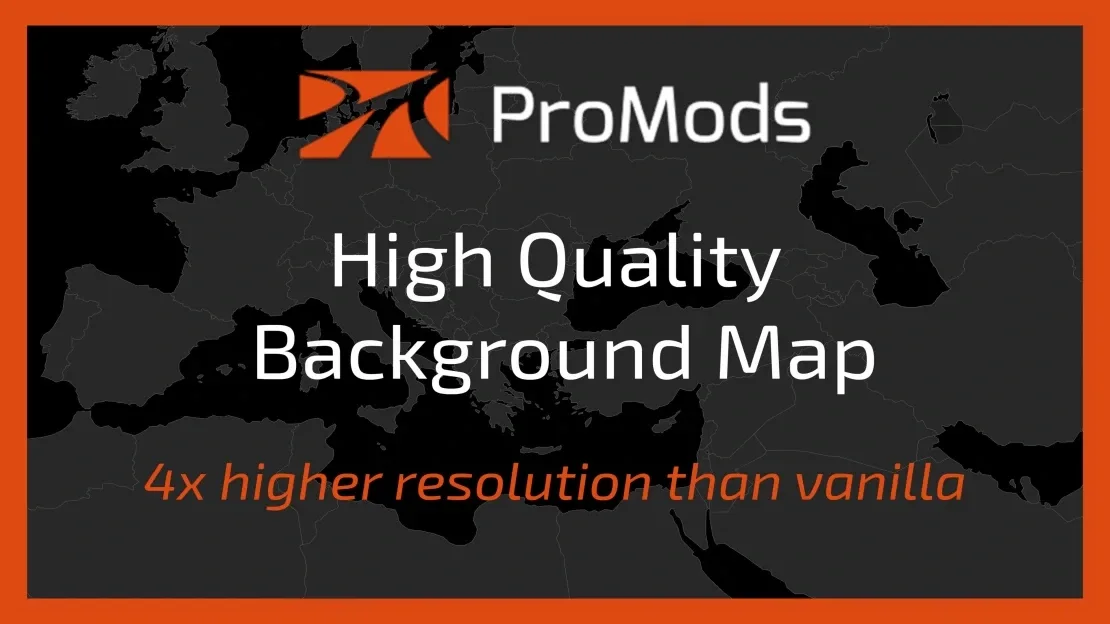
ProMods High Quality Background Map v1.11
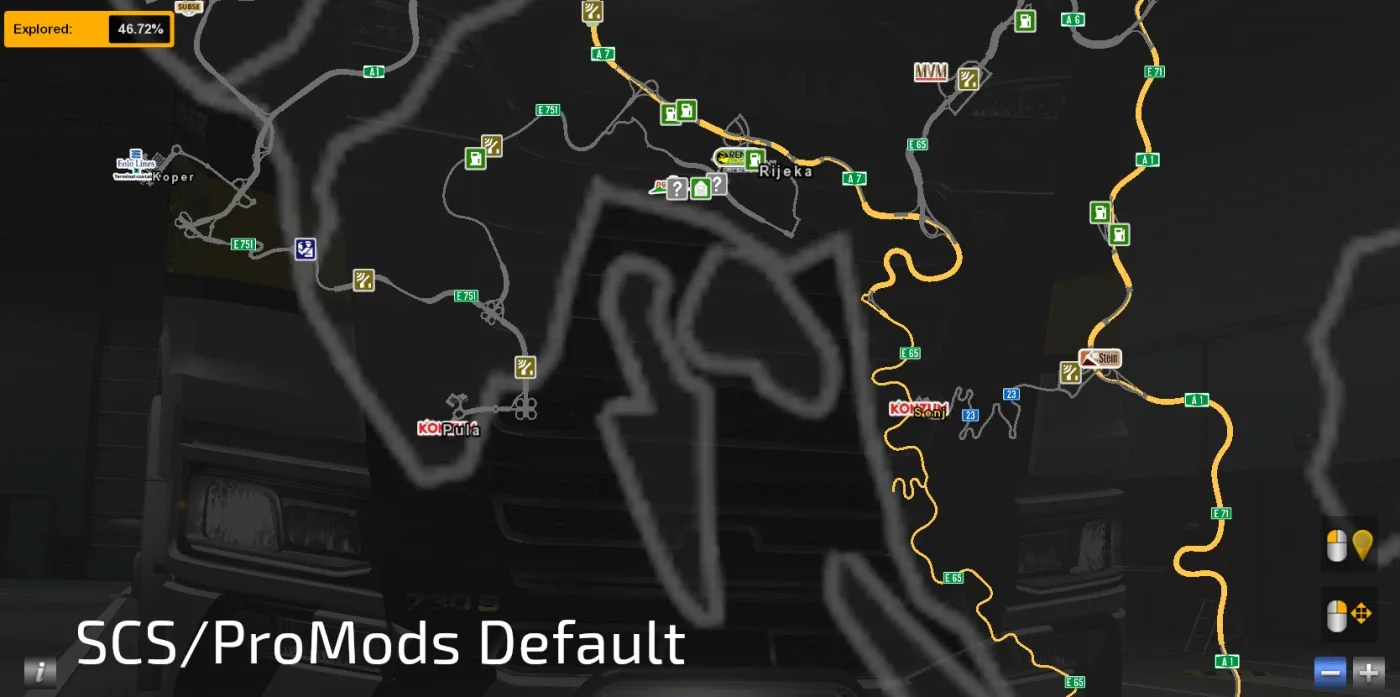
Use a higher-detail background with map packs based on the SCS projection.
- Author
- DOWL
- Game version
- 1.62as the mod author told us when submitting it (see the official page)
- Players
- Needs
- Not stated by the author map mods usually need DLCs or other maps: check the official page before installing
- Price
- Free
- Link checked
- 11 November 2026 (the download page opens; not a test of the mod)
- Listed by
- The mod's author, reviewed by us
Hear about more like this? We'll show new ones in Your week on My mods.
Does it work for you on ETS2 1.61?
Screenshots (2)
Screenshots supplied by the mod author. Click a picture to see it full size.
This mod hasn't been confirmed for ETS2 1.61 yet. The newest version it's listed for is 1.62. It may still work, but check the author's page first.
About this mod
DOWL’s background is intended for map setups such as ProMods, RusMap, RoExtended and Southern Region. Load it above map mods. The author reports testing on ETS2 1.62.
Release: 1.11. Author-listed game compatibility: All Game Versions. Source last updated 2026-11-11. Compatibility is based on the author’s listing, not an independent in-game test.
How to install ProMods High Quality Background Map v1.11
- Download the mod from truckymods.io.
- Follow the author's installation instructions. Keep ready-to-use
.scsor.zipmod packages intact; extract archives containing separate mod packages as directed. - Move the ready-to-use
.scsor.zipmod package(s) intoDocuments\Euro Truck Simulator 2\mod. Create themodfolder if it isn't there. - Start the game, open the Mod Manager on the profile screen, move ProMods High Quality Background Map v1.11 to Active mods and press Confirm changes.
Helpful guides
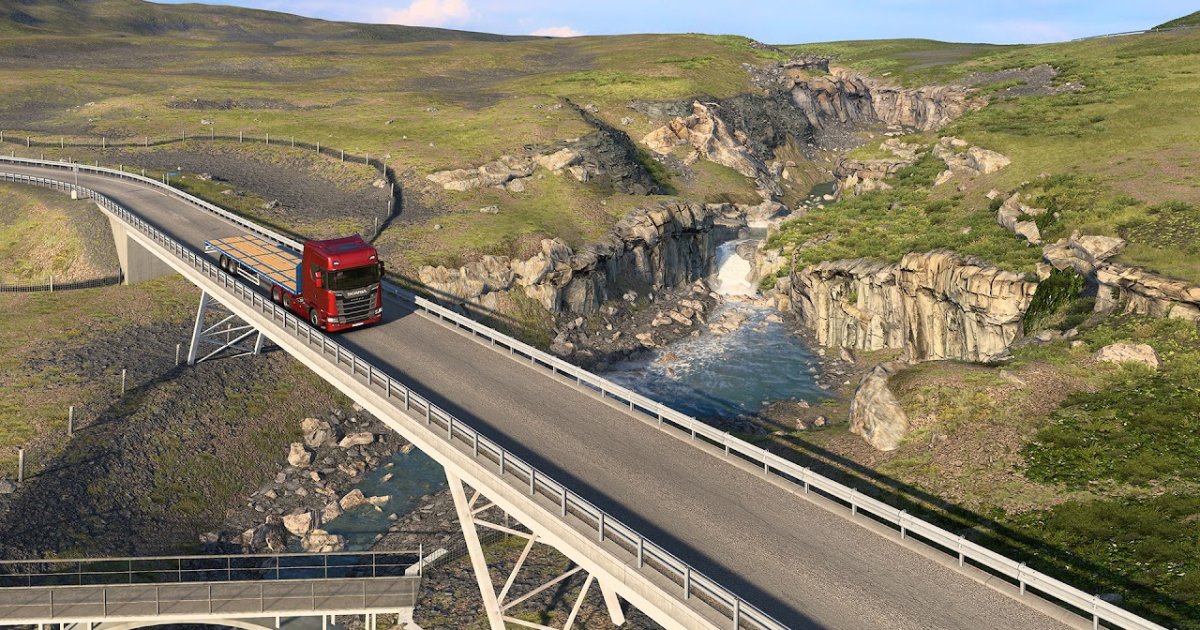 ETS2 Iceland DLC Is Out: Price, 14 Cities & Cruising Iceland EventOut now, £9.99: 14 cities, the Ring Road, ferries, Northern Lights and how to finish the Cruising Iceland eventWhich ETS2 Map DLC to Buy First? All Map DLCs, UK Prices & OrderAll 11 map DLCs with countries and UK Steam prices, a buying order that joins the map up, and what ProMods needs
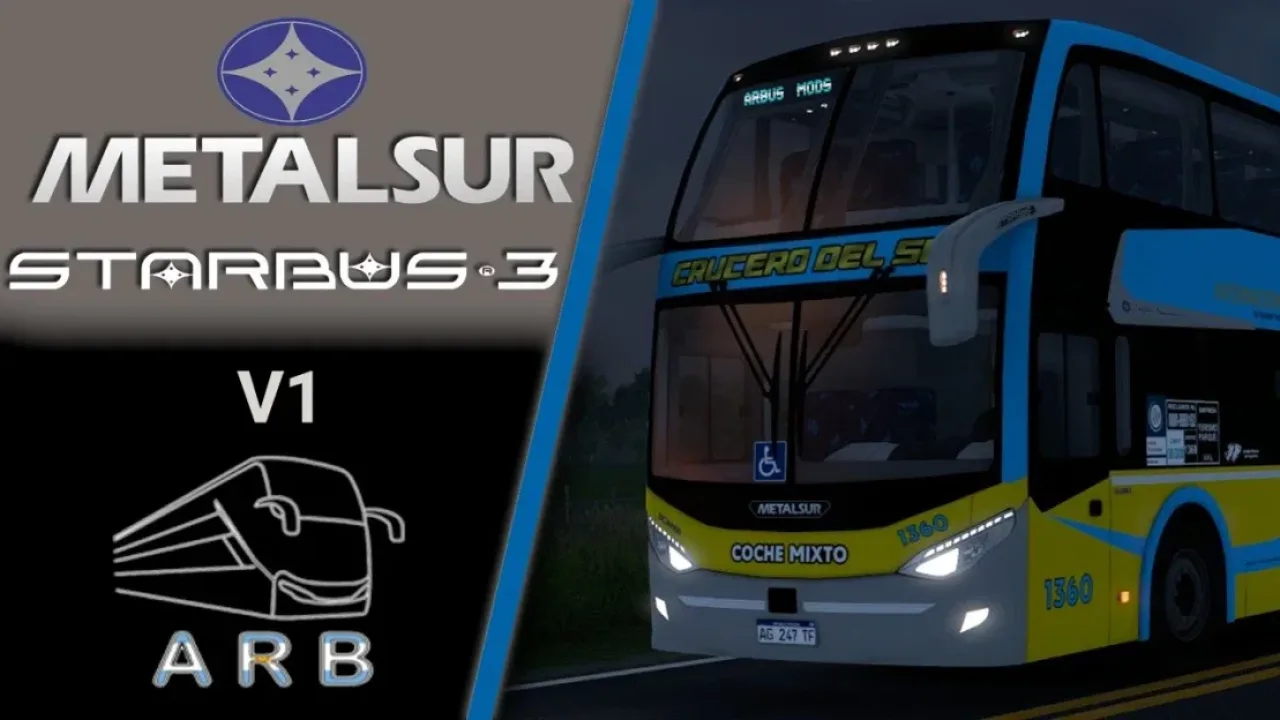 Best ETS2 Bus Mods for 1.61: Coaches, Passengers & MapsChoose a coach, city bus, passenger mod or bus map, and check what each one needs
 Best ETS2 Map Mods for 1.61 (and the Right Load Order)Which map mods work together, the DLCs they need and the right load orderInstalling a downloaded modWhere the mod folder is and what to do with .scs, .zip and .7z filesLoad order explainedWhich mod wins when two change the same thingIf the game crashesHow to find the mod that causes it in a few restarts
Link broken, or the mod has a newer version? Tell us and we'll check it.