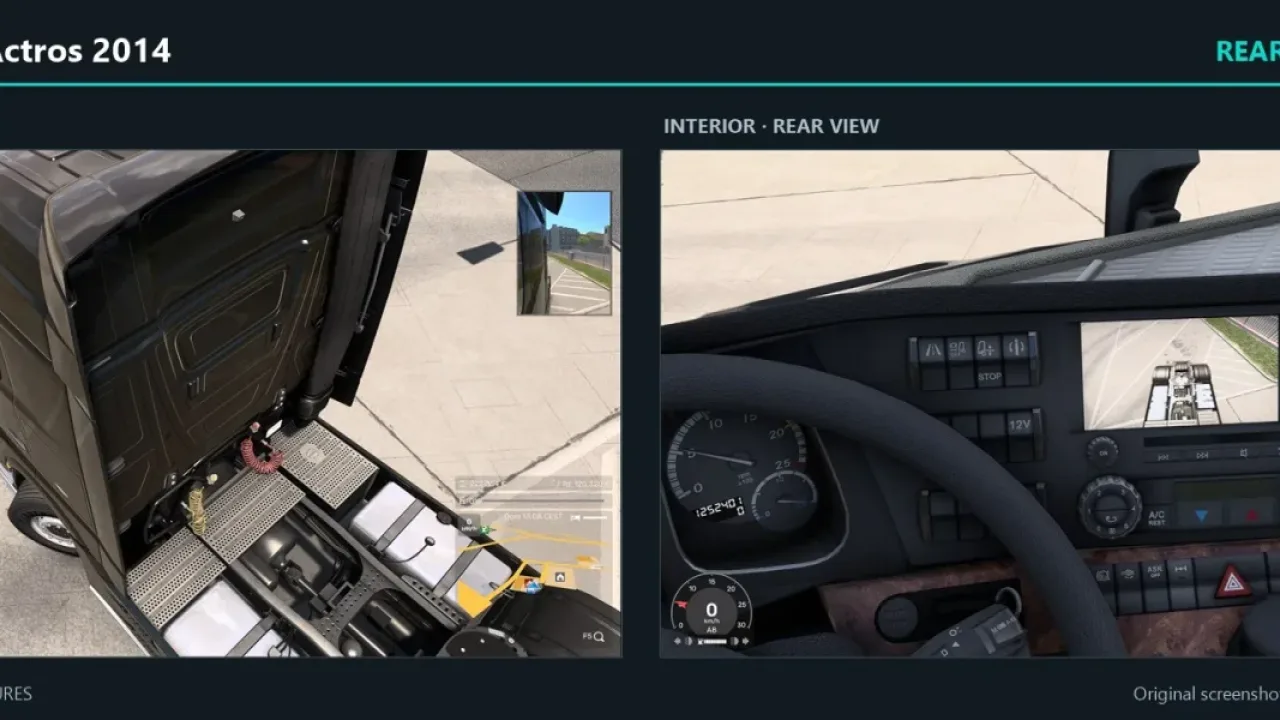
Picture by Kron98, from the mod's Steam Workshop page.
Volvo FH6 Rear Parking Camera (MAN Housing)
A rear parking camera for the Volvo FH6 and FH Aero, mounted under the aero and shown on your existing infotainment screen.
- Author
- Kron98
- Game version
- 1.62as listed by the author (see the official page)
- Players
- Needs
- Coaches
- Price
- Free
- Link checked
- 26 November 2026 (the download page opens; not a test of the mod)
Hear about more like this? We'll show new ones in Your week on My mods.
Does it work for you on ETS2 1.62?
Screenshots (6)


Screenshots by Kron98, from the mod's Steam Workshop page. Click a picture to see it full size.
About this mod
This adds a purchasable rear parking camera to the original SCS Volvo FH6 and FH Aero. The view appears on the infotainment screen you already have, so you can check the coupling area without fitting a new display.
This edition uses a small MAN Lion's Coach camera housing fixed to the rear cab panel below the aero. It needs the Coaches DLC. Owners without Coaches should use the Base edition instead, and only one edition can be active at a time. GPS and infotainment replacements are not supported.
The camera looks behind the tractor unit, so an attached trailer may block the view. Performance has not been benchmarked, and not every cabin, chassis or right-hand-drive variant has been tested.
Features
- Shows the coupling area on the existing infotainment screen
- MAN Lion's Coach camera housing on the rear cab panel
- Bought for €800 at a truck service in standard economy
- Toggled with the parking-camera control, not by reverse gear
- No DLL or external application needed
How to install Volvo FH6 Rear Parking Camera (MAN Housing)
- Open the mod's Steam Workshop page (sign in to Steam if asked) and press Subscribe. Steam downloads it for you.
- Start Euro Truck Simulator 2. On the profile screen, open the Mod Manager.
- Find Volvo FH6 Rear Parking Camera (MAN Housing) in the list and move it to Active mods, then press Confirm changes.
Notes for this mod
- Enable the mod in the Mod Manager
- Visit a truck service and select the accessory point on the rear cab panel
- Assign the game's parking-camera control in Keyboard & Buttons
- Remove the accessory at the service shop before permanently disabling the mod
Known conflicts
- New CarPlay
- CarLife+
- Volvo FH6 Improved Dashboard
- Base edition of this camera (use only one edition at a time)
- Other cabin, mirror or infotainment replacements may also conflict
Helpful guides
 Best ETS2 Mods for 1.62 (2026): Hand-Picked by JobMods worth installing, grouped by job, with version, DLC needs and load order
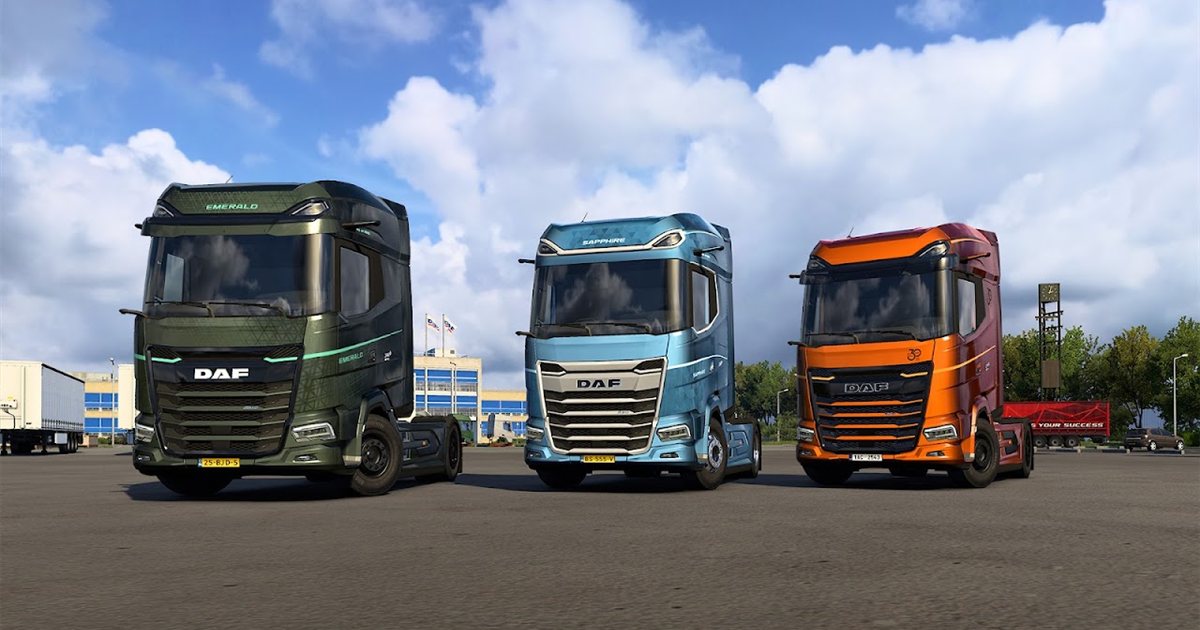 ETS2 1.62 Update Is Out: New Garages, DAF XG+ Editions & ModsOut now: new garages, three DAF XG+ editions, a better Iveco S-Way cab, and what it means for your mods
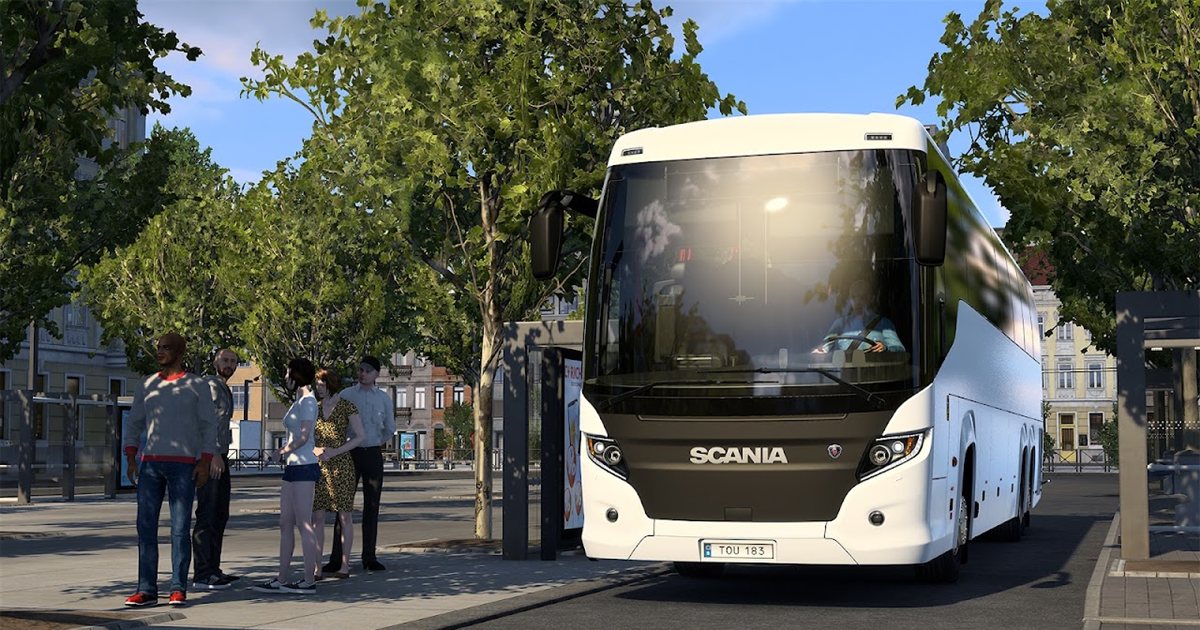 ETS2 Coaches DLC Is Out: Price, Buses, Jobs & FeaturesOut now, £12.69: the three coaches, passenger jobs, Coach Mode and how to get your profile ready
 ETS2 Car Mods: How They Work and How to Avoid Bad DownloadsHow drivable cars work in ETS2, ripped models, fake sites and safe places to lookInstalling from Steam WorkshopSubscribing, switching the mod on, and removing it safelyIf the game crashesHow to find the mod that causes it in a few restarts
Link broken, or the mod has a newer version? Tell us and we'll check it.