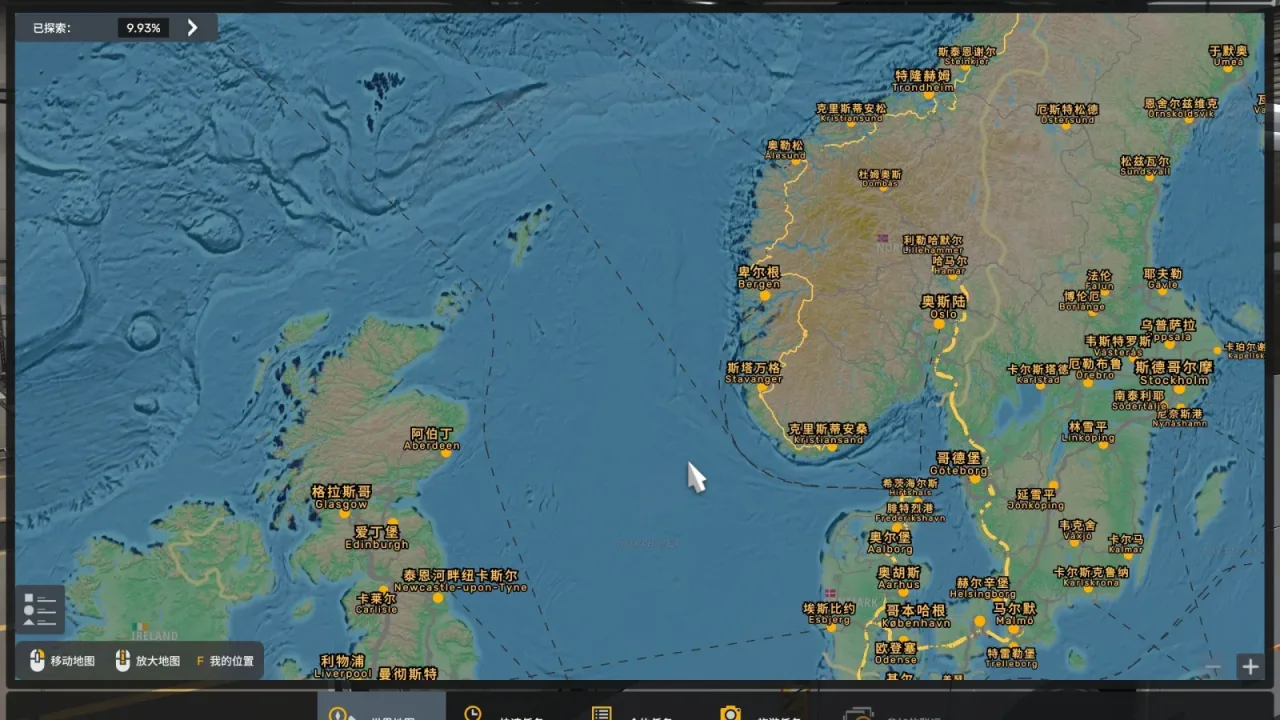
Picture by 司马当成活马懿, from the mod's Steam Workshop page.
欧卡2 卫星地图背景 [ETS2 Satellite Background Map]
Swaps the world map for 2025 Sentinel-2 satellite imagery from Iceland to Turkey. Textures only, so the map, economy and gameplay stay as they are.
- Author
- 司马当成活马懿
- Game version
- 1.62as listed by the author (see the official page)
- Players
- Needs
- Not stated by the author map mods usually need DLCs or other maps: check the official page before installing
- Price
- Free
- Link checked
- 24 November 2026 (the download page opens; not a test of the mod)
Hear about more like this? We'll show new ones in Your week on My mods.
Does it work for you on ETS2 1.62?
Screenshots (3)


Screenshots by 司马当成活马懿, from the mod's Steam Workshop page. Click a picture to see it full size.
About this mod
This swaps the in-game world map backdrop for a Sentinel-2 satellite mosaic from 2025, aligned to the map the game draws itself. The sea uses GEBCO depth data, so the seabed has real relief rather than flat blue.
Country flags, English names and local-language names sit on the map. Solid lines mark national borders and dashed lines mark disputed ones. The five textures stay sharp when you zoom in.
The mod only replaces the background textures. The map UI is semi-transparent, so roads look dimmer on the darker parts of the basemap. A matching colour pack for roads, yards and navigation is available separately.
Features
- Sentinel-2 satellite imagery covering Iceland to Turkey
- Seabed relief from GEBCO bathymetry
- Country flags with English and local names
- Solid and dashed borders, with disputed boundaries dashed
- Five textures that stay sharp when zoomed in
How to install 欧卡2 卫星地图背景 [ETS2 Satellite Background Map]
- Open the mod's Steam Workshop page (sign in to Steam if asked) and press Subscribe. Steam downloads it for you.
- Start Euro Truck Simulator 2. On the profile screen, open the Mod Manager.
- Find 欧卡2 卫星地图背景 [ETS2 Satellite Background Map] in the list and move it to Active mods, then press Confirm changes.
Load order: Load the matching colour pack above this background.
Known conflicts
- ProMods (not supported)
- Other world map background mods (only one active at a time)
Helpful guides
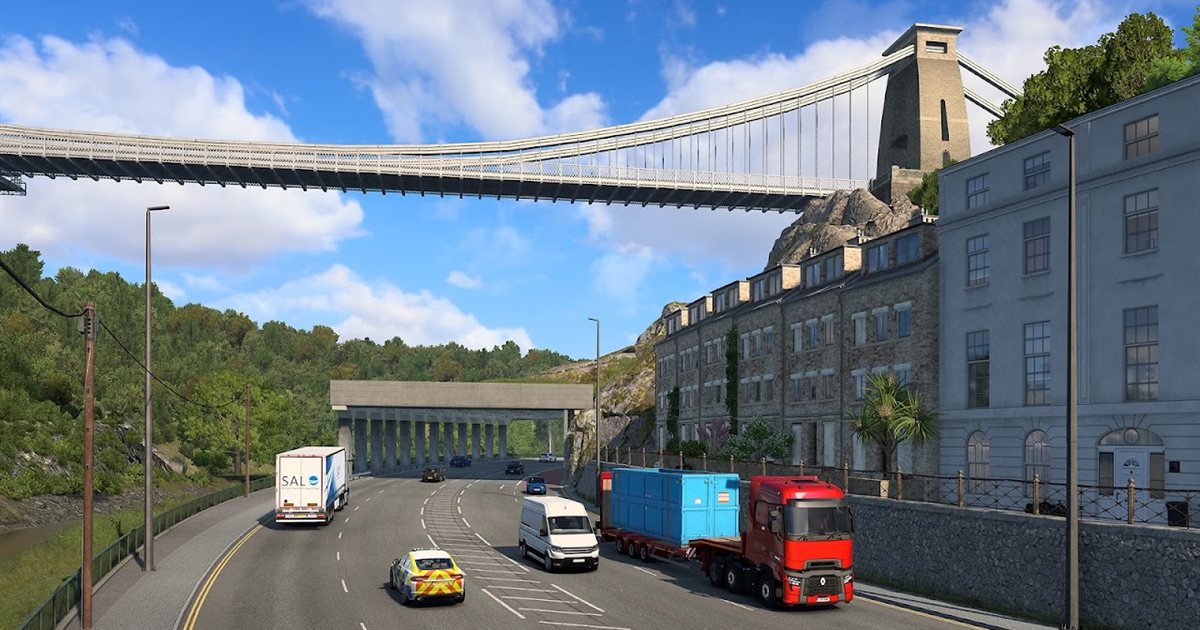 ETS2 UK Rework: New UK Map, Cities & Release Date (What We Know)The free rebuilt UK map: new cities, Stonehenge, 370+ British buildings, and what's known about the release date
 Best ETS2 Map Mods for 1.62 & 1.61 (and the Right Load Order)Which map mods work together, the DLCs they need and the right load orderETS2 Map Combo Load Order for 1.61 & 1.62: Step-by-Step StackProMods, RusMap, Poland Rebuilding and connectors: the order, a tick-off checklist, and what works on 1.62
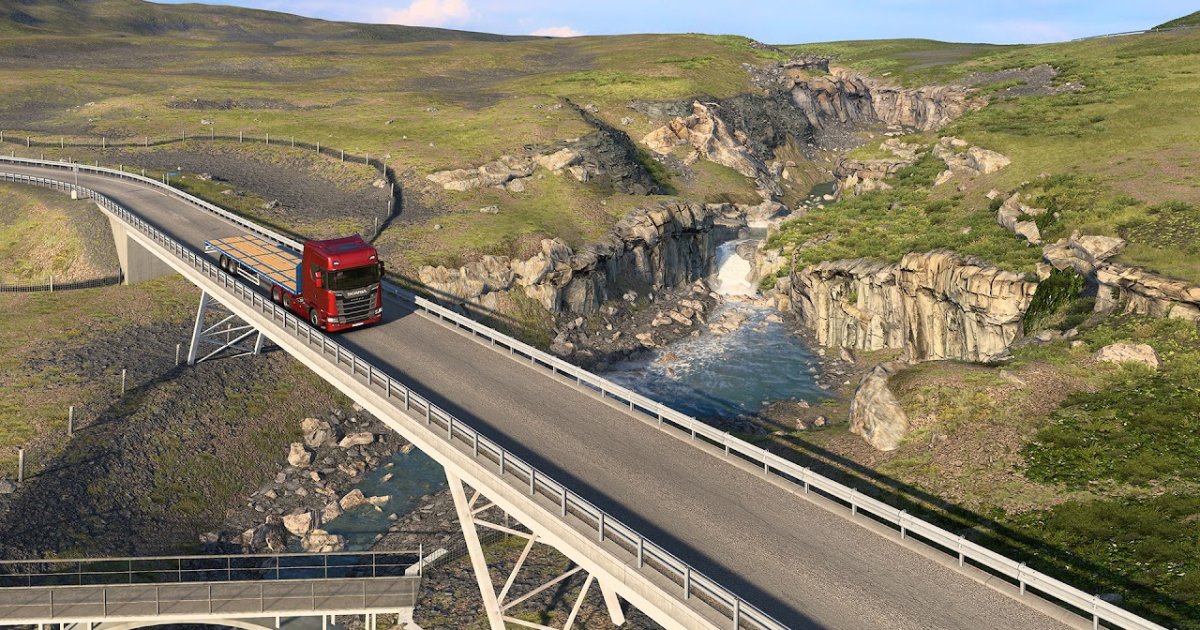 ETS2 Iceland DLC Is Out: Price, 14 Cities & Cruising Iceland EventOut now, £9.99: 14 cities, the Ring Road, ferries, Northern Lights and how to finish the Cruising Iceland eventWhich ETS2 Map DLC to Buy First? All Map DLCs, UK Prices & OrderAll 11 map DLCs with countries and UK Steam prices, a buying order that joins the map up, and what ProMods needs
 Best ETS2 Bus Mods for 1.61: Coaches, Passengers & MapsChoose a coach, city bus, passenger mod or bus map, and check what each one needsInstalling from Steam WorkshopSubscribing, switching the mod on, and removing it safelyLoad order explainedWhich mod wins when two change the same thingIf the game crashesHow to find the mod that causes it in a few restarts
Link broken, or the mod has a newer version? Tell us and we'll check it.