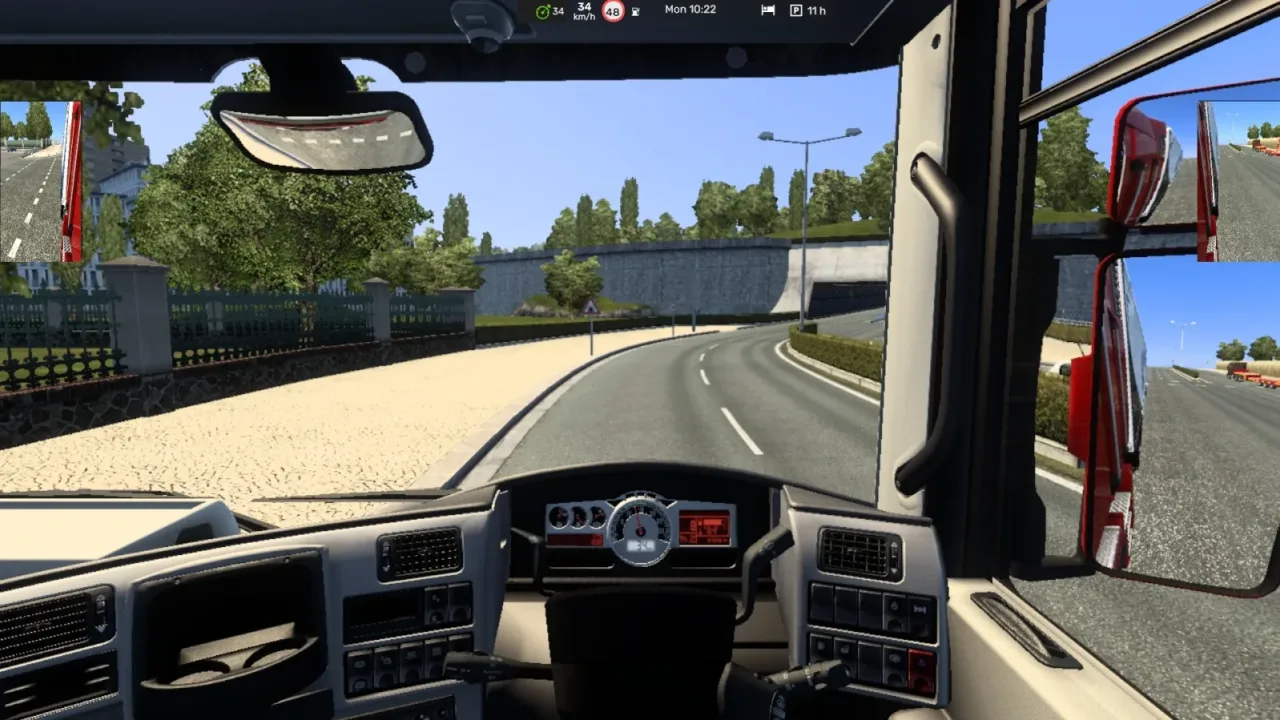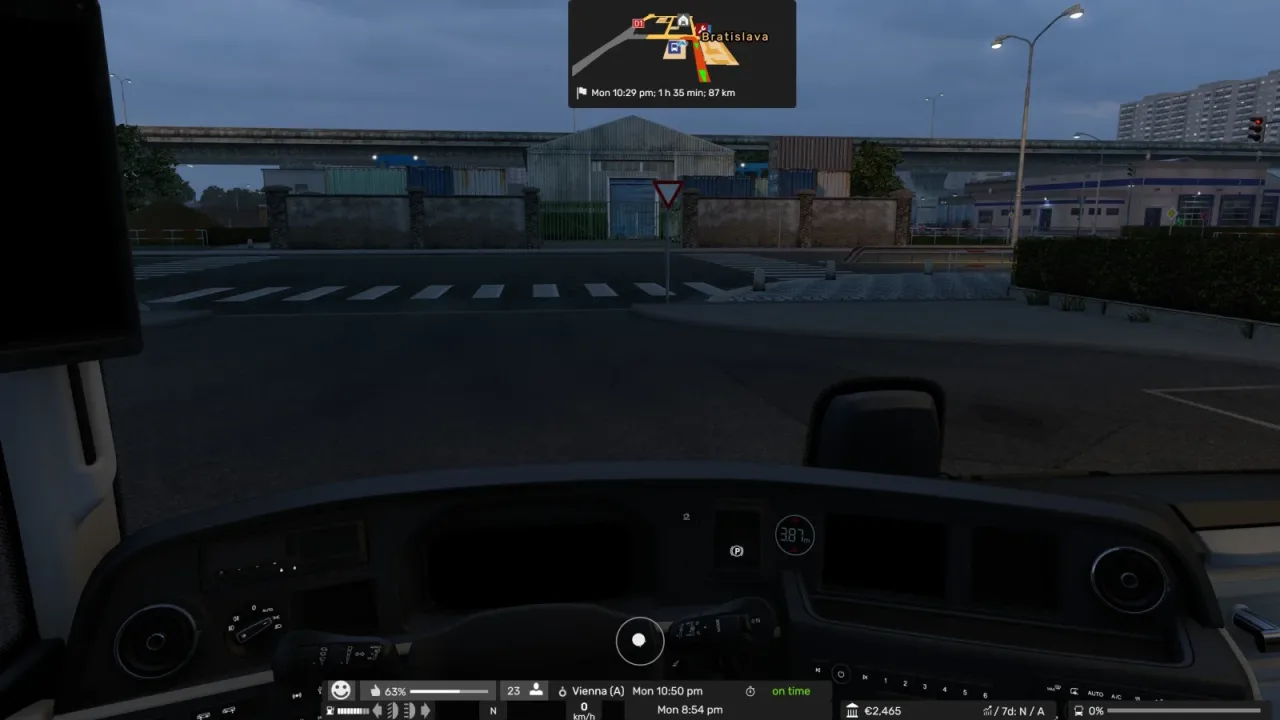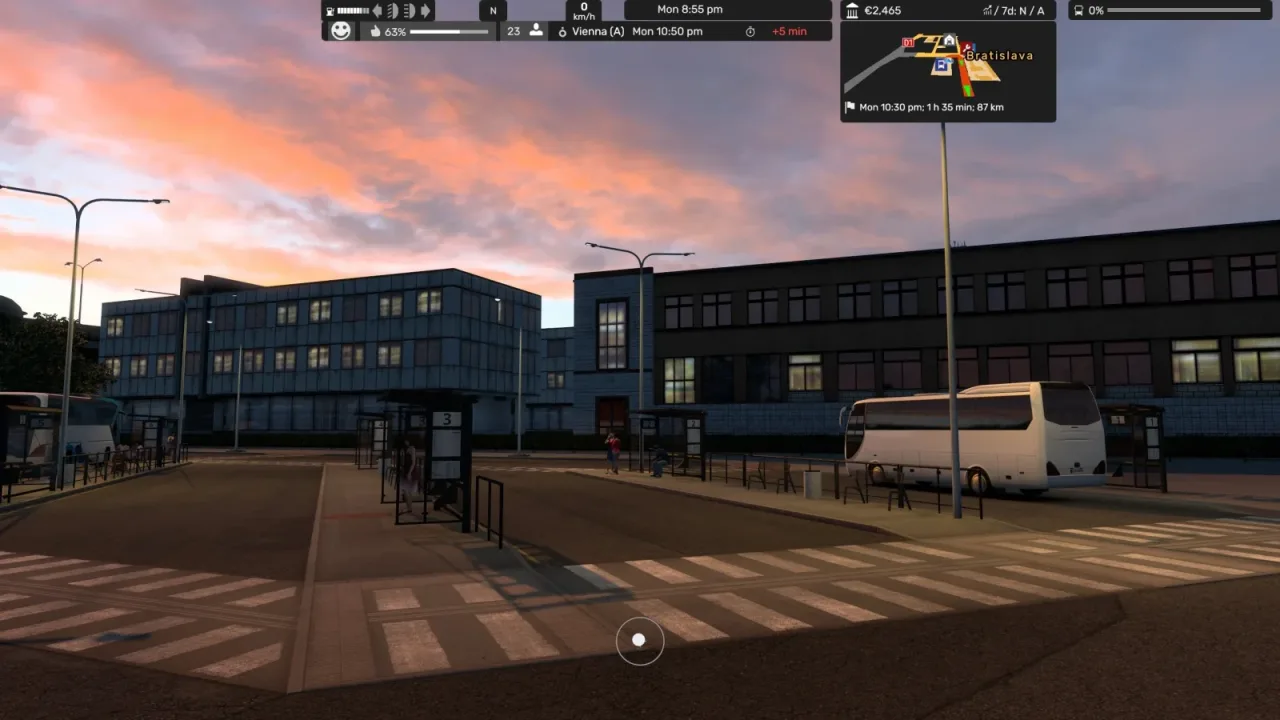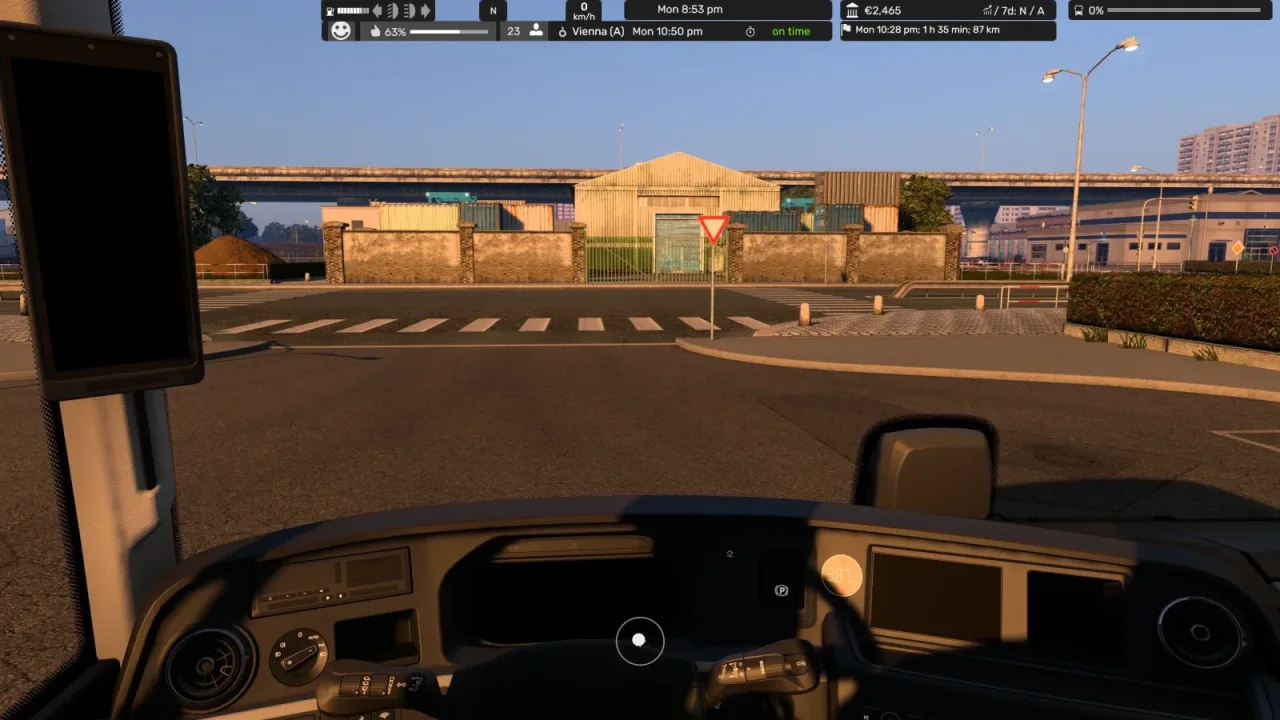
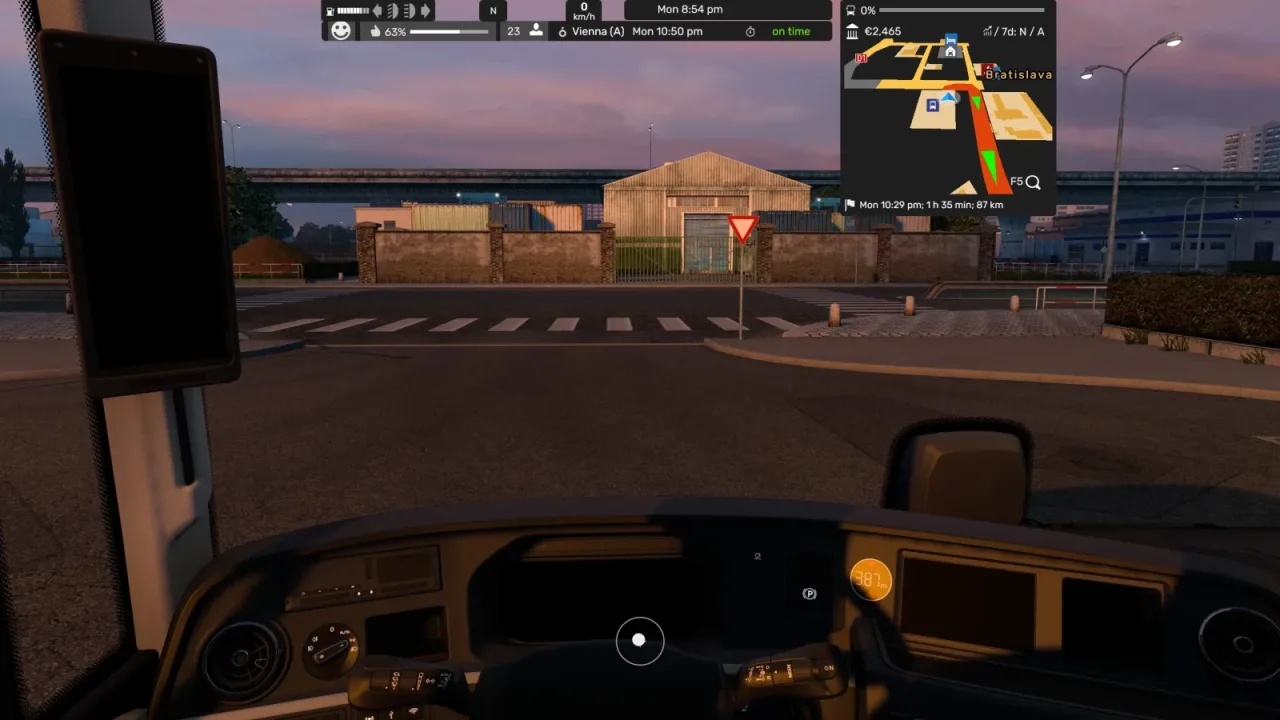
Image: supplied by the mod author
Adviser Top Bar Stacked HUD v1.62.114
Place a compact navigation map and stacked driving widgets at the top of the display.
- Author
- Distiller
- Game version
- 1.62 1.61 1.60 1.59as the mod author told us when submitting it (see the official page)
- Players
- Needs
- Nothing extra, the base game is enough
- Price
- Free
- Link checked
- 19 November 2026 (the download page opens; not a test of the mod)
- Listed by
- The mod's author, reviewed by us
Hear about more like this? We'll show new ones in Your week on My mods.
Does it work for you on ETS2 1.62?
Screenshots (2)
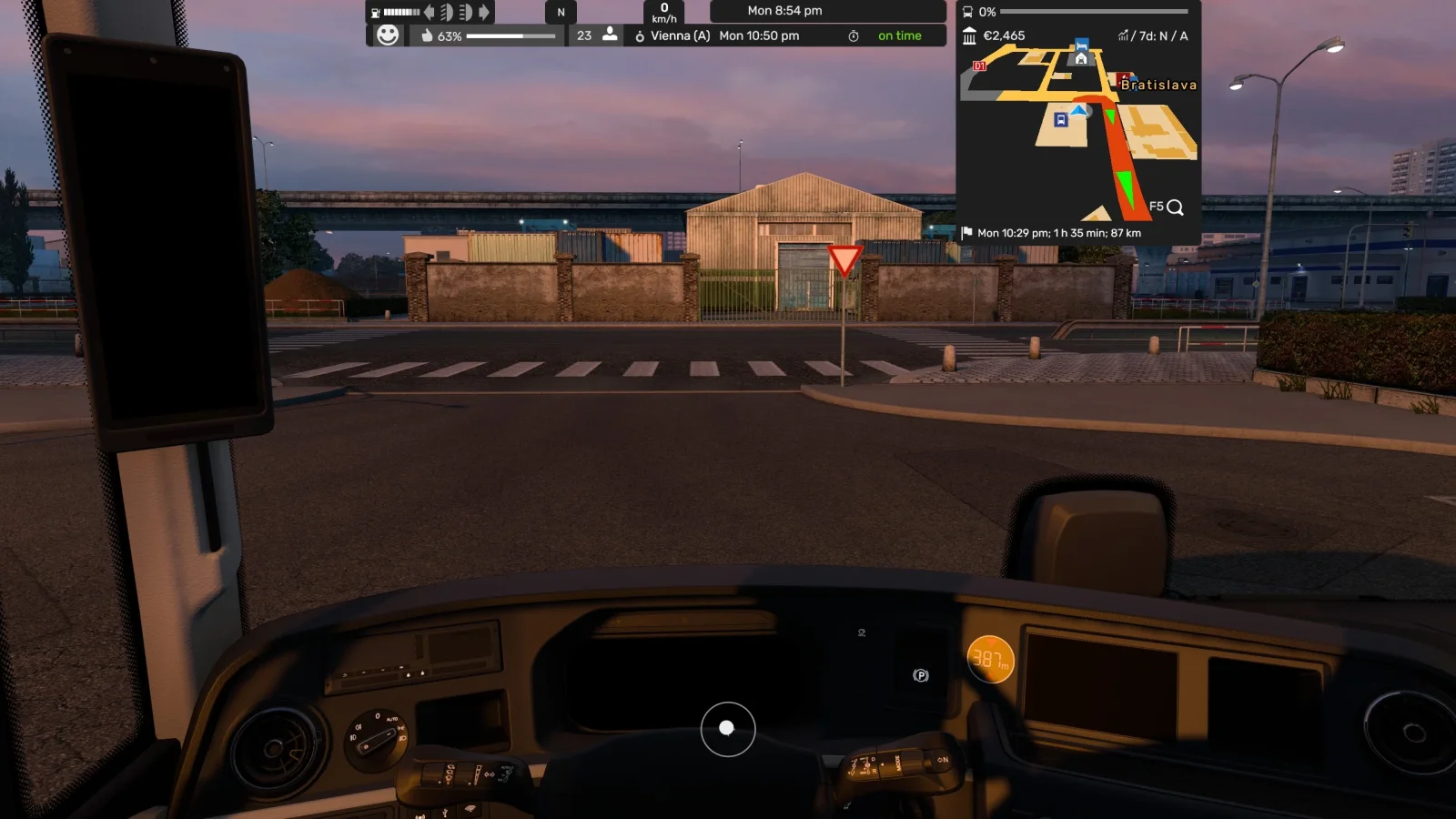
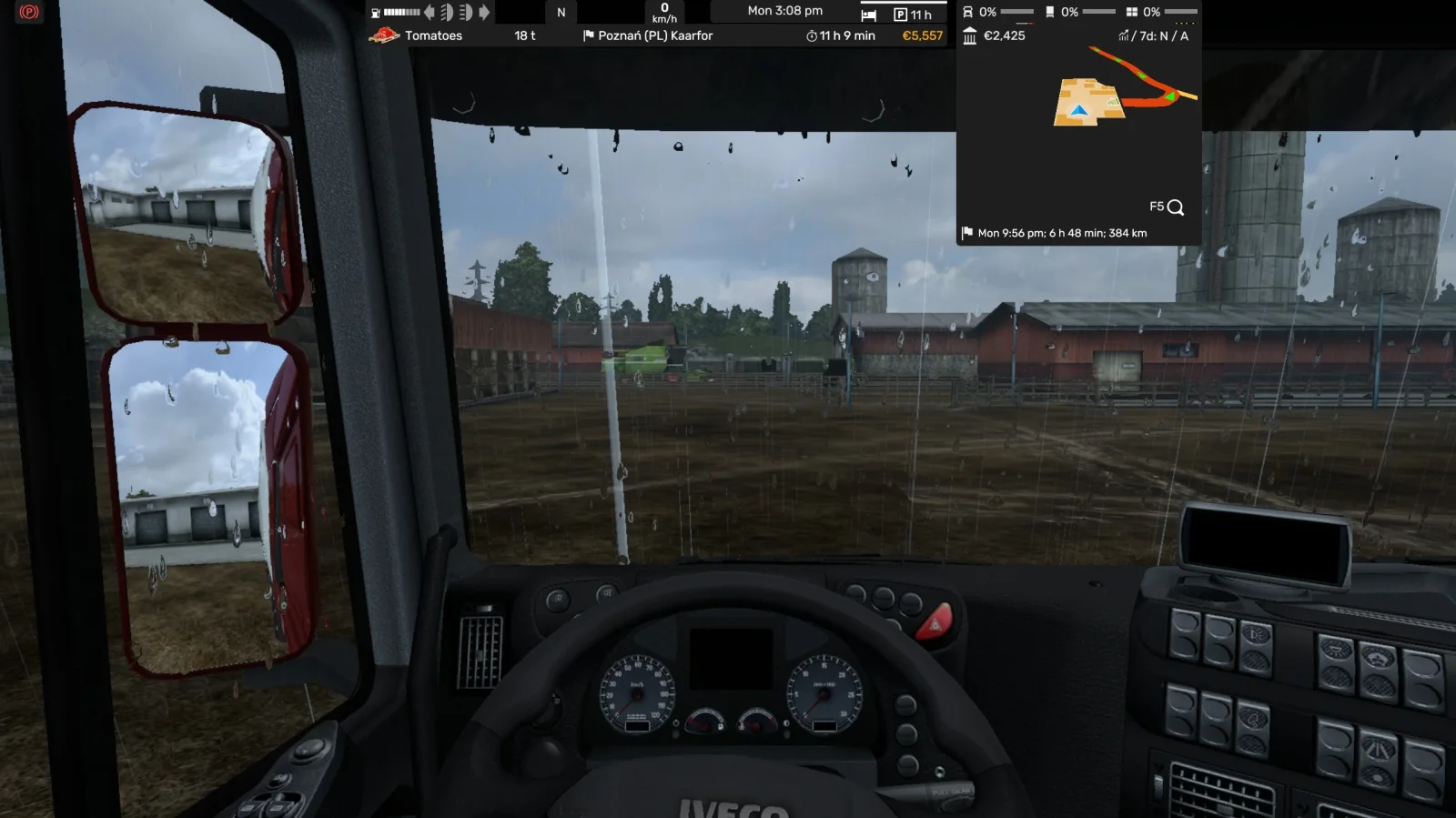
Screenshots supplied by the mod author. Click a picture to see it full size.
About this mod
Distiller’s stacked layout brings the Route Adviser information to the upper part of the screen, with a smaller map and readouts for gear, cruise control, speed, fuel, fatigue and warnings. Widget visibility and transparency remain adjustable through the game’s widget settings. The creator’s November update adds Coaches DLC support.
The creator lists support for ETS2 1.59 through 1.62.
How to install Adviser Top Bar Stacked HUD v1.62.114
- Open the mod's Steam Workshop page (sign in to Steam if asked) and press Subscribe. Steam downloads it for you.
- Start Euro Truck Simulator 2. On the profile screen, open the Mod Manager.
- Find Adviser Top Bar Stacked HUD v1.62.114 in the list and move it to Active mods, then press Confirm changes.
Helpful guides
 ETS2 UK Rework: New UK Map, Cities & Release Date (What We Know)The free rebuilt UK map: new cities, Stonehenge, 370+ British buildings, and what's known about the release date
 Best ETS2 Realism Mods for 1.62 & 1.61: Sound, Physics, Traffic and WeatherSound, physics, traffic, weather and lights: what to install, what clashes, in what order
 ETS2 1.62 Update Is Out: New Garages, DAF XG+ Editions & ModsOut now: new garages, three DAF XG+ editions, a better Iveco S-Way cab, and what it means for your mods
 ETS2 Coaches DLC Is Out: Price, Buses, Jobs & FeaturesOut now, £12.69: the three coaches, passenger jobs, Coach Mode and how to get your profile ready
 ETS2 Iceland DLC Is Out: Price, 14 Cities & Cruising Iceland EventOut now, £9.99: 14 cities, the Ring Road, ferries, Northern Lights and how to finish the Cruising Iceland event
 Best ETS2 Bus Mods for 1.61: Coaches, Passengers & MapsChoose a coach, city bus, passenger mod or bus map, and check what each one needsETS2 Console and Developer Mode: How to Enable It and Useful CommandsSwitch on the built-in console: time, weather, game speed and moving your truckInstalling from Steam WorkshopSubscribing, switching the mod on, and removing it safelyIf the game crashesHow to find the mod that causes it in a few restarts
Link broken, or the mod has a newer version? Tell us and we'll check it.