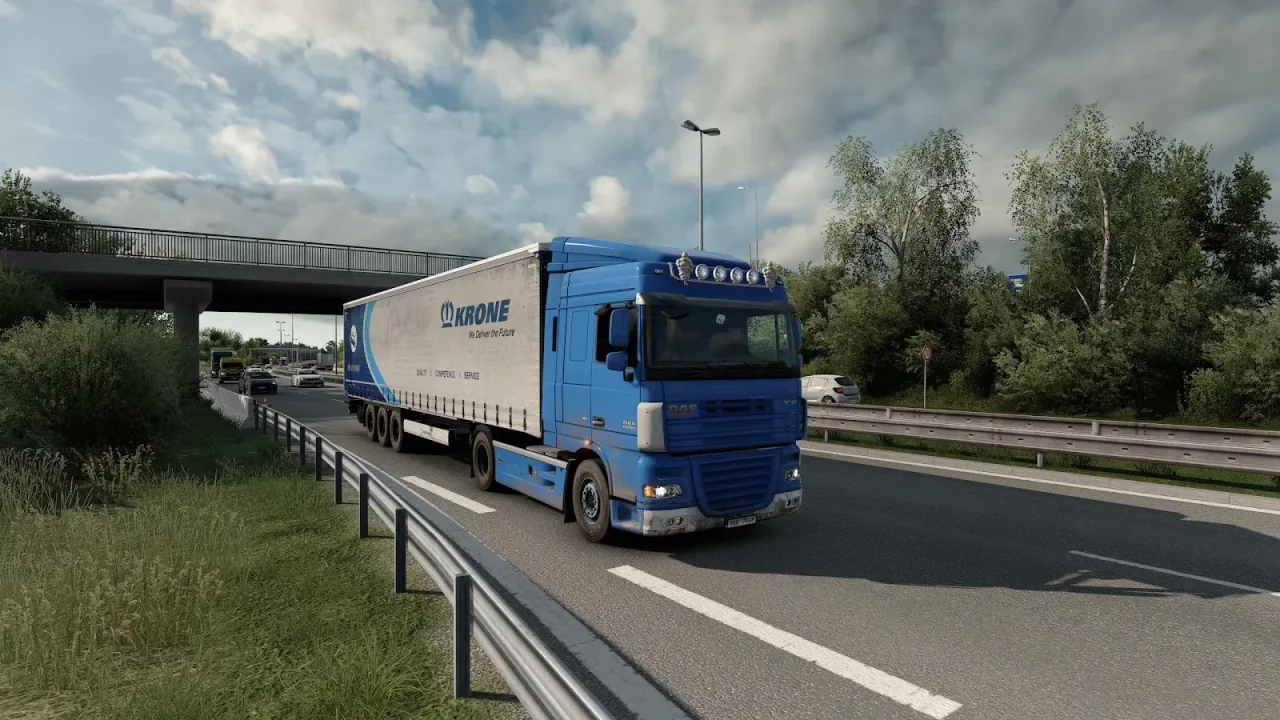
Image: supplied by the mod author
Central Bohemia Project v0.2.6
Explore part of Central Bohemia at 1:2 scale, with detailed roads around Prague. This standalone map requires a new profile and all SCS map expansions.
- Author
- KubaK88, Etrusan and Feliweigi
- Works with
- 1.61
- DLC needed
- All SCS map expansions
- Price
- Free
- Link checked
- 26 October 2026
- Listed by
- The mod's author, reviewed by us
This opens the mod's official page. We never re-upload mods, so you always get the author's latest, untouched version.
Does it work for you on ETS2 1.61?
Screenshots (2)
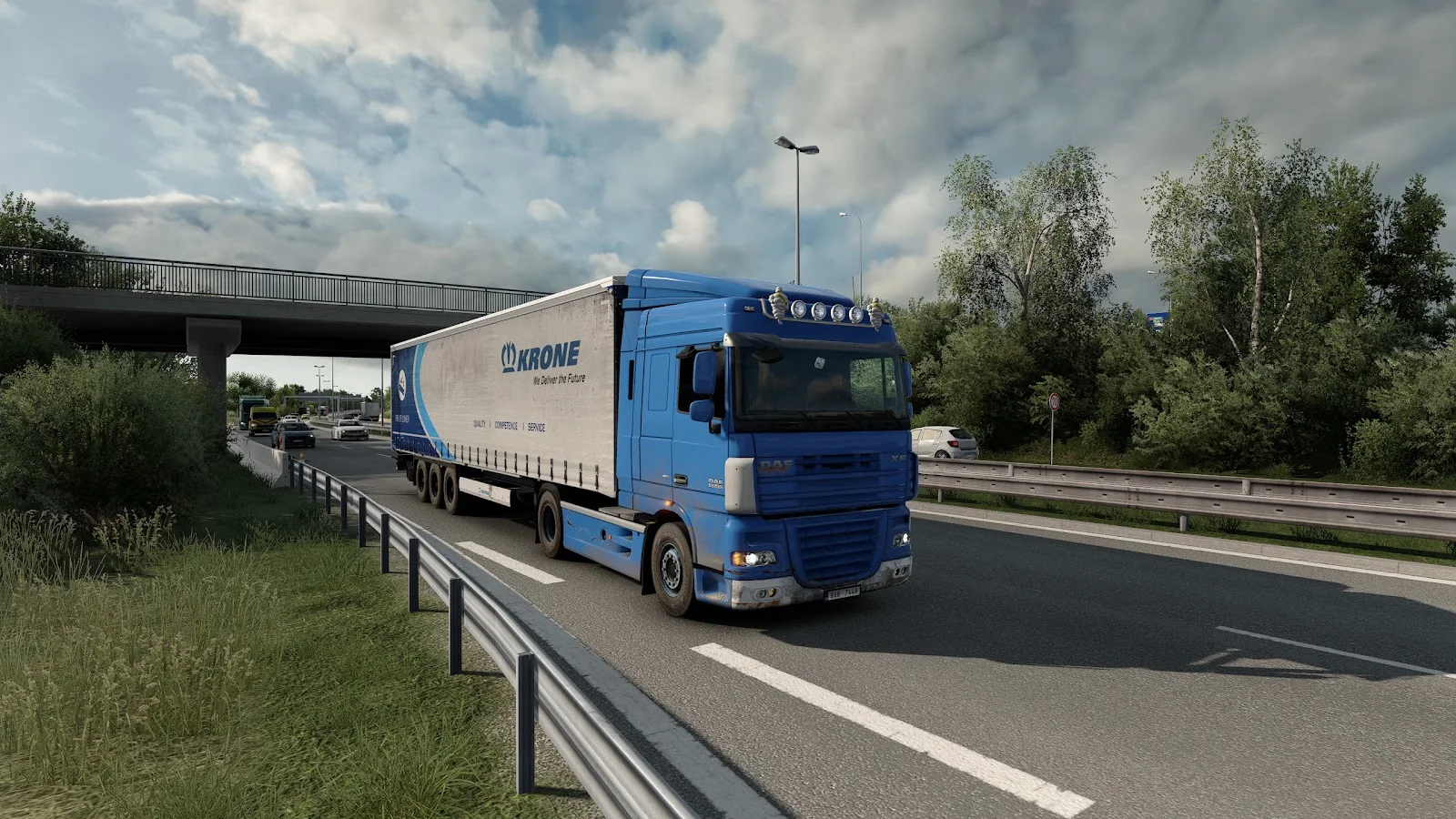
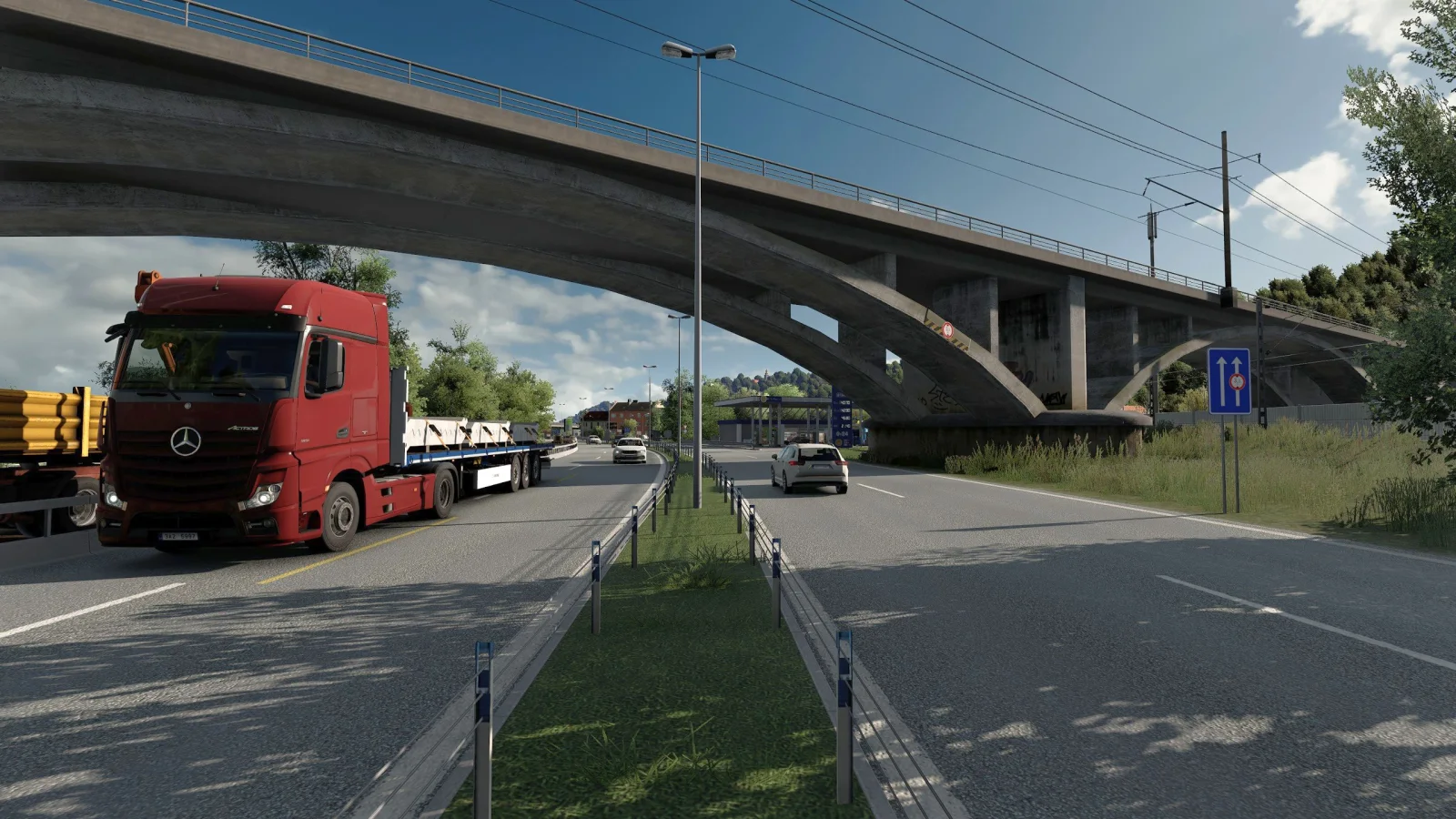
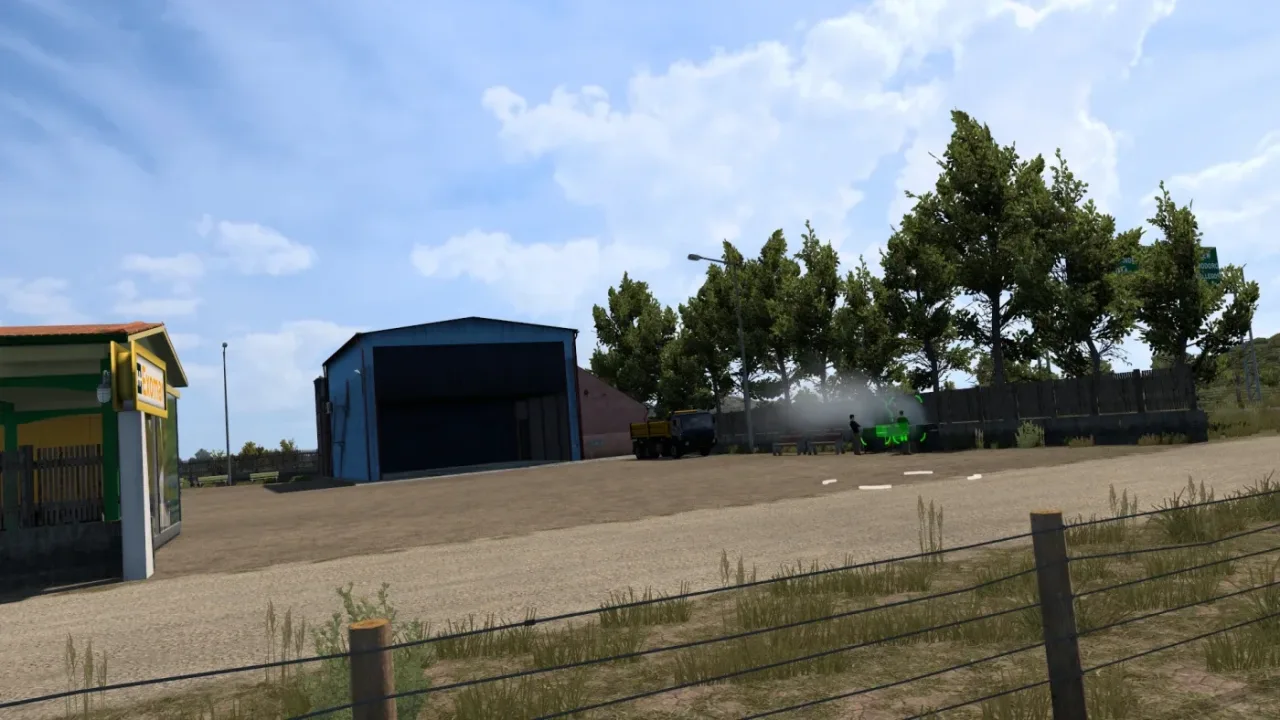
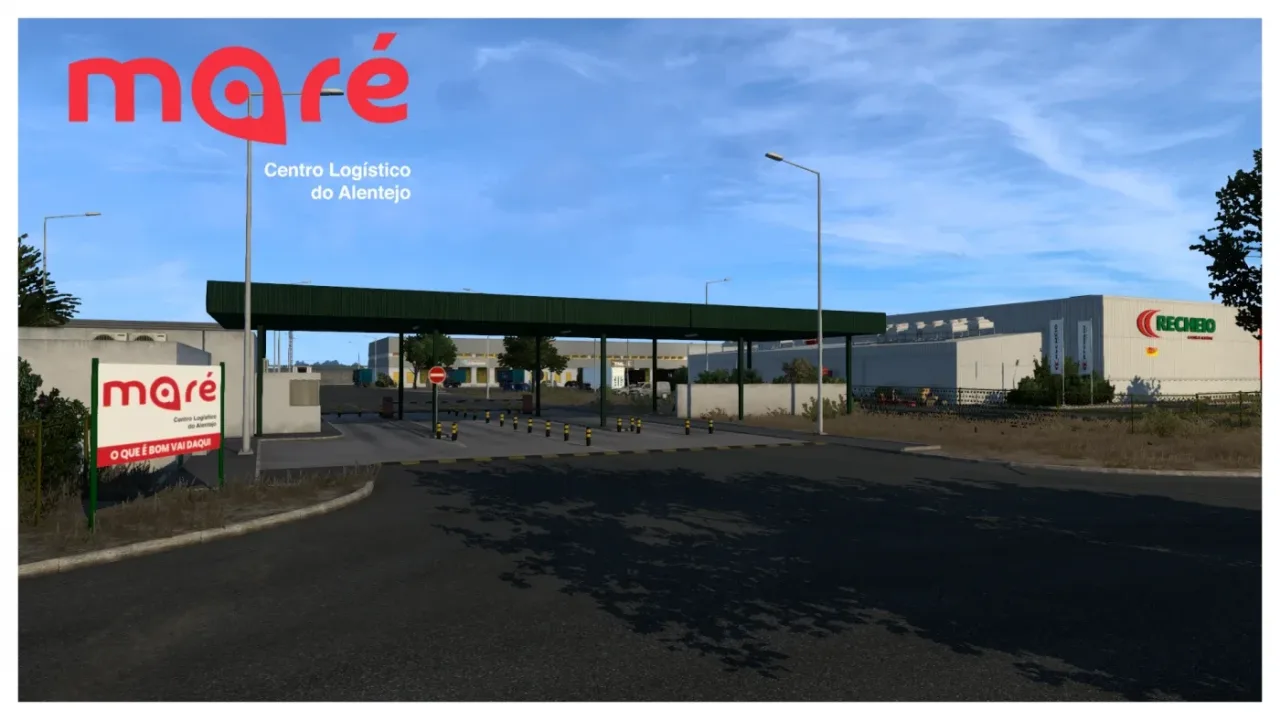
Screenshots supplied by the mod author. Click a picture to see it full size.
About this mod
Drive a closer-scale interpretation of the Czech Republic’s Central Bohemia region in KubaK88’s standalone project. Version 0.2.6 adds Dolní Břežany and Tuchoměřice and expands Praha-Ruzyně, building on the project’s Prague districts and surrounding towns.
The release is labelled for ETS2 1.61. Start a new player profile and follow the archive’s readme; the map cannot be combined with ProMods or other maps. All SCS map expansions are required. The Etrusan3D component is included in the archive. Credits: KubaK88 for mapping, with Etrusan and Feliweigi for signs.
Mod and image credits: KubaK88, Etrusan and Feliweigi.
Features
- Central Bohemia at 1:2 scale
- Prague districts and surrounding towns
- New Dolní Břežany and Tuchoměřice areas
- Standalone map with a new profile
- Etrusan3D component included
How to install Central Bohemia Project v0.2.6
- Download the mod from SCS Software forum.
- If you get a
.zip,.raror.7zfile, extract it. You need the.scsfile(s) inside. - Move the
.scsfile(s) intoDocuments\Euro Truck Simulator 2\mod. Create themodfolder if it isn't there. - Start the game, open the Mod Manager on the profile screen, move Central Bohemia Project v0.2.6 to Active mods and press Confirm changes.
Helpful guides
 Best ETS2 Map Mods for 1.61 (and the Right Load Order)Which map mods work together, the DLCs they need and the right load orderInstalling a downloaded modWhere the mod folder is and what to do with .scs, .zip and .7z filesLoad order explainedWhich mod wins when two change the same thingIf the game crashesHow to find the mod that causes it in a few restarts
Link broken, or the mod has a newer version? Tell us and we'll check it.