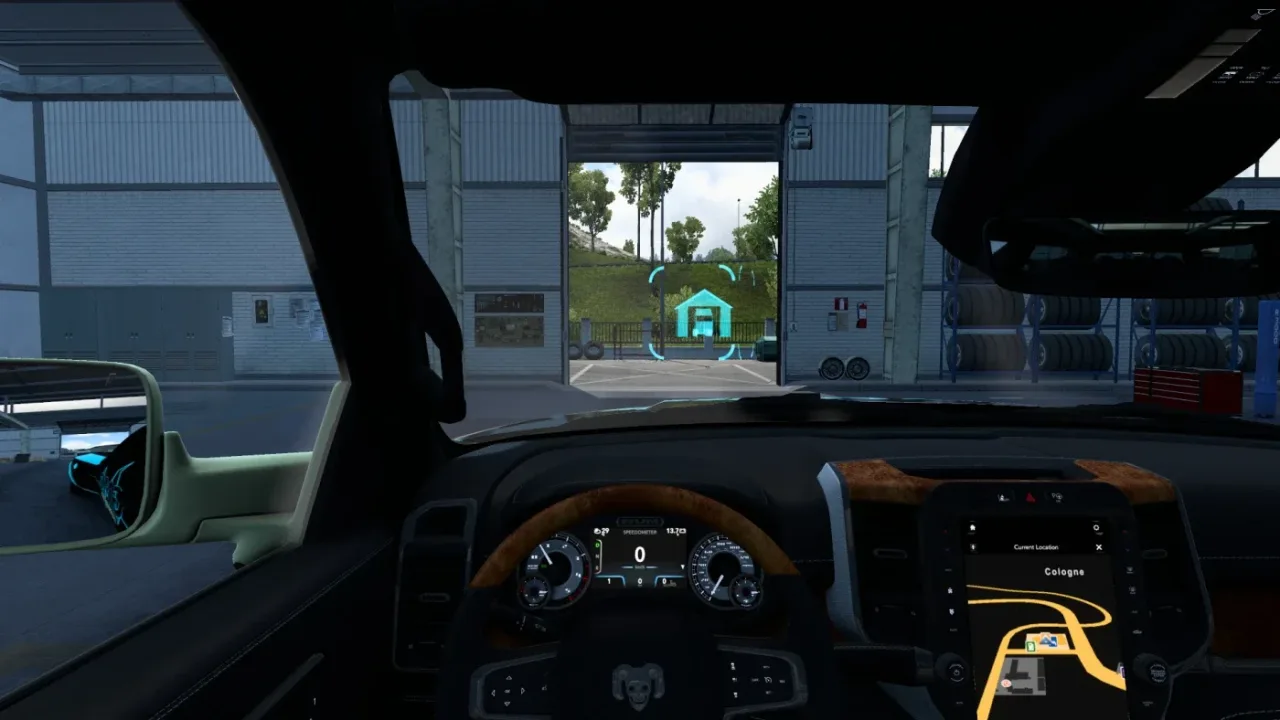
Image: supplied by the mod author
GMC Community - Company Mod v6.6
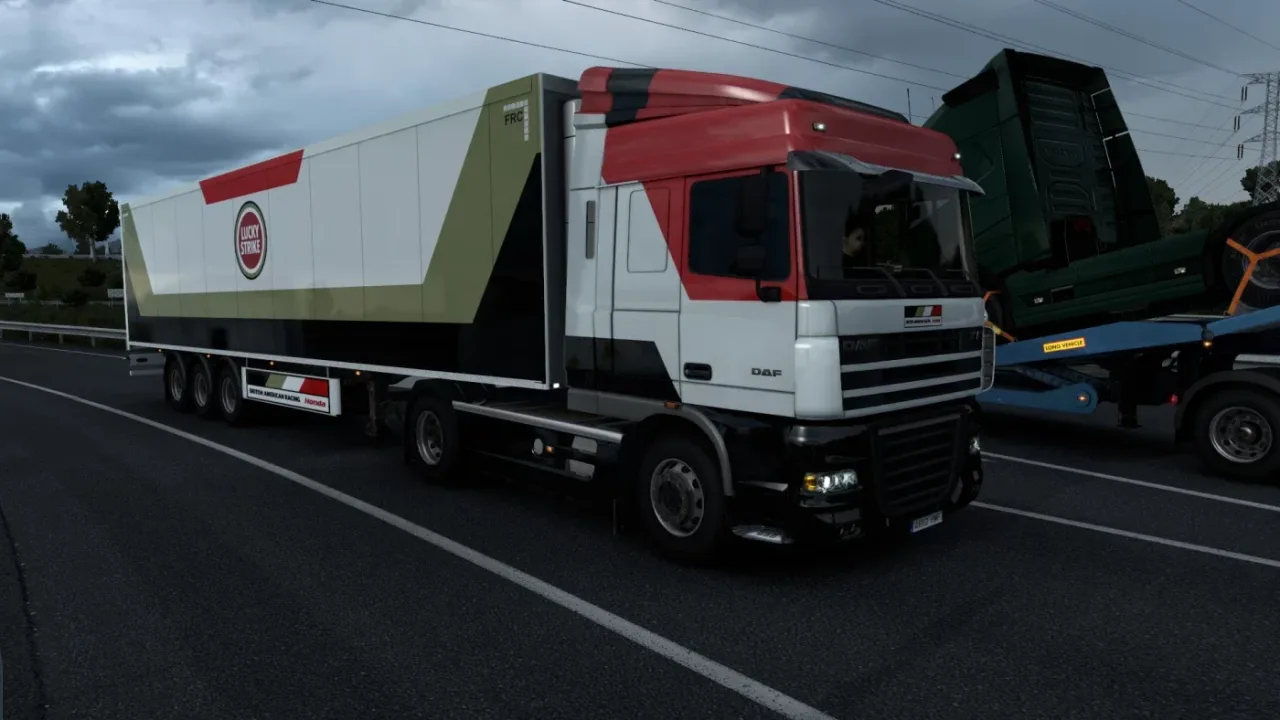
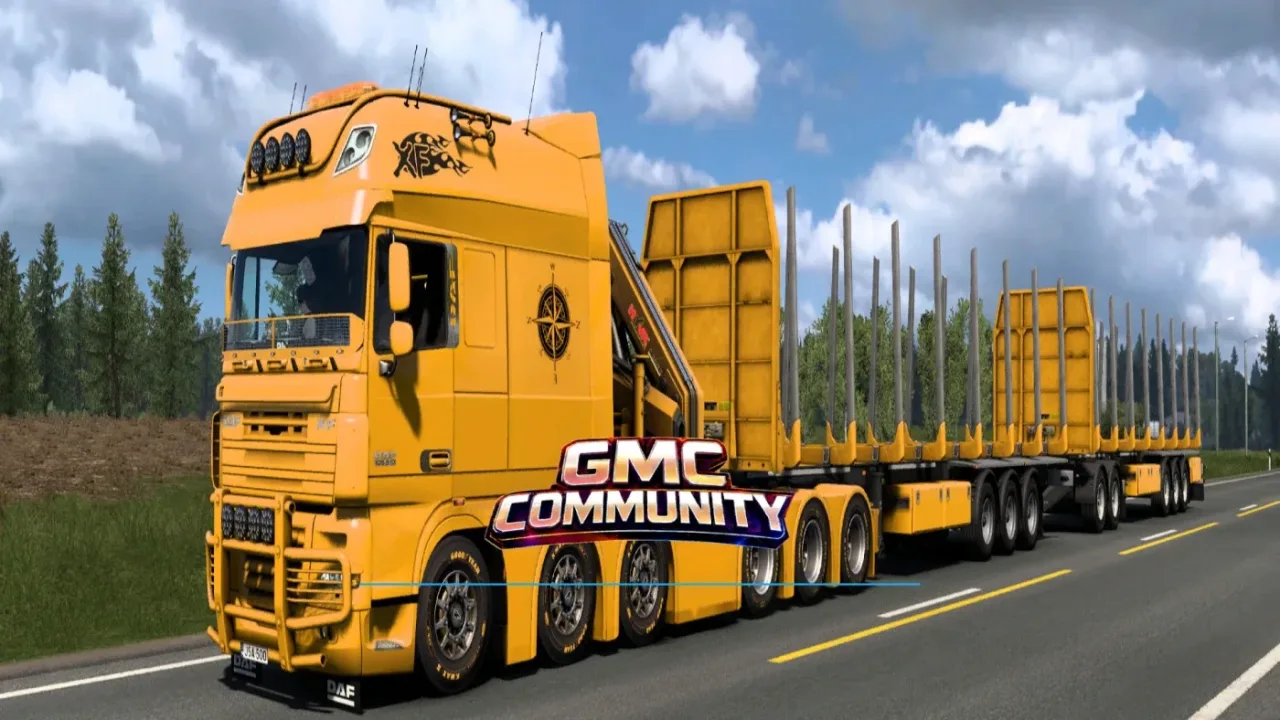
Replace default company branding with GMC Community and partner identities across logos, roadside signs, selected trailers, freight jobs and map icons.
- Author
- GMC Community
- Works with
- 1.61
- DLC needed
- None, base game is enough
- Price
- Free
- Link checked
- 30 October 2026
- Listed by
- The mod's author, reviewed by us
This opens the mod's official page. We never re-upload mods, so you always get the author's latest, untouched version.
Does it work for you on ETS2 1.61?
Screenshots (2)
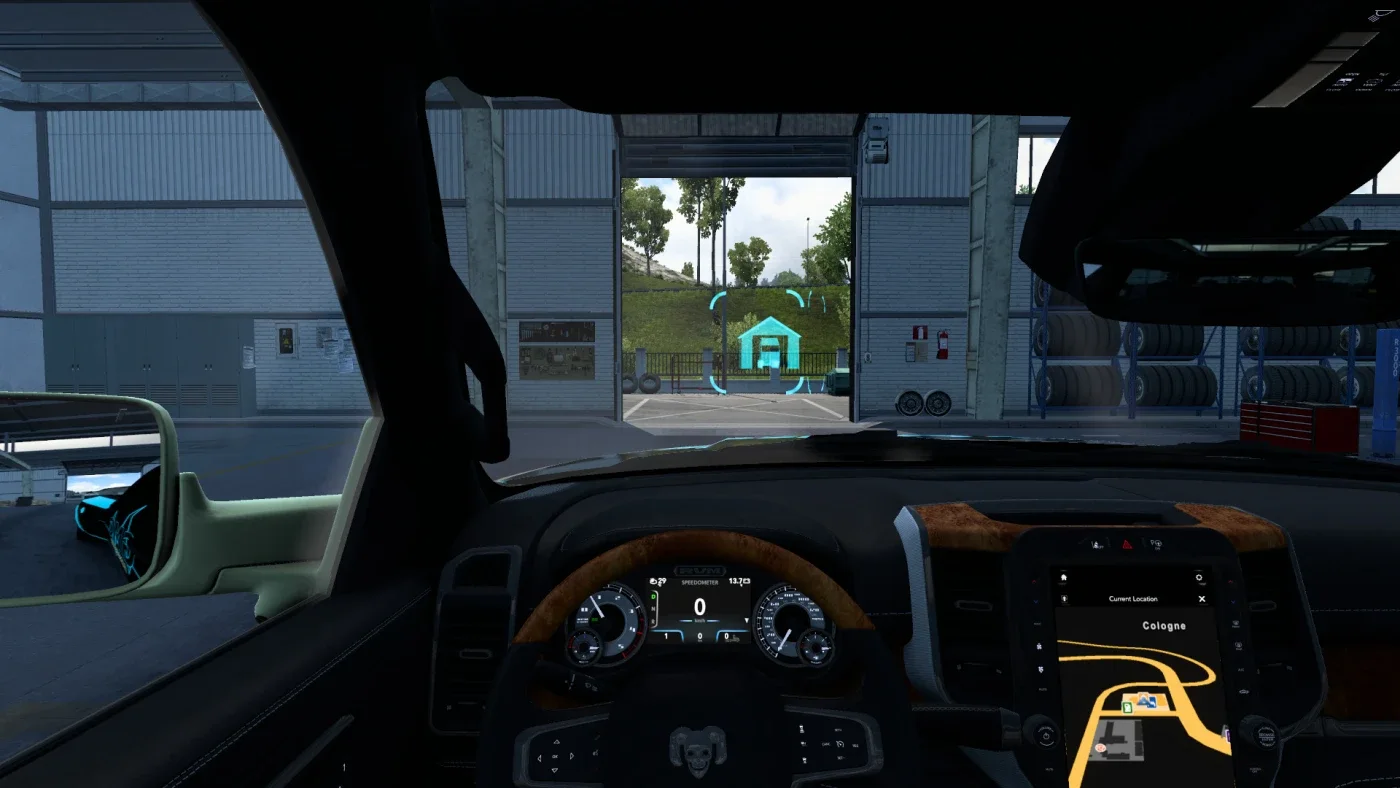
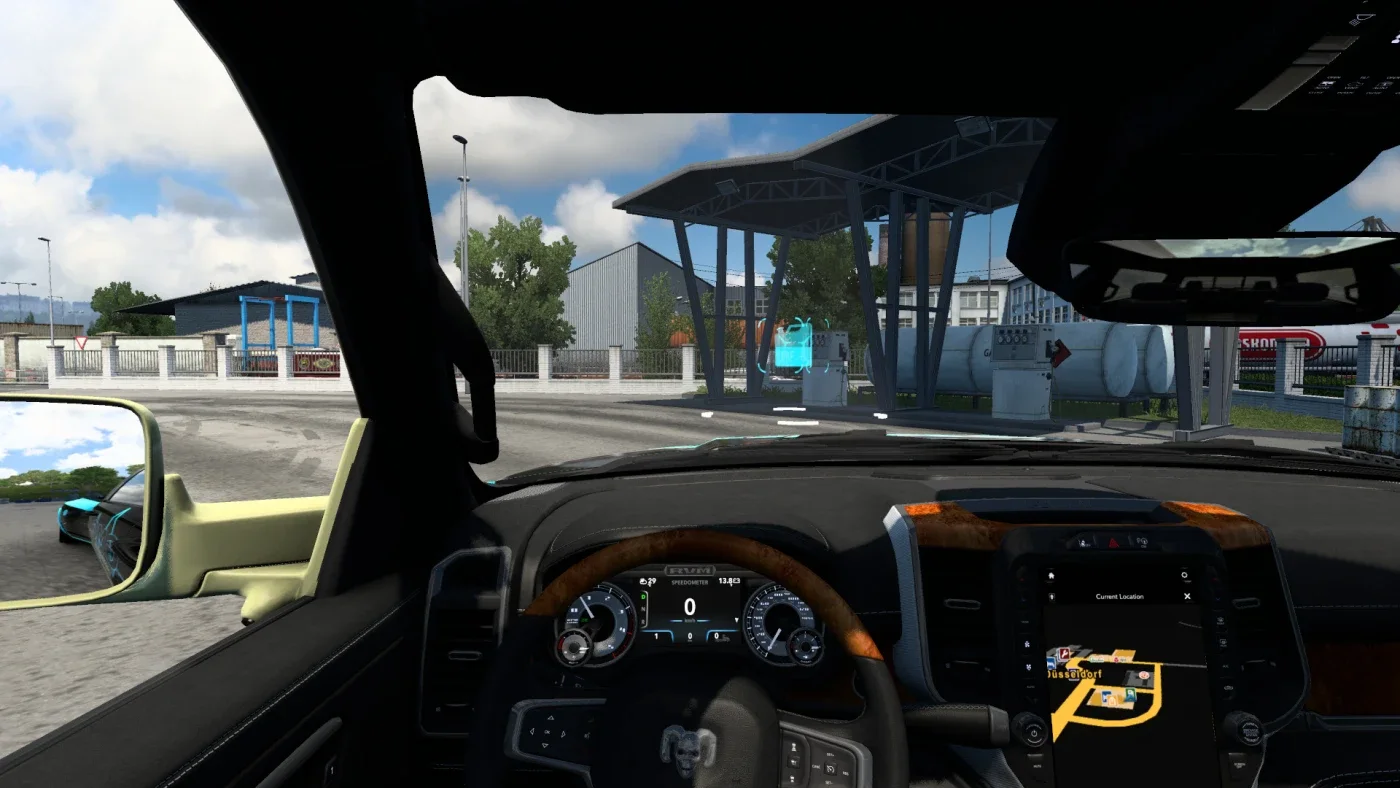
Screenshots supplied by the mod author. Click a picture to see it full size.
About this mod
Replace familiar in-game businesses with GMC Community and partner company identities. The changes extend across company logos, roadside signs, selected trailer liveries, freight-market icons and map symbols, giving company branding a consistent appearance throughout a delivery.
Release: 6.6. Author-listed game compatibility: 1.61. Source last updated 2026-10-19. Compatibility is based on the author’s listing, not an independent in-game test.
How to install GMC Community - Company Mod v6.6
- Download the mod from truckymods.io.
- If you get a
.zip,.raror.7zfile, extract it. You need the.scsfile(s) inside. - Move the
.scsfile(s) intoDocuments\Euro Truck Simulator 2\mod. Create themodfolder if it isn't there. - Start the game, open the Mod Manager on the profile screen, move GMC Community - Company Mod v6.6 to Active mods and press Confirm changes.
Helpful guides
Link broken, or the mod has a newer version? Tell us and we'll check it.