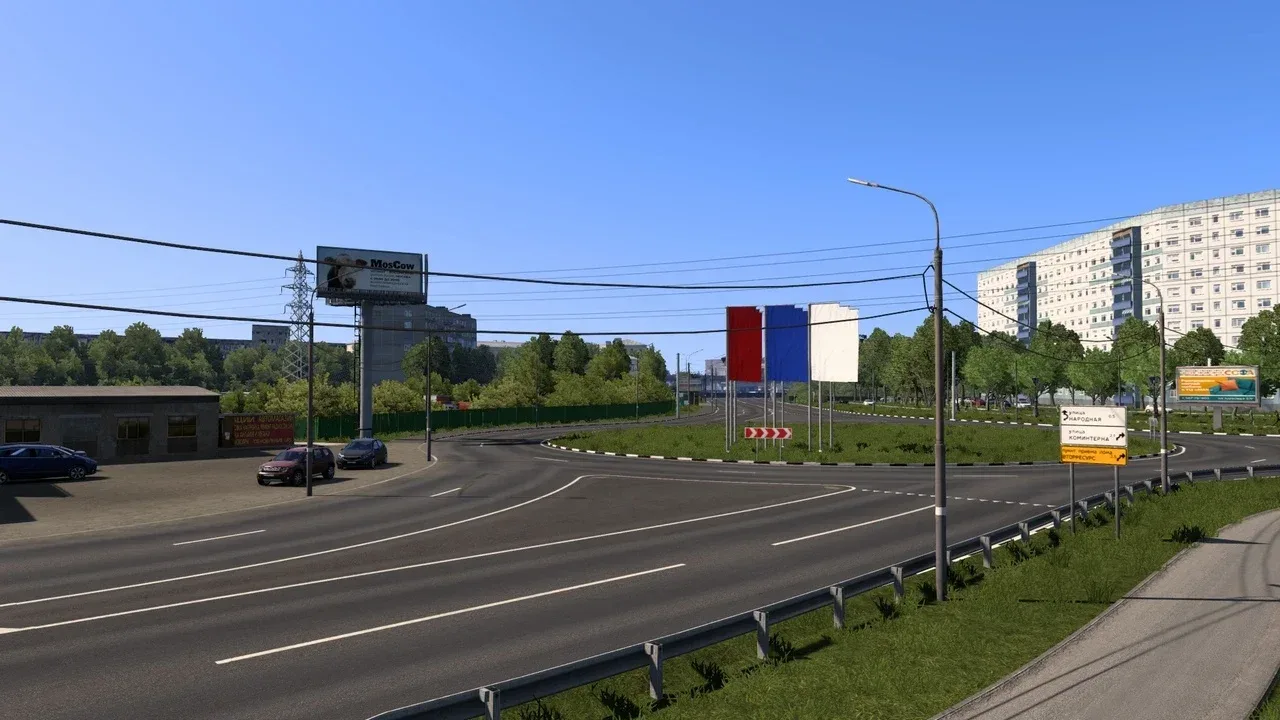
Image: supplied by the mod author
NNmap v1.2.1
Explore Middle Volga roads at 1:19 scale, including sections of the M-7, M-12, R-158 and R-125. Official v1.2.1 supports ETS2 1.55.
- Author
- Nizh
- Works with
- 1.55
- DLC needed
- West Balkans, Italia, Vive la France!, Scandinavia, Iberia, Beyond the Baltic Sea, Road to the Black Sea, Going East!
- Price
- Free
- Link checked
- 28 October 2026
- Listed by
- The mod's author, reviewed by us
This opens the mod's official page. We never re-upload mods, so you always get the author's latest, untouched version.
Does it work for you on ETS2 1.61?
Screenshots (2)
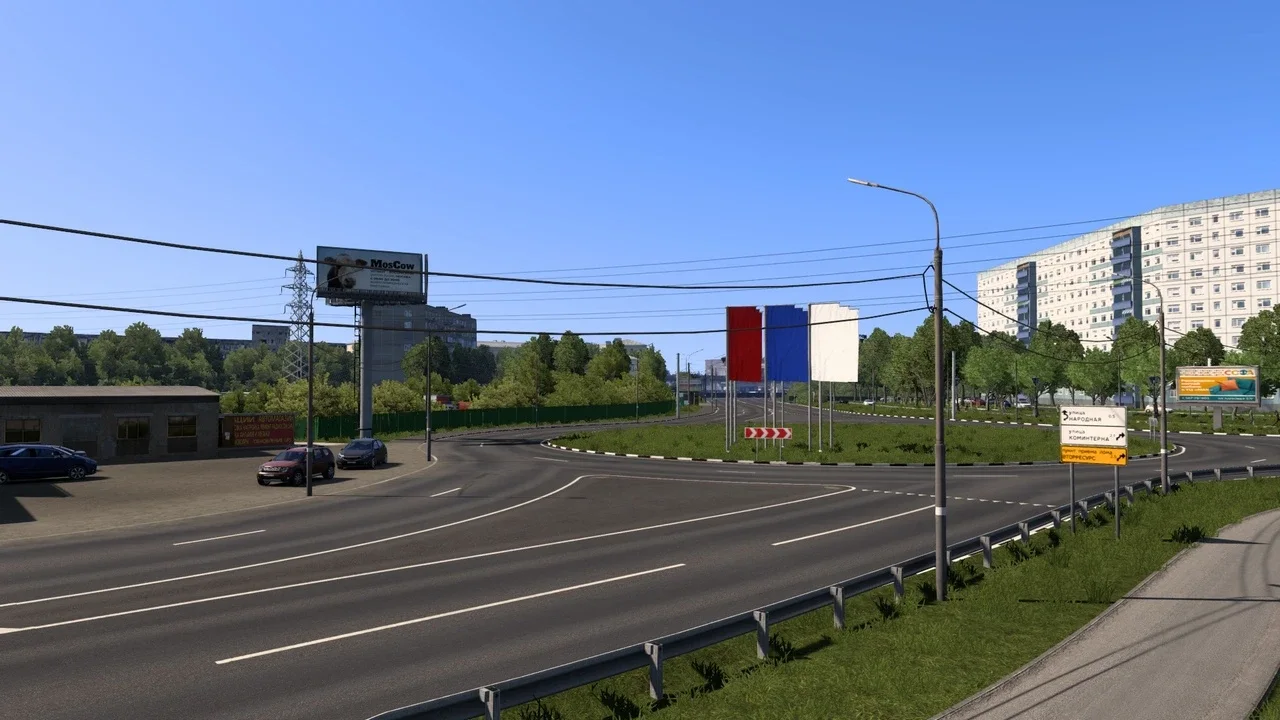
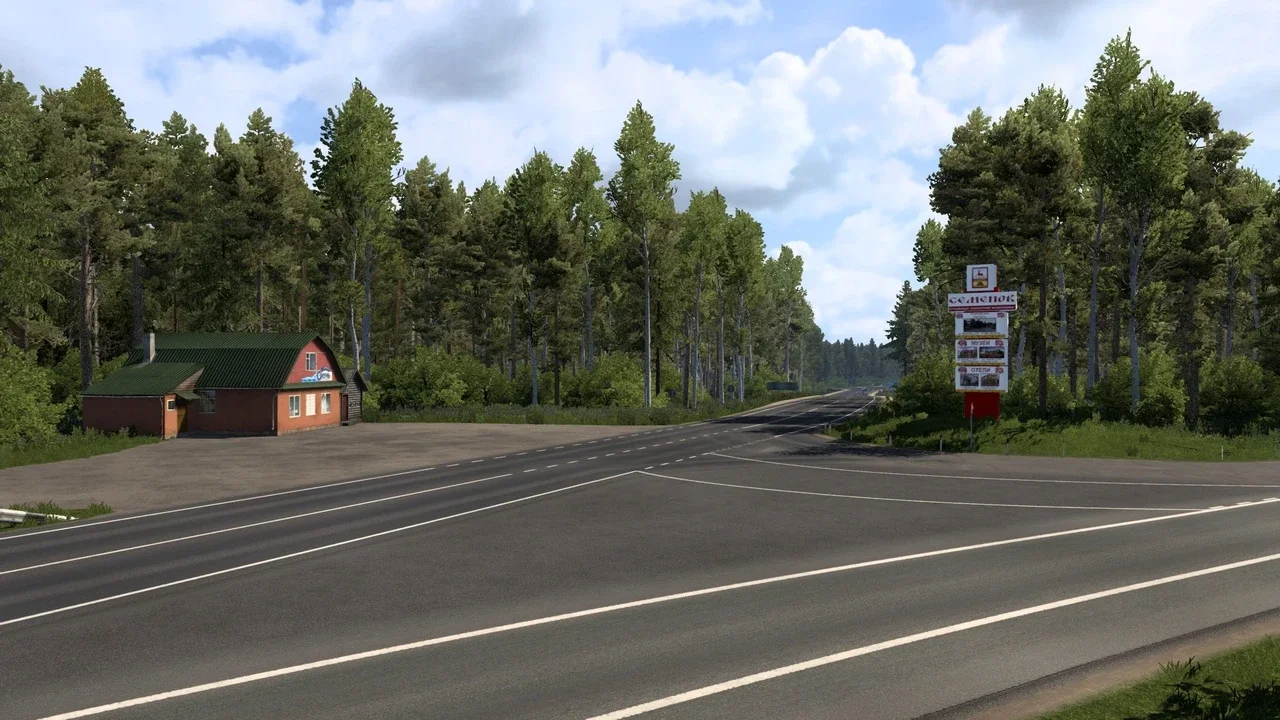
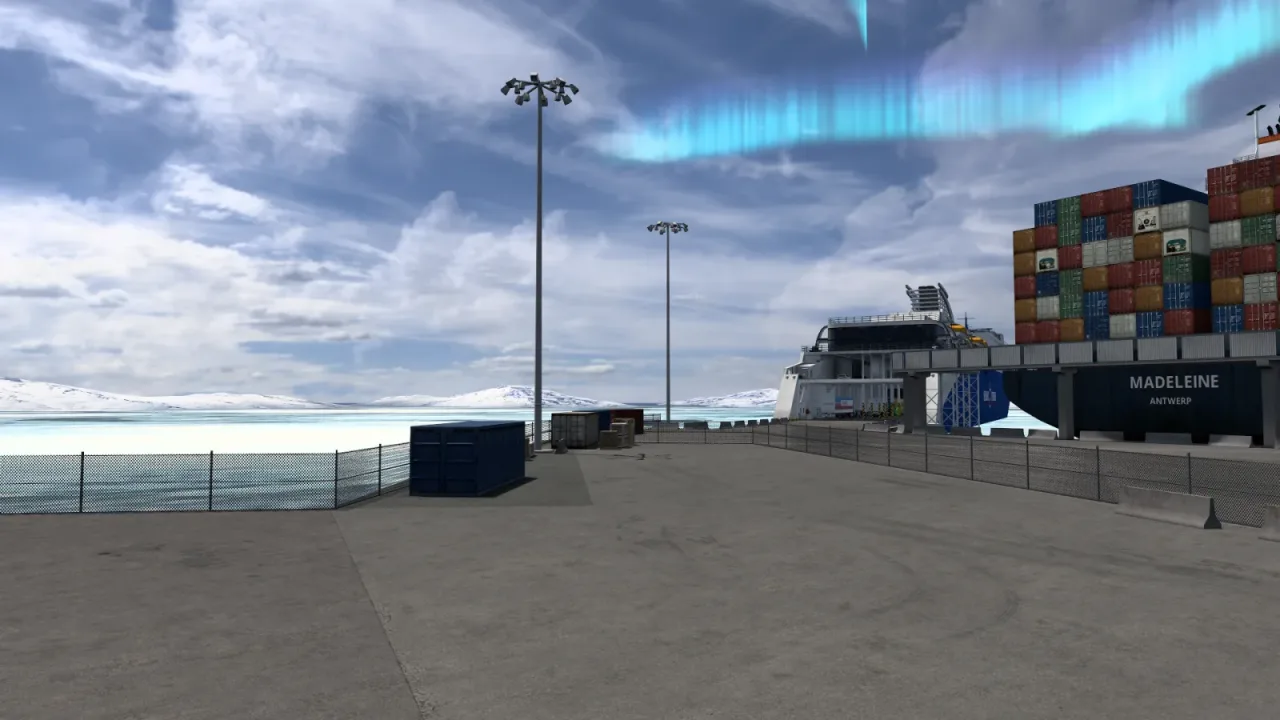
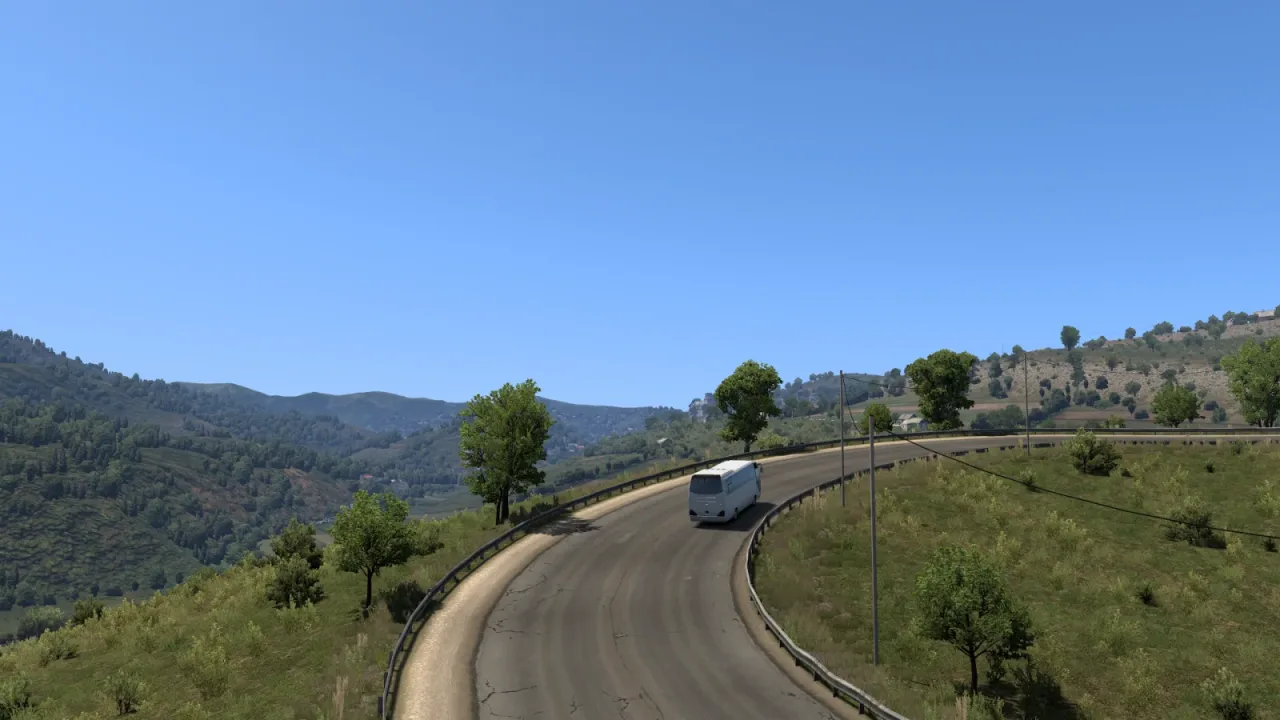
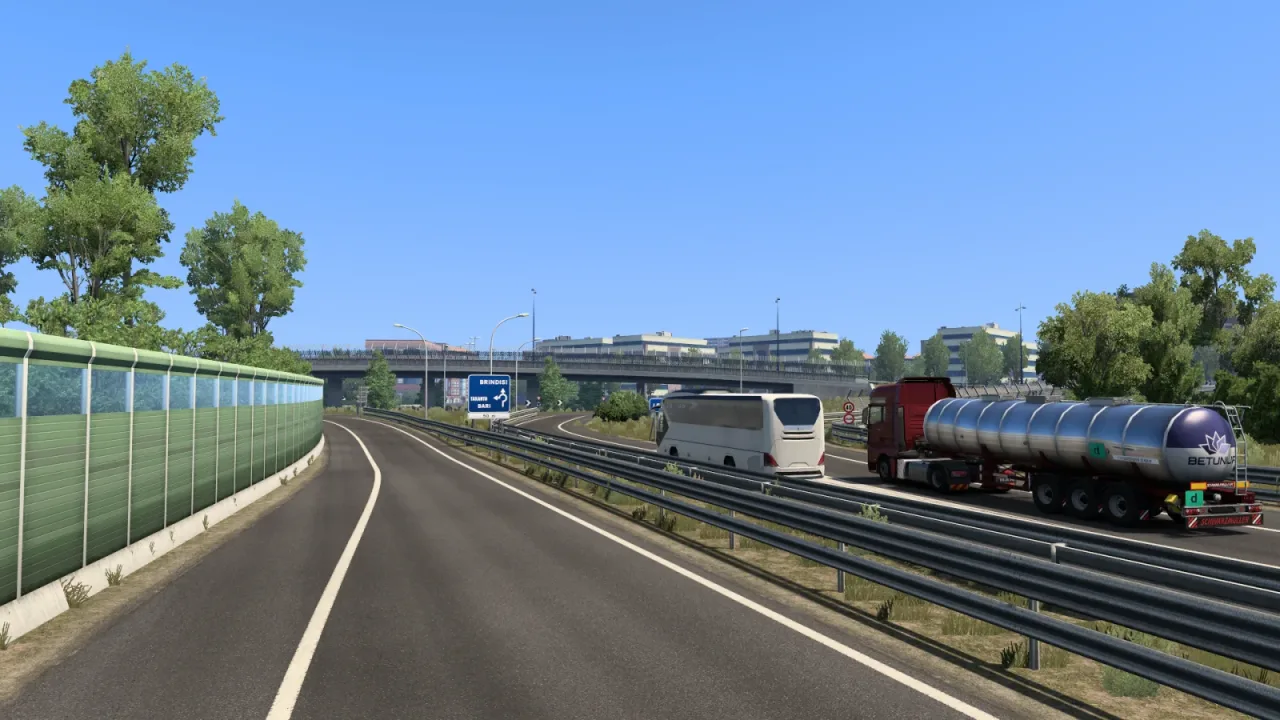
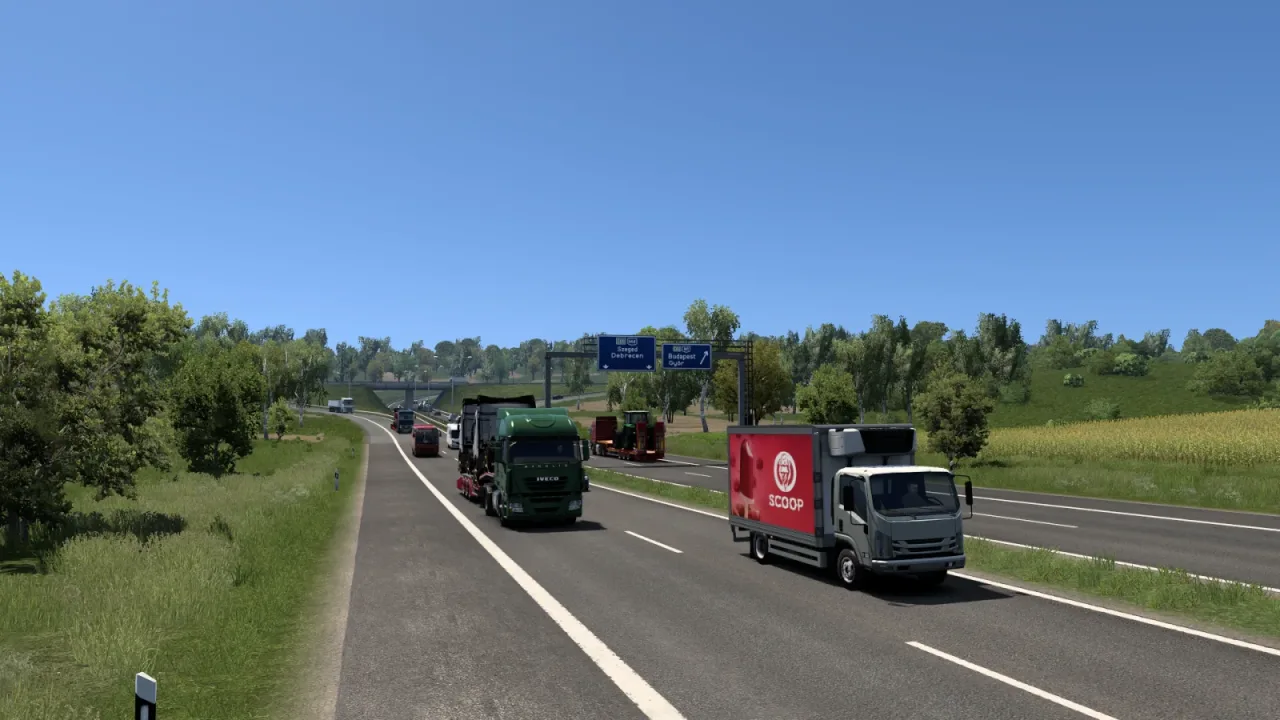
Screenshots supplied by the mod author. Click a picture to see it full size.
This mod hasn't been confirmed for ETS2 1.61 yet. The newest version it's listed for is 1.55. It may still work, but check the author's page first.
About this mod
NNmap adds Middle Volga territory and a selection of major and regional roads to the ETS2 map. Its 1:19 scale gives drivers longer regional journeys through urban areas and wooded countryside.
This official release is listed for ETS2 1.55. The author recommends increasing r_buffer_page_size from 10 to 30 in the game configuration to reduce crashes around Nizhny; consult the source instructions before installation.
Mod and image credits: Nizh.
Features
- Middle Volga road network
- M-7, M-12, R-158 and R-125 routes
- 1:19 map scale
How to install NNmap v1.2.1
- Download the mod from truckymods.io.
- If you get a
.zip,.raror.7zfile, extract it. You need the.scsfile(s) inside. - Move the
.scsfile(s) intoDocuments\Euro Truck Simulator 2\mod. Create themodfolder if it isn't there. - Start the game, open the Mod Manager on the profile screen, move NNmap v1.2.1 to Active mods and press Confirm changes.
Helpful guides
 Best ETS2 Map Mods for 1.61 (and the Right Load Order)Which map mods work together, the DLCs they need and the right load orderInstalling a downloaded modWhere the mod folder is and what to do with .scs, .zip and .7z filesLoad order explainedWhich mod wins when two change the same thingIf the game crashesHow to find the mod that causes it in a few restarts
Link broken, or the mod has a newer version? Tell us and we'll check it.