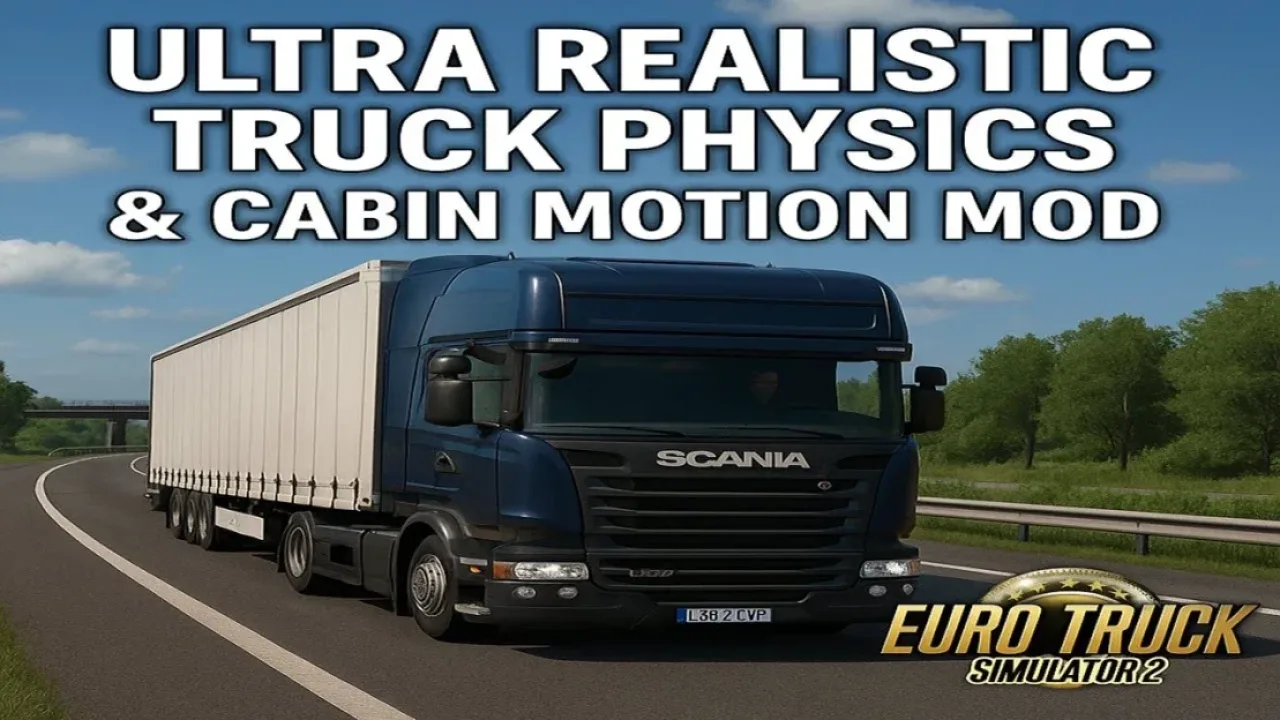
Image: supplied by the mod author
Ultra Realistic Truck Physics & Cabin Motion v3.0
Change truck suspension, weight transfer and cabin movement with Kass’s physics package.
- Author
- Kass
- Game version
- 1.61as the mod author told us when submitting it (see the official page)
- Players
- Needs
- Nothing extra, the base game is enough
- Price
- Free
- Link checked
- 31 October 2026 (the download page opens; not a test of the mod)
- Listed by
- The mod's author, reviewed by us
Hear about more like this? We'll show new ones in Your week on My mods.
Tried it on ETS2 1.62? Tell other players:
Screenshots (2)
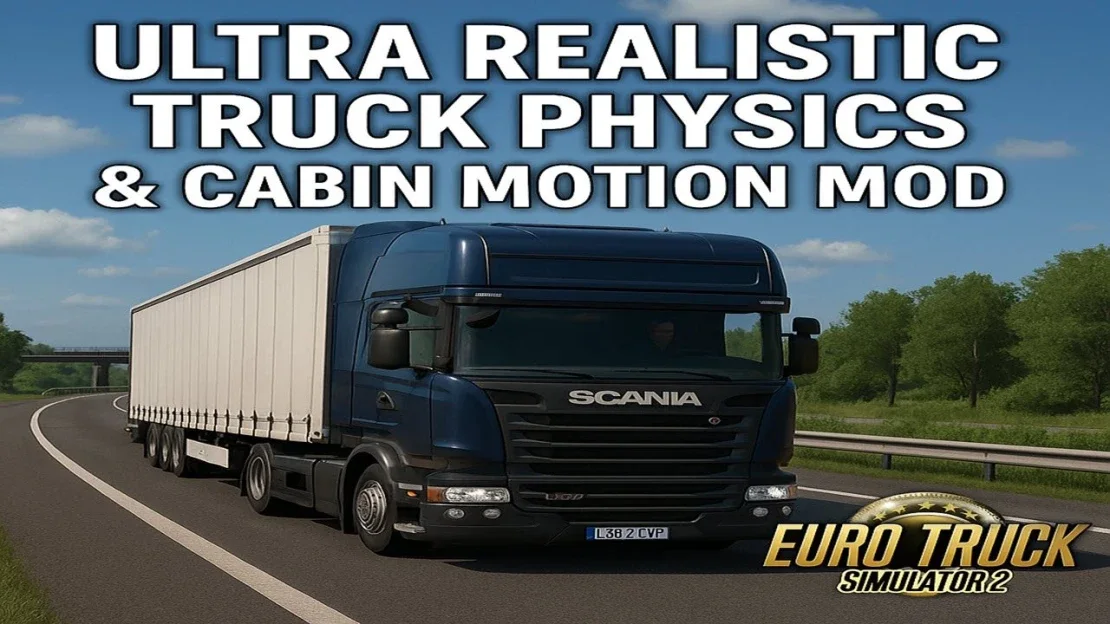

Screenshots supplied by the mod author. Click a picture to see it full size.
The author lists ETS2 1.61. 1.62 isn't confirmed on the official page yet. Small mods (skins, trailers, trucks) often keep working after an update; maps, physics and graphics packs usually need one. Tried it on 1.62? Use Works for me or Doesn't work above to tell other players. See all mods ready for 1.62.
About this mod
Change truck suspension, weight transfer and cabin movement with Kass’s physics package.
The mod adjusts damping, spring behaviour, chassis motion and the driver’s view movement. It also changes wet-road grip and braking behaviour. Keyboard, gamepad and wheel controls are supported according to the author, who designed it to complement Realistic Brutal Weather. Review the official setup guidance before changing an established physics configuration.
The author lists ETS2 1.61 support. This has not been independently tested in-game.
Release: 3.0. Author-listed game compatibility: 1.61. Source last updated 2026-09-20. Compatibility is based on the author’s listing, not an independent in-game test.
How to install Ultra Realistic Truck Physics & Cabin Motion v3.0
- Download the mod from truckymods.io.
- Follow the author's installation instructions. Keep ready-to-use
.scsor.zipmod packages intact; extract archives containing separate mod packages as directed. - Move the ready-to-use
.scsor.zipmod package(s) intoDocuments\Euro Truck Simulator 2\mod. Create themodfolder if it isn't there. - Start the game, open the Mod Manager on the profile screen, move Ultra Realistic Truck Physics & Cabin Motion v3.0 to Active mods and press Confirm changes.
Helpful guides
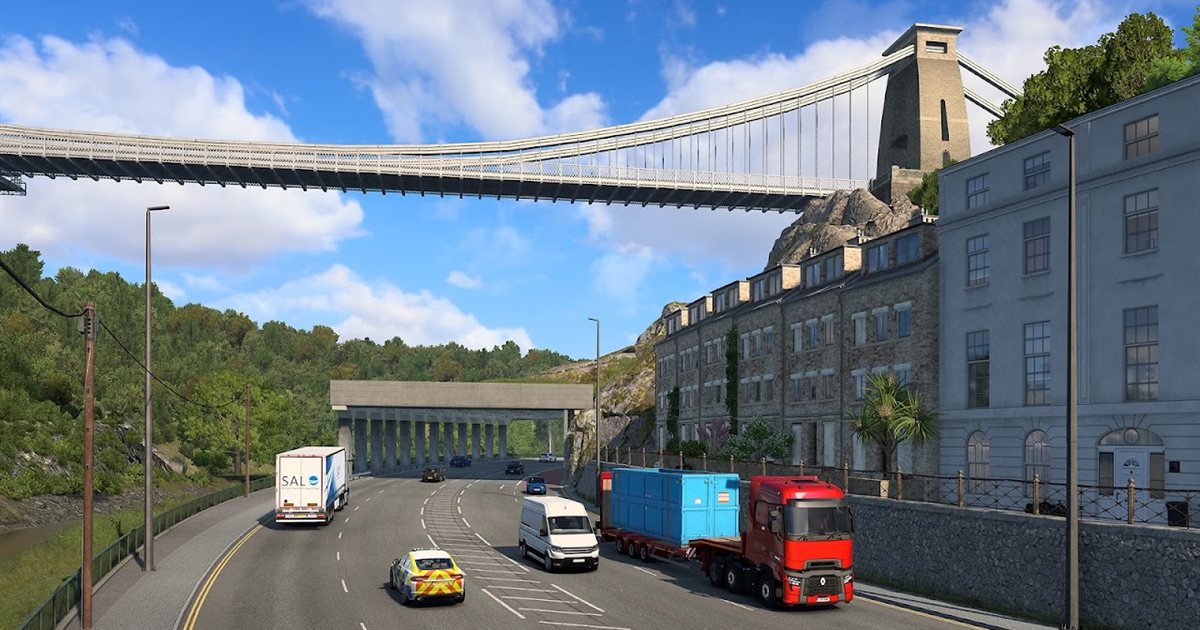 ETS2 UK Rework: New UK Map, Cities & Release Date (What We Know)The free rebuilt UK map: new cities, Stonehenge, 370+ British buildings, and what's known about the release date
 Best ETS2 Realism Mods for 1.62 & 1.61: Sound, Physics, Traffic and WeatherSound, physics, traffic, weather and lights: what to install, what clashes, in what order
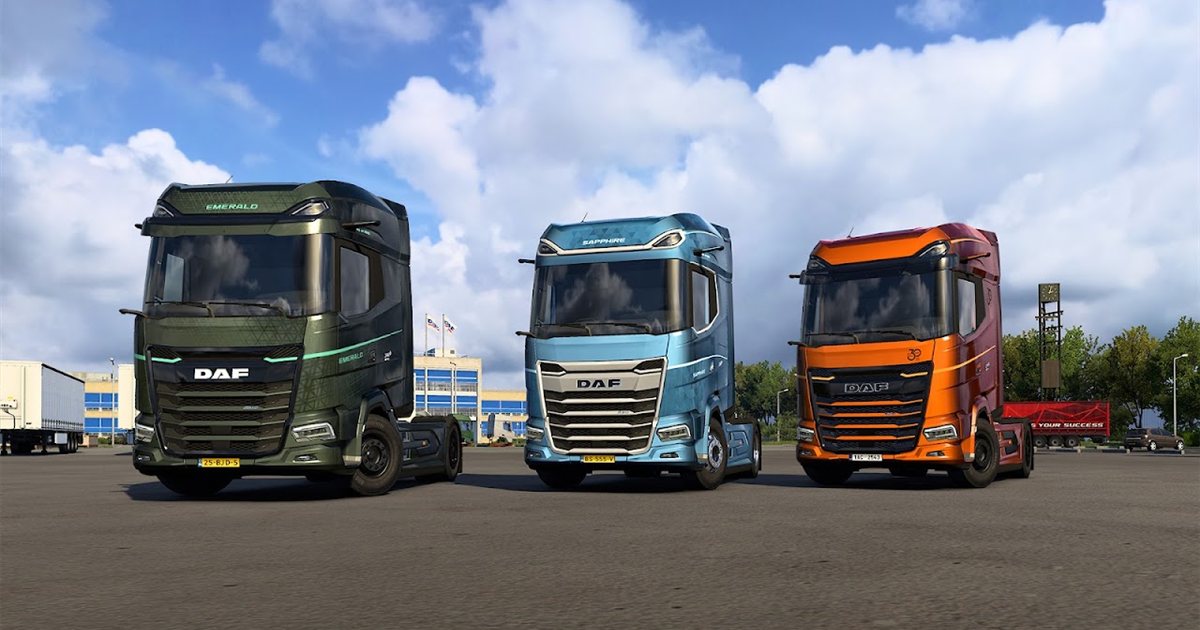 ETS2 1.62 Update Is Out: New Garages, DAF XG+ Editions & ModsOut now: new garages, three DAF XG+ editions, a better Iveco S-Way cab, and what it means for your mods
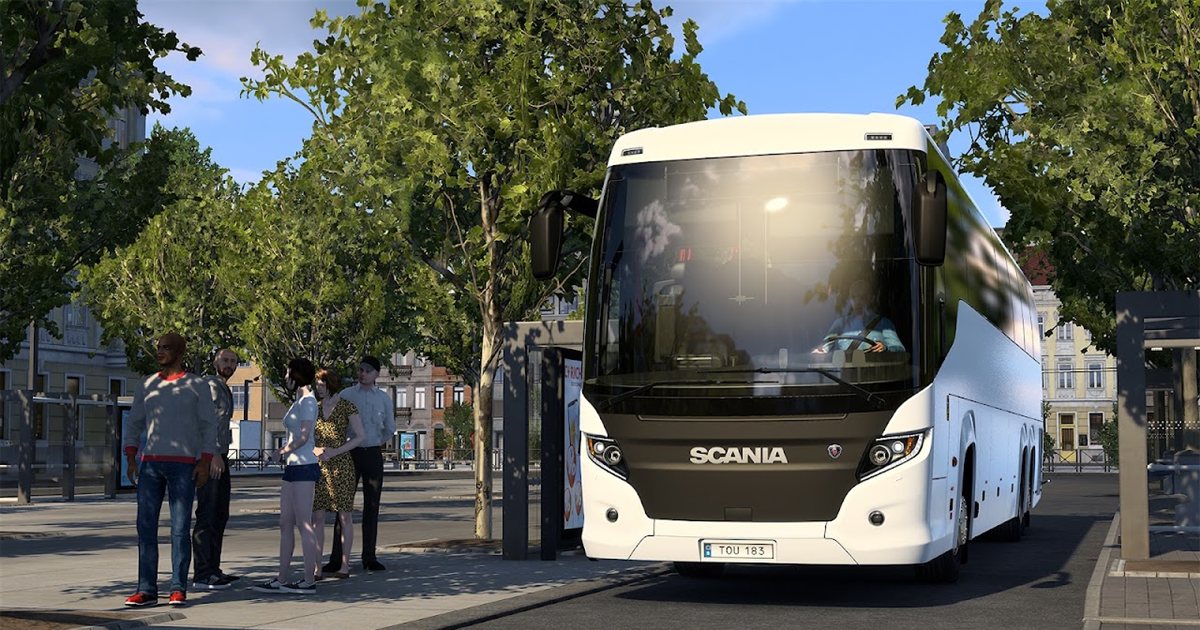 ETS2 Coaches DLC Is Out: Price, Buses, Jobs & FeaturesOut now, £12.69: the three coaches, passenger jobs, Coach Mode and how to get your profile ready
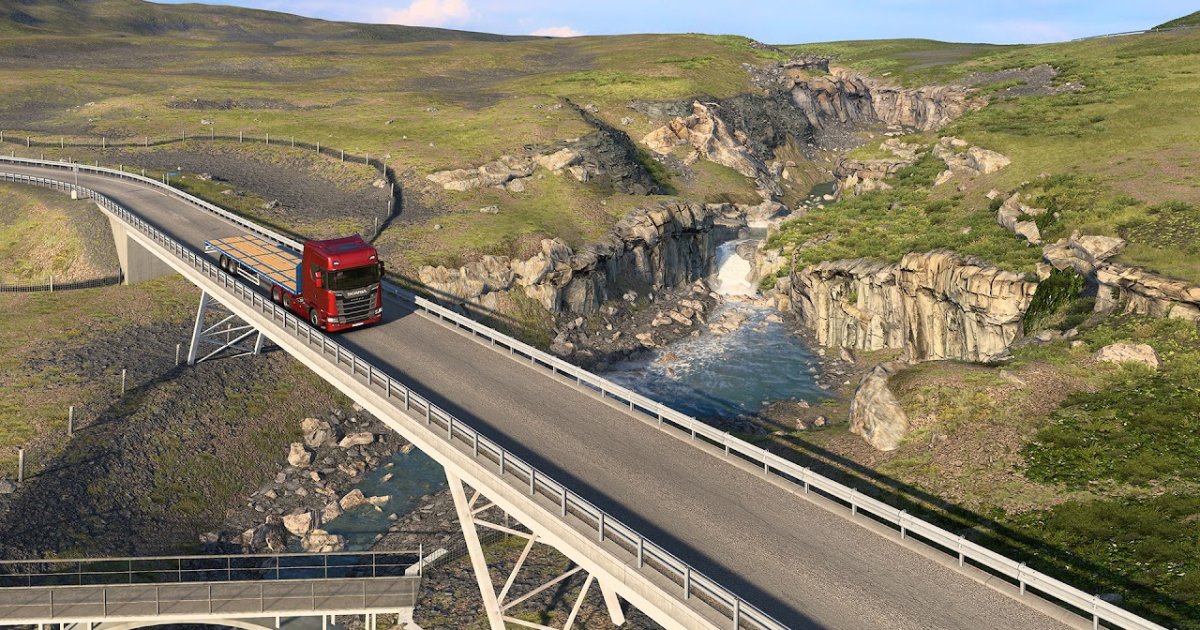 ETS2 Iceland DLC Is Out: Price, 14 Cities & Cruising Iceland EventOut now, £9.99: 14 cities, the Ring Road, ferries, Northern Lights and how to finish the Cruising Iceland event
 Best ETS2 Bus Mods for 1.61: Coaches, Passengers & MapsChoose a coach, city bus, passenger mod or bus map, and check what each one needsETS2 Console and Developer Mode: How to Enable It and Useful CommandsSwitch on the built-in console: time, weather, game speed and moving your truckInstalling a downloaded modWhere the mod folder is and what to do with .scs, .zip and .7z filesLoad order explainedWhich mod wins when two change the same thingIf the game crashesHow to find the mod that causes it in a few restarts
Link broken, or the mod has a newer version? Tell us and we'll check it.