Image: supplied by the mod author
Bottom Bar for ETS2
A reorganised Route Advisor bottom bar with cargo on the left, driving data in the centre, rest information on the right and smaller mirrors.
- Author
- Marc
- Works with
- 1.61
- DLC needed
- No specific DLC listed by the author
- Price
- Free
- Link checked
- 25 October 2026
- Listed by
- The mod's author, reviewed by us
This opens the mod's official page. We never re-upload mods, so you always get the author's latest, untouched version.
Does it work for you on ETS2 1.61?
About this mod
Marc’s ETS2 1.61 layout groups the Route Advisor into three areas: cargo and destination on the left, speed and driving information in the middle, and time and rest details on the right. It also reduces the HUD mirrors.
The layout aims to give longer cargo names more room. Screen resolution, language and active widgets can affect spacing; the author developed it at 3840 × 2400. A separate default-mirror version is linked on the Workshop page.
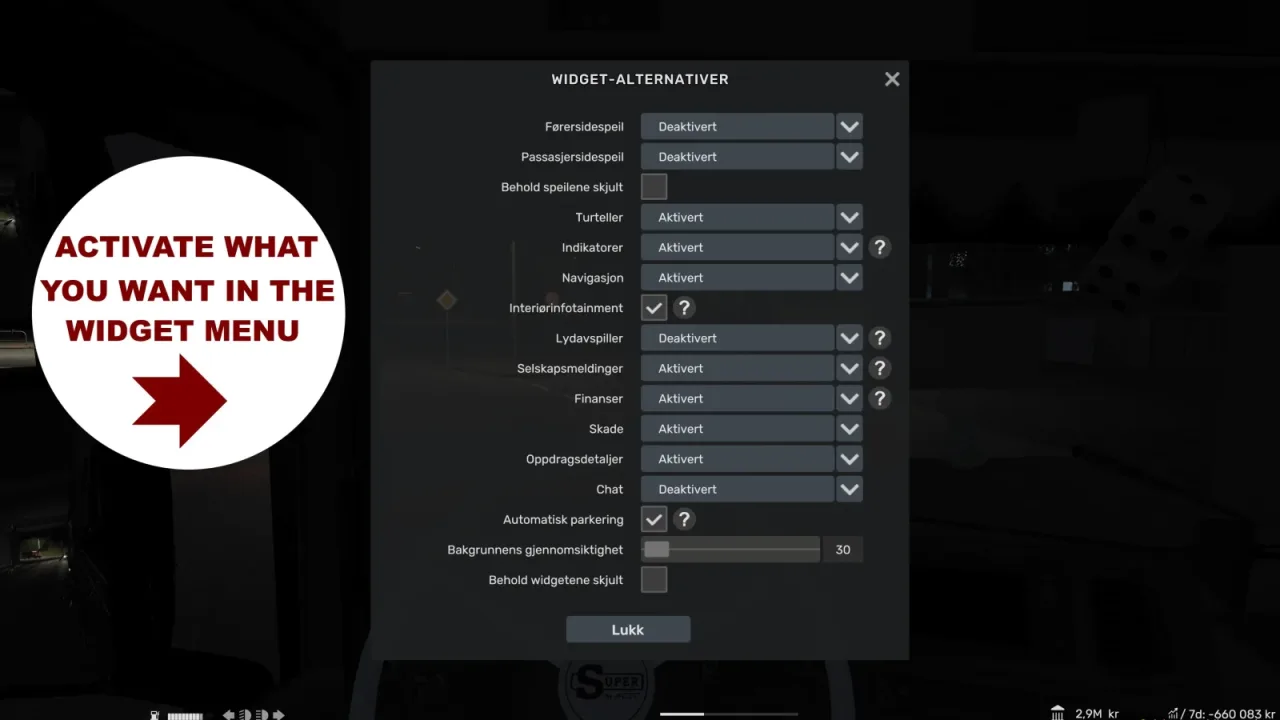
Use F1 to review the game’s widget settings if information is missing.
Check the layout at your own resolution before keeping it in a long-running profile.
Features
- Grouped cargo and destination details
- Central speed, gear and cruise-control information
- Compact rest timer and smaller HUD mirrors
How to install Bottom Bar for ETS2
- Open the mod's Steam Workshop page (sign in to Steam if asked) and press Subscribe. Steam downloads it for you.
- Start Euro Truck Simulator 2. On the profile screen, open the Mod Manager.
- Find Bottom Bar for ETS2 in the list and move it to Active mods, then press Confirm changes.
Helpful guides
Link broken, or the mod has a newer version? Tell us and we'll check it.