Image: supplied by the mod author
Country Name Map
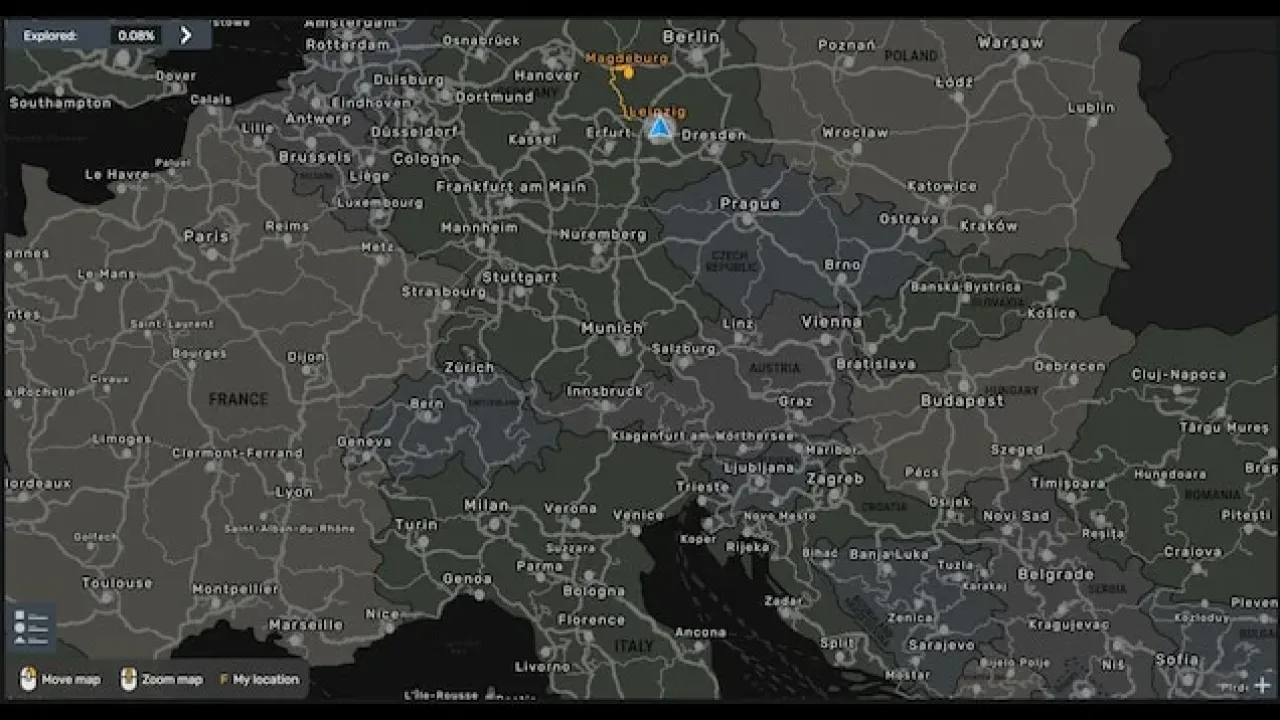
A grey world-map background with country labels, darker discovered roads and opaque map panels.
- Author
- ガチたけ
- Works with
- 1.61
- DLC needed
- None, base game is enough
- Price
- Free
- Link checked
- 25 October 2026
- Listed by
- The mod's author, reviewed by us
This opens the mod's official page. We never re-upload mods, so you always get the author's latest, untouched version.
Does it work for you on ETS2 1.61?
Screenshots (3)
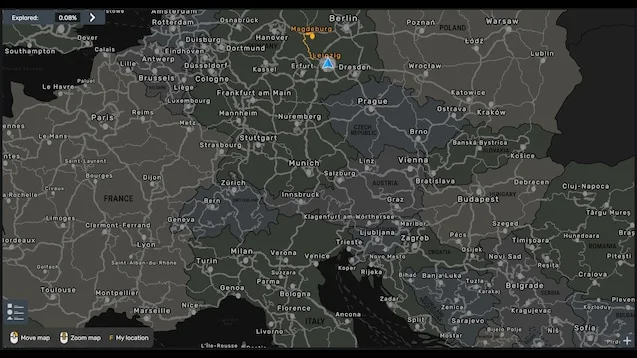
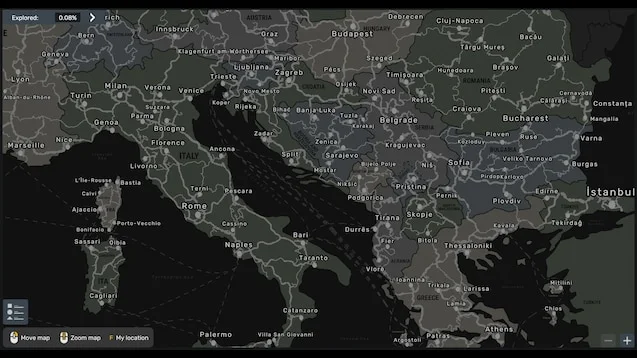
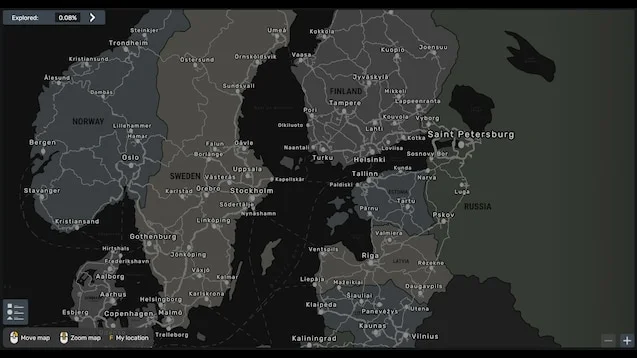
Screenshots supplied by the mod author. Click a picture to see it full size.
About this mod
Make the stock map easier to read with country names and a restrained background. A flat map view is recommended so labels remain easier to read. The author supports the stock map and all map DLC, including installations without every DLC. ProMods is explicitly unsupported. Do not assume compatibility with other map replacements without checking the author's current notes.
Mod and screenshots credit: ガチたけ. The download link leads to the author’s official Workshop release.
Features
- Country labels on the stock map
- Grey background and darker explored roads
- Opaque map display
- All map DLC supported
- ProMods unsupported
How to install Country Name Map
- Open the mod's Steam Workshop page (sign in to Steam if asked) and press Subscribe. Steam downloads it for you.
- Start Euro Truck Simulator 2. On the profile screen, open the Mod Manager.
- Find Country Name Map in the list and move it to Active mods, then press Confirm changes.
Helpful guides
Link broken, or the mod has a newer version? Tell us and we'll check it.