Image: supplied by the mod author
ETS2 Cargo Filter - Owned Trailers
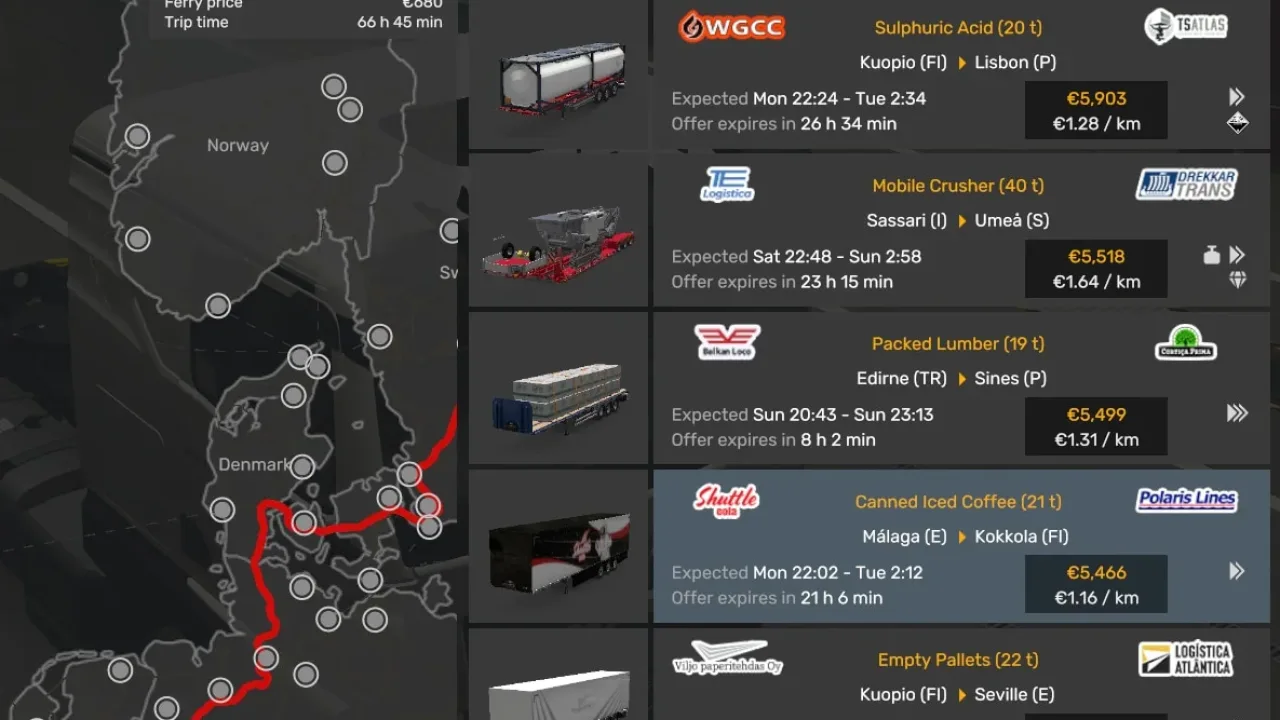
Browse jobs for all your owned trailers from one Cargo Market screen, or filter the offers to a single trailer. A separate Windows plugin is required.
- Author
- Qubits
- Works with
- 1.61
- DLC needed
- None, base game is enough
- Price
- Free
- Link checked
- 26 October 2026
- Listed by
- The mod's author, reviewed by us
This opens the mod's official page. We never re-upload mods, so you always get the author's latest, untouched version.
Does it work for you on ETS2 1.61?
Screenshots (3)
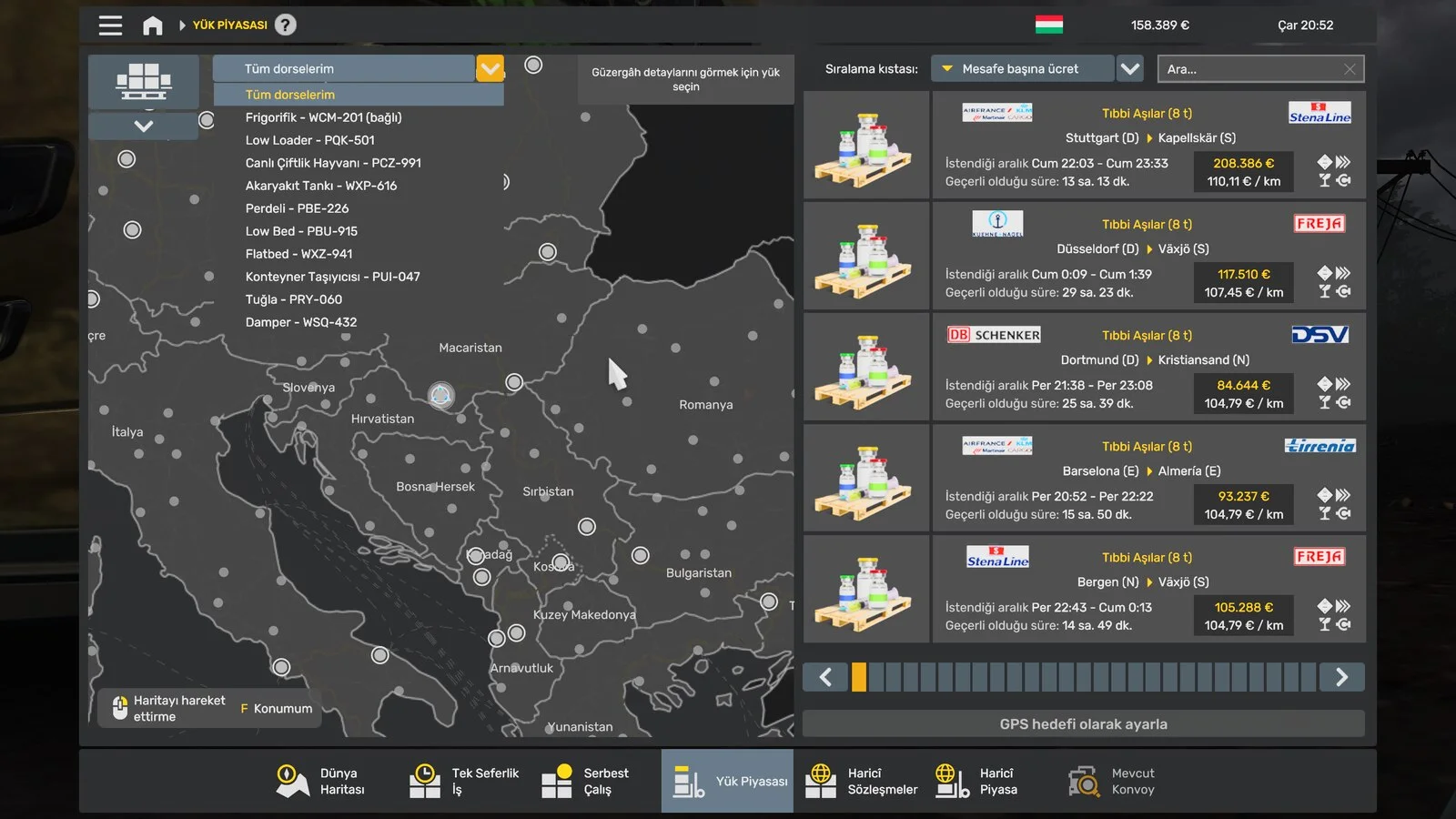
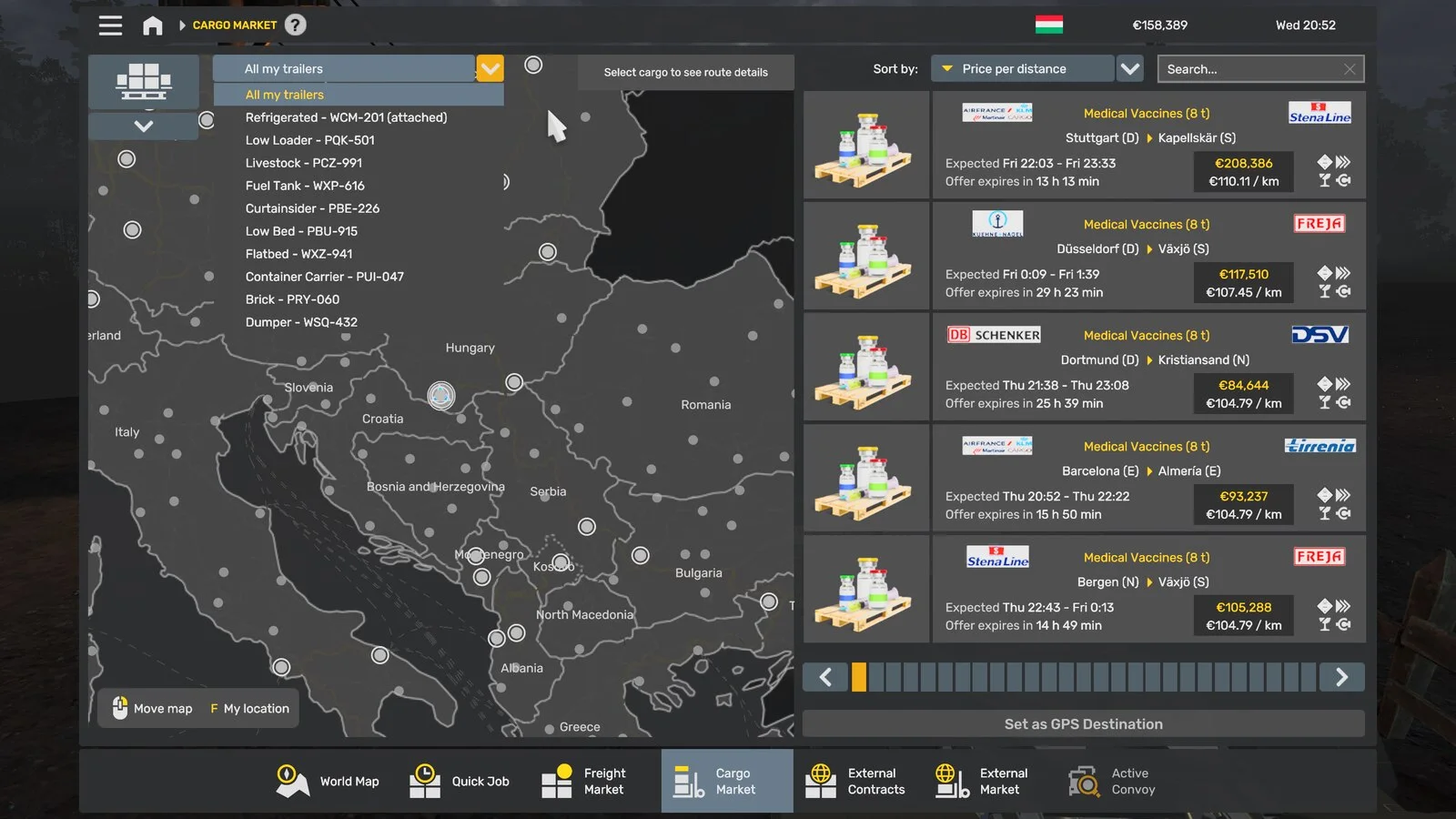
Screenshots supplied by the mod author. Click a picture to see it full size.
About this mod
See available work across your trailer fleet without repeatedly changing the assigned trailer. The selector shows trailer types and registrations, while the usual cargo search, prices and sorting remain available. Accepting an offer assigns the appropriate trailer.
This experimental release targets ETS2 1.61.1.9 on Windows 64-bit. Install the companion ETS2CargoFilter.dll from the author’s GitHub release as well as this Workshop interface; subscribing alone is insufficient. Back up your profile first. Other game builds, Linux and macOS are not supported, and Convoy testing is pending. Mods replacing the Cargo Market interface may conflict.
Mod and image credits: Qubits.
Features
- All owned trailers in one job list
- Individual trailer selector
- Native cargo search and sorting
- 43 interface languages
- Separate Windows plugin required
How to install ETS2 Cargo Filter - Owned Trailers
- Open the mod's Steam Workshop page (sign in to Steam if asked) and press Subscribe. Steam downloads it for you.
- Start Euro Truck Simulator 2. On the profile screen, open the Mod Manager.
- Find ETS2 Cargo Filter - Owned Trailers in the list and move it to Active mods, then press Confirm changes.
Helpful guides
Link broken, or the mod has a newer version? Tell us and we'll check it.