Image: supplied by the mod author
GMC Community Company Loading Screen v6.5
A community-trucking photo collection and redesigned loading-screen UI.
- Author
- GMC Community / Discord members
- Works with
- 1.61
- DLC needed
- None, base game is enough
- Price
- Free
- Link checked
- 28 October 2026
- Listed by
- The mod's author, reviewed by us
This opens the mod's official page. We never re-upload mods, so you always get the author's latest, untouched version.
Does it work for you on ETS2 1.61?
Screenshots (2)
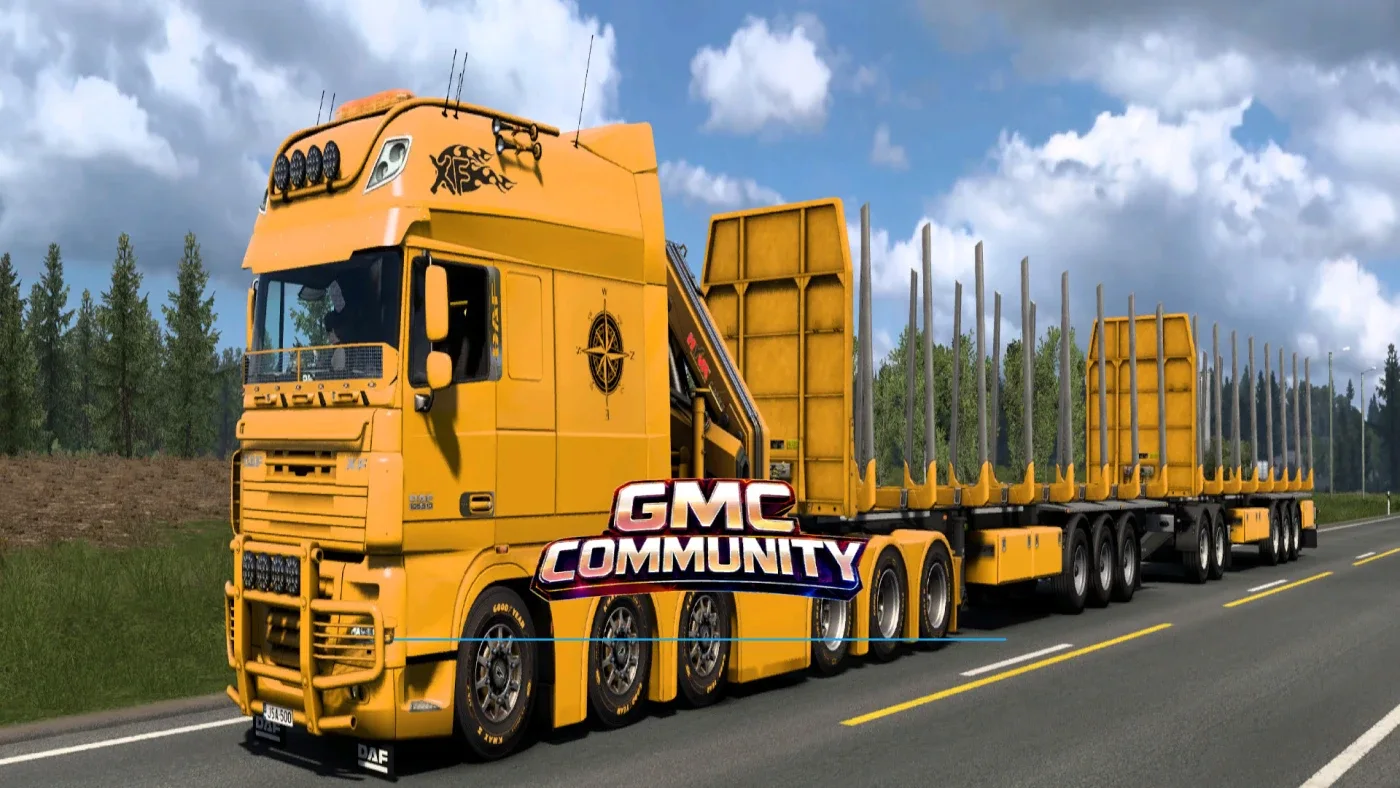
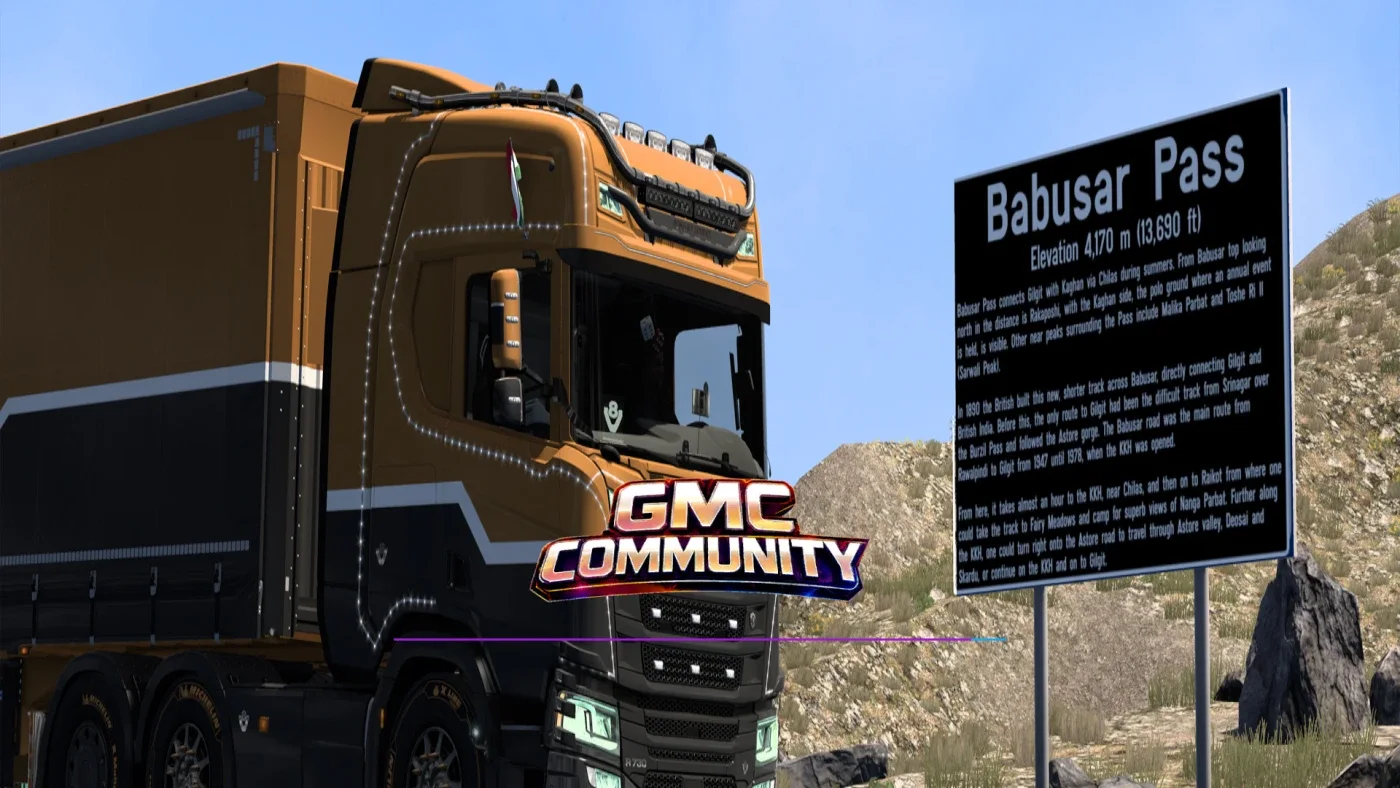
Screenshots supplied by the mod author. Click a picture to see it full size.
About this mod
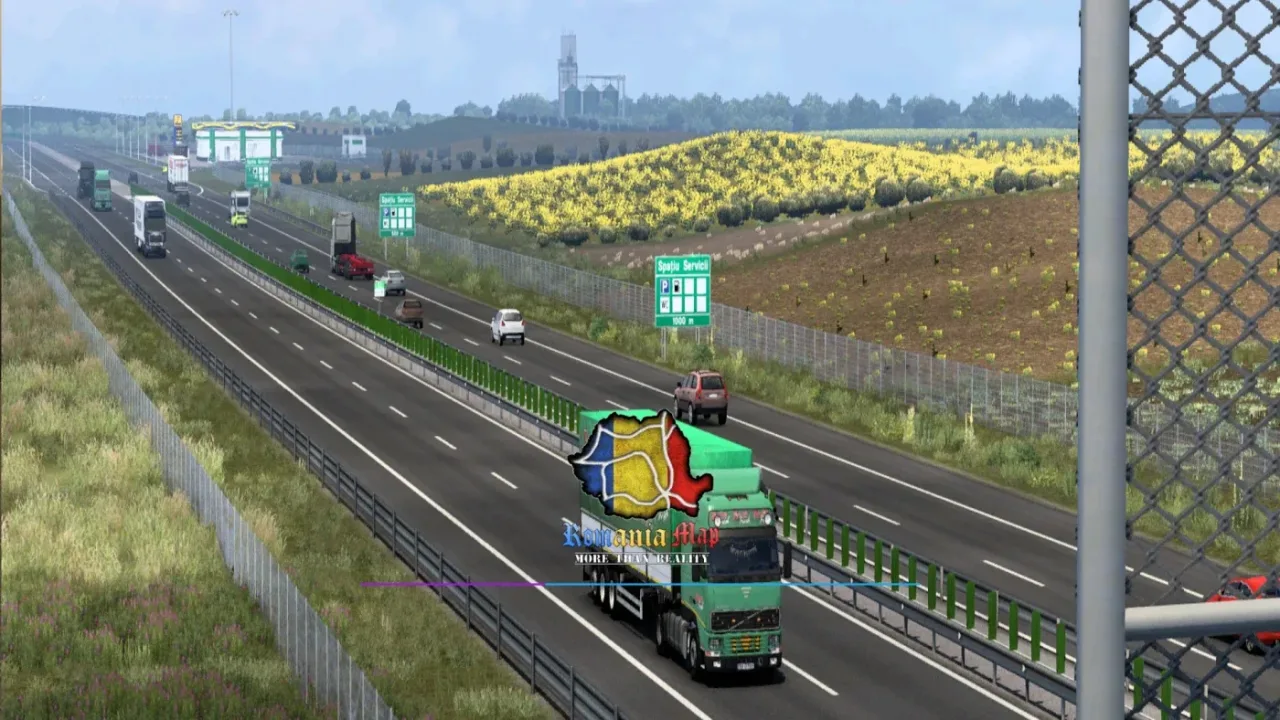
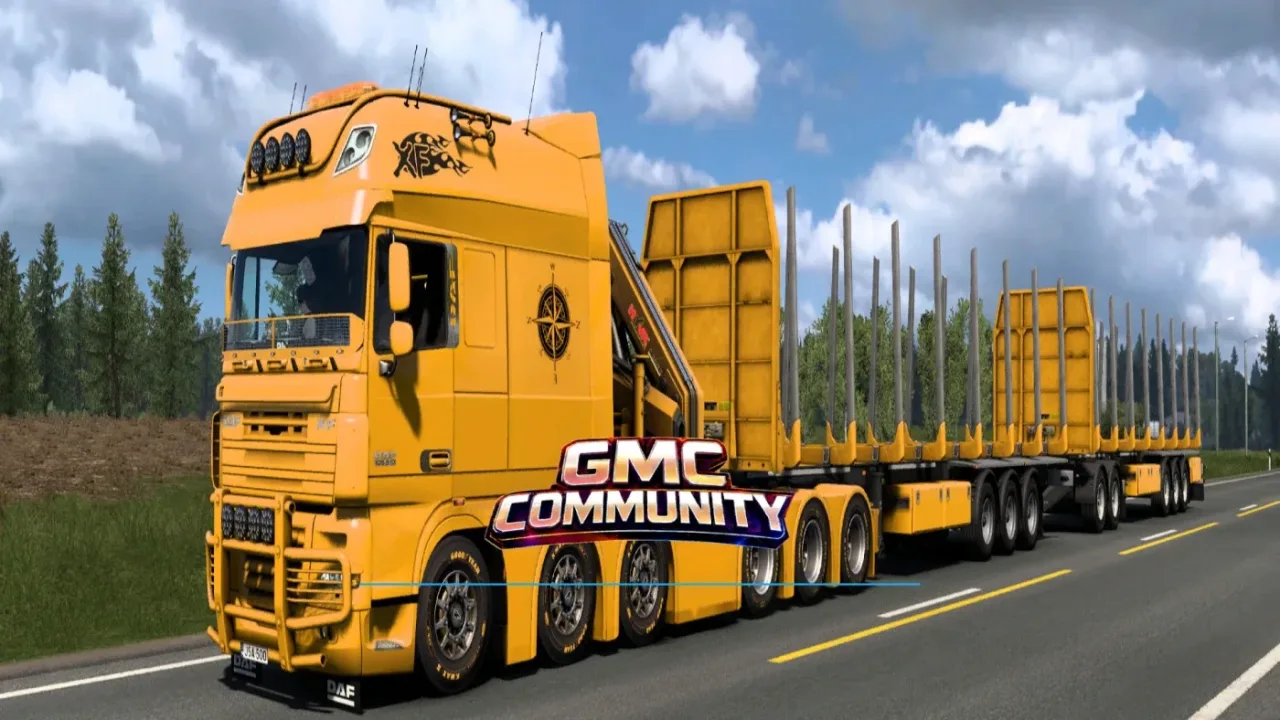
GMC Community replaces the loading-screen photos with screenshots supplied by its Discord members and refreshes the loading interface. The collection focuses on community truck combinations and scenery from members’ journeys.
Place this mod above other mods and beneath the background map, following the author’s load-order note. The latest listed release is version 6.5 for ETS2 1.61.
Mod and image credits: GMC Community / Discord members.
How to install GMC Community Company Loading Screen v6.5
- Download the mod from truckymods.io.
- If you get a
.zip,.raror.7zfile, extract it. You need the.scsfile(s) inside. - Move the
.scsfile(s) intoDocuments\Euro Truck Simulator 2\mod. Create themodfolder if it isn't there. - Start the game, open the Mod Manager on the profile screen, move GMC Community Company Loading Screen v6.5 to Active mods and press Confirm changes.
Helpful guides
Link broken, or the mod has a newer version? Tell us and we'll check it.