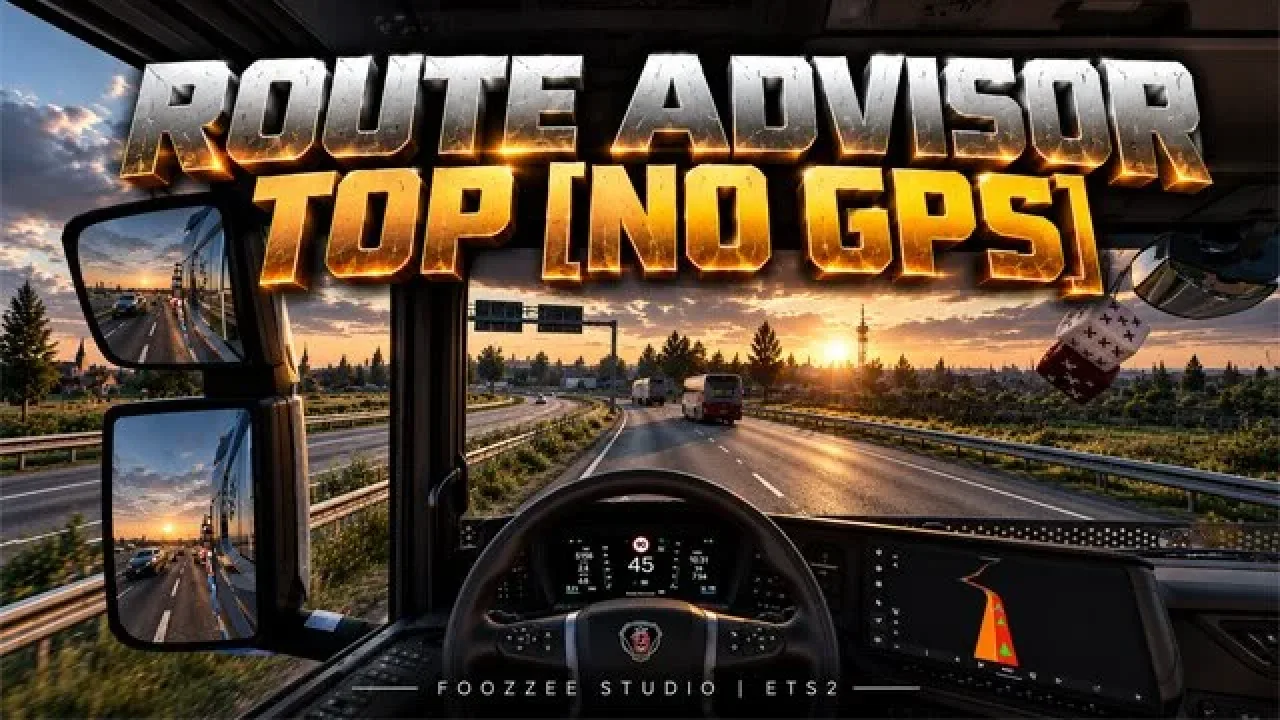
Image: supplied by the mod author
Route Advisor TOP - No GPS v1.0.9
Move job, speed, fuel and rest information into a compact top bar, removing the Route Advisor GPS panel for a clearer view from the cab.
- Author
- FooZzee
- Works with
- 1.61
- DLC needed
- None, base game is enough
- Price
- Free
- Link checked
- 26 October 2026
- Listed by
- The mod's author, reviewed by us
This opens the mod's official page. We never re-upload mods, so you always get the author's latest, untouched version.
Does it work for you on ETS2 1.61?
Screenshots (2)
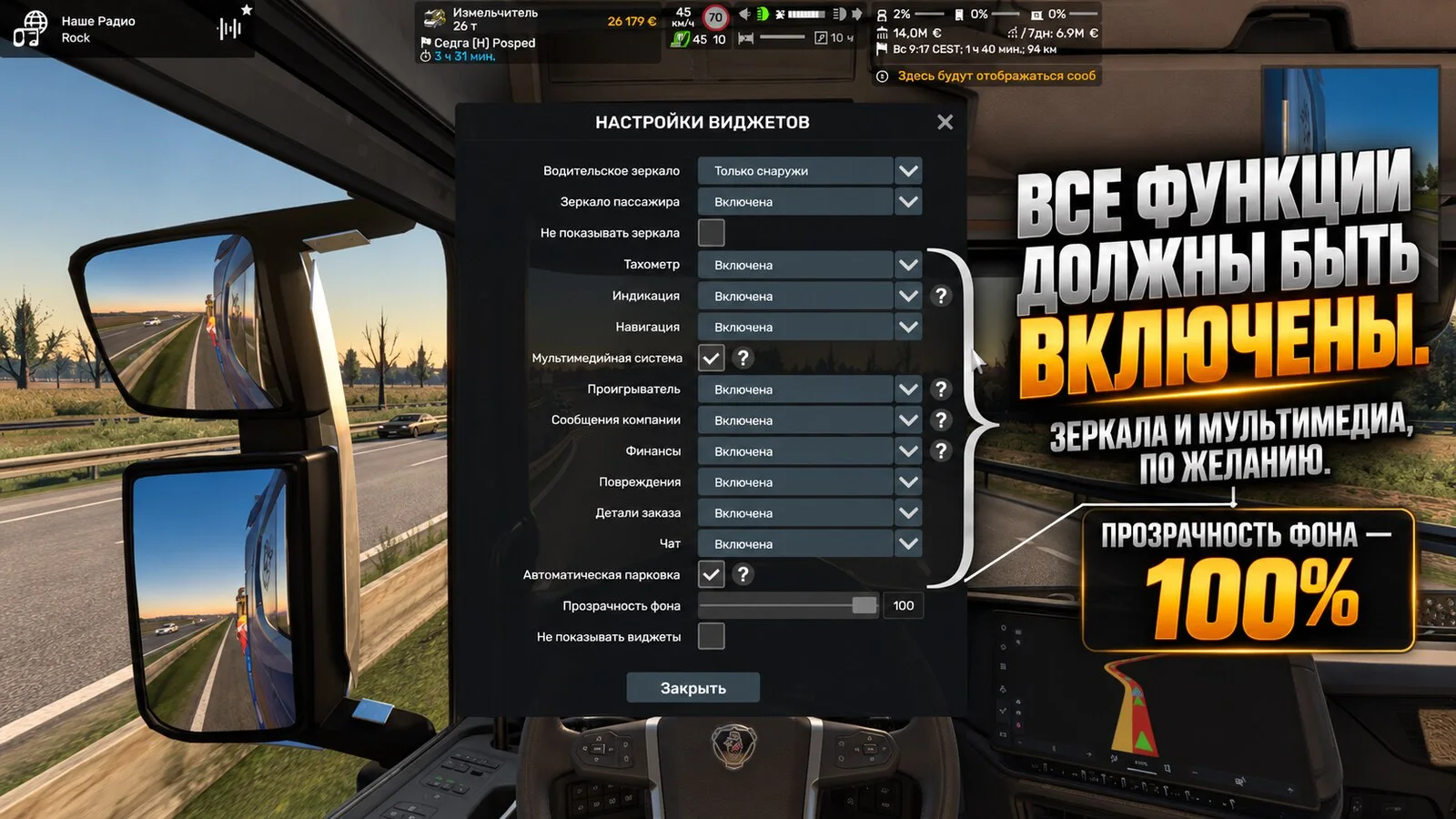
Screenshots supplied by the mod author. Click a picture to see it full size.
About this mod
FooZzee’s layout puts the Route Advisor along the top edge of the screen. It groups cargo details, speed and gears, remaining rest time, vehicle condition and warning lights into separate panels with a dark translucent background. The large map and circular rev counter are removed.
Version 1.0.9 repositions pop-up messages below the bar, adjusts spacing and improves long-distance ETA text. The author lists ETS2 1.61.x and Convoy compatibility. Use the truck’s own navigation screen when you need a map.
Mod and image credits: FooZzee.
Features
- Compact top-edge layout
- Cargo and delivery information
- Speed, gears and cruise-control readings
- Fuel and fatigue indicators
- Vehicle-status warning lights
How to install Route Advisor TOP - No GPS v1.0.9
- Open the mod's Steam Workshop page (sign in to Steam if asked) and press Subscribe. Steam downloads it for you.
- Start Euro Truck Simulator 2. On the profile screen, open the Mod Manager.
- Find Route Advisor TOP - No GPS v1.0.9 in the list and move it to Active mods, then press Confirm changes.
Helpful guides
Link broken, or the mod has a newer version? Tell us and we'll check it.