Image: supplied by the mod author
Truck Tools v1.0.0
Edit truck and coach experience, skills and selected vehicle details in ETS2 saves with a portable Windows tool.
- Author
- Farbound Studios
- Game version
- 1.62as the mod author told us when submitting it (see the official page)
- Players
- Needs
- Nothing extra, the base game is enough
- Price
- Free
- Link checked
- 17 November 2026 (the download page opens; not a test of the mod)
- Listed by
- The mod's author, reviewed by us
Hear about more like this? We'll show new ones in Your week on My mods.
Does it work for you on ETS2 1.62?
Screenshots (2)

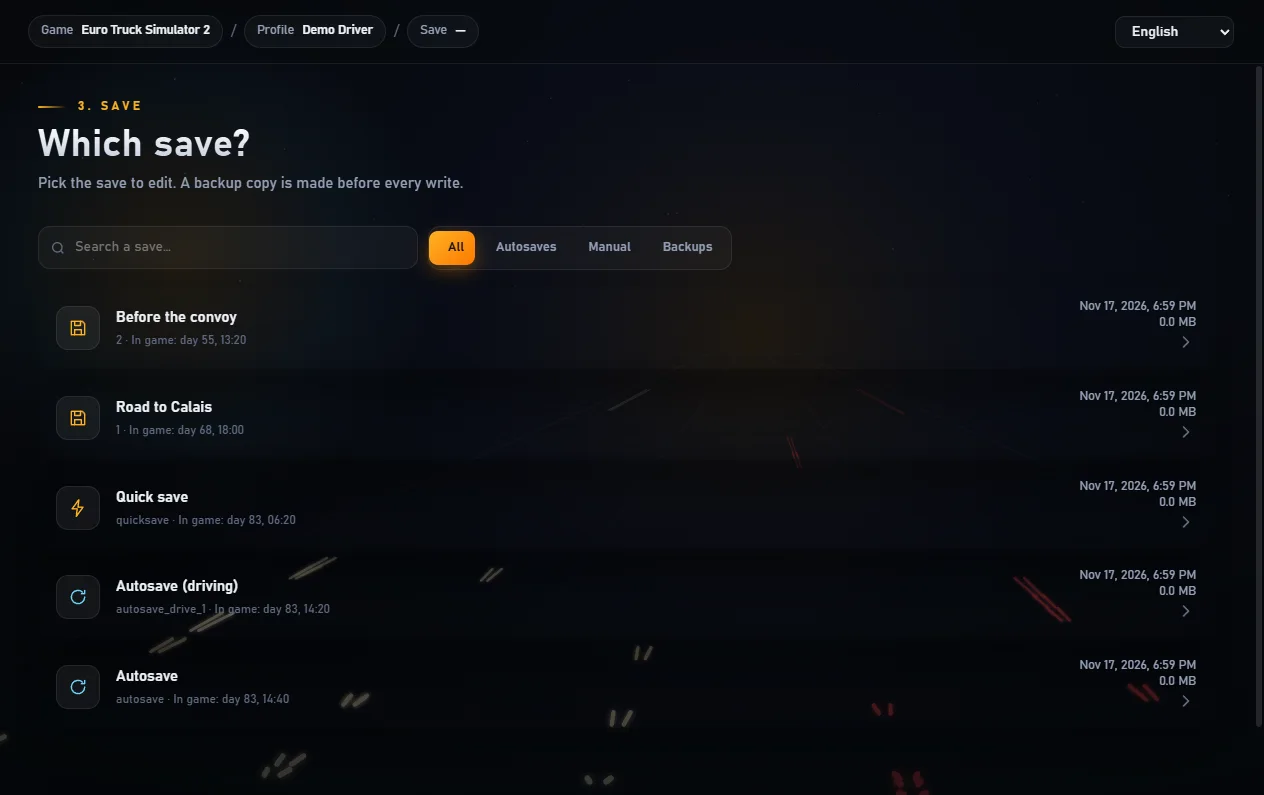
Screenshots supplied by the mod author. Click a picture to see it full size.
About this mod
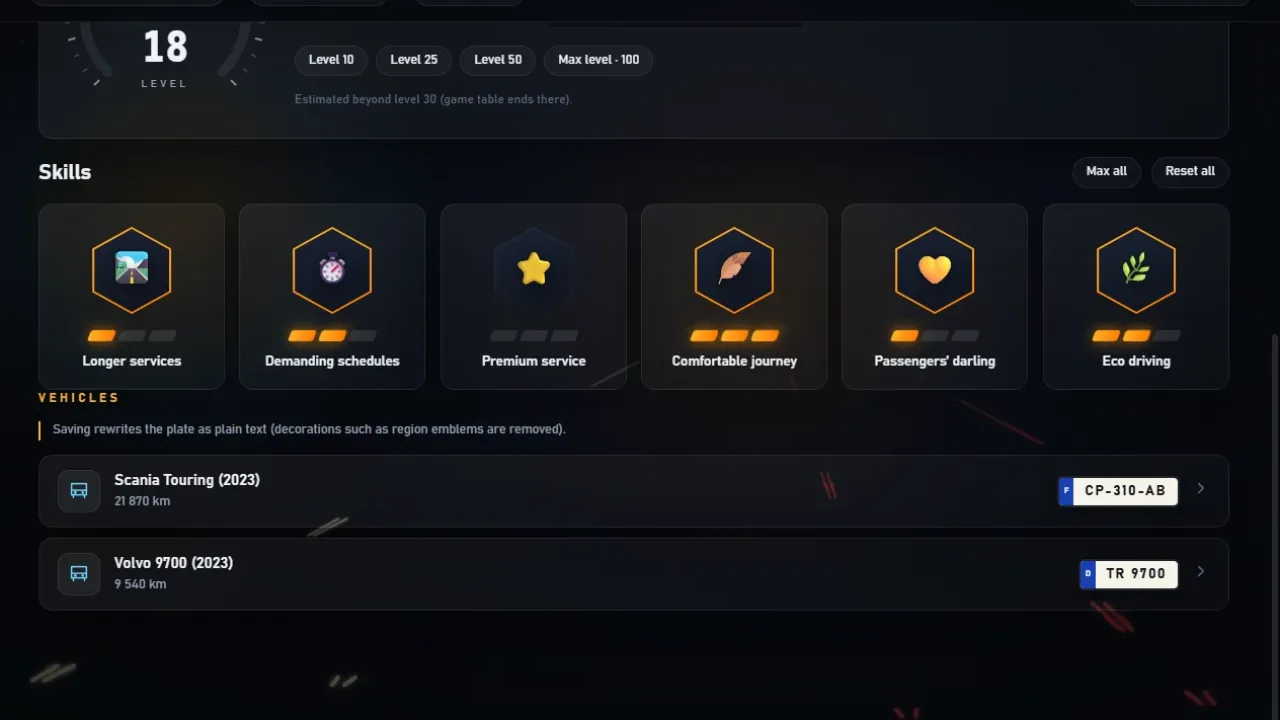
Truck Tools lets you pick a local or Steam Cloud profile, find a named save and adjust experience, skill ranks or account balance. The Coaches tab keeps coach progression separate from truck progression. Vehicle edits require a text save. The editor makes a backup before writing and asks you to close the game first. This release supports ETS2 1.62, including Coaches DLC progression.
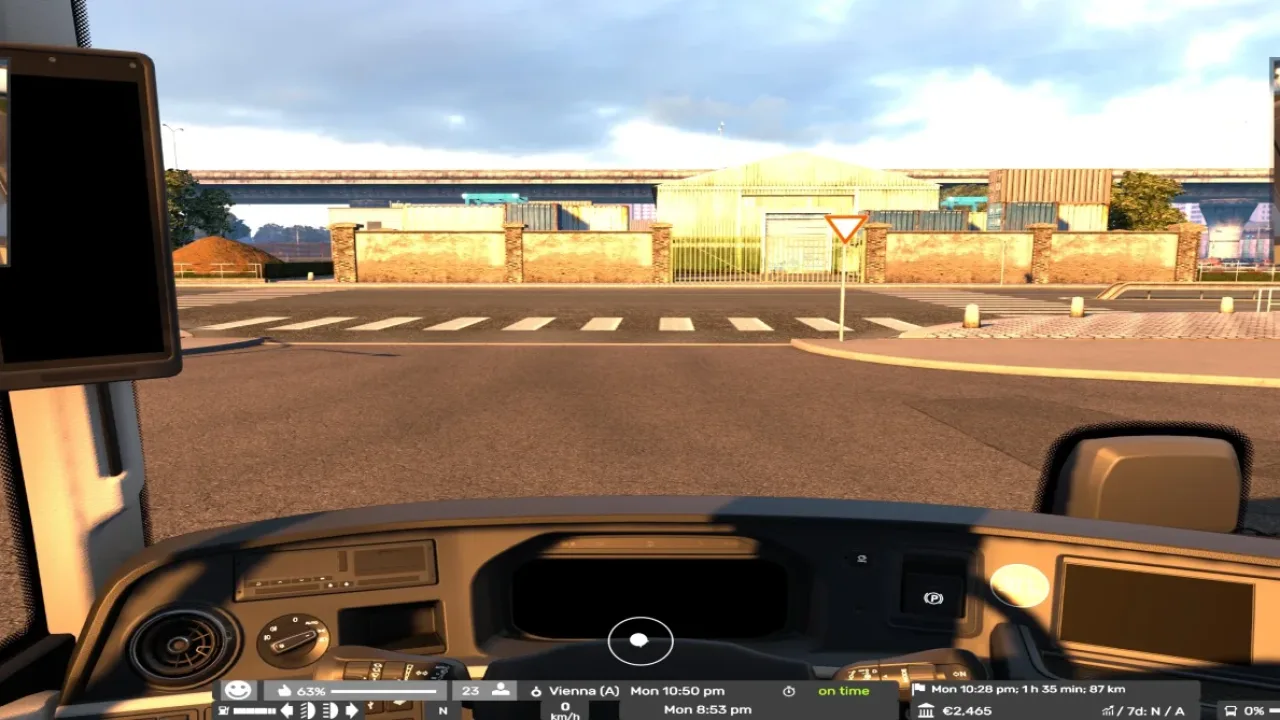
Demo screenshots from the project documentation, cropped to show the save list and coach editor. Built with Truck Tools by Farbound Studios - https://farboundstudios.com Full licence: https://github.com/FarboundStudios/truck-tools/blob/main/LICENSE
Copyright (c) 2026 Farbound Studios (https://farboundstudios.com)
Permission is hereby granted, free of charge, to any person obtaining a copy of this software and associated documentation files (the "Software"), to deal in the Software without restriction, including without limitation the rights to use, copy, modify, merge, publish, distribute, sublicense, and/or sell copies of the Software, and to permit persons to whom the Software is furnished to do so, subject to the following conditions:
1. LICENSE NOTICE. The above copyright notice and this permission notice shall be included in all copies or substantial portions of the Software.
Features
- Truck and coach experience and skills
- Text save editing for supported vehicle and trailer fields
- Automatic backups before writing
How to install Truck Tools v1.0.0
- Download the mod from GitHub.
- Follow the author's installation instructions. Keep ready-to-use
.scsor.zipmod packages intact; extract archives containing separate mod packages as directed. - Move the ready-to-use
.scsor.zipmod package(s) intoDocuments\Euro Truck Simulator 2\mod. Create themodfolder if it isn't there. - Start the game, open the Mod Manager on the profile screen, move Truck Tools v1.0.0 to Active mods and press Confirm changes.
Helpful guides
 ETS2 UK Rework: New UK Map, Cities & Release Date (What We Know)The free rebuilt UK map: new cities, Stonehenge, 370+ British buildings, and what's known about the release date
 Best ETS2 Realism Mods for 1.62 & 1.61: Sound, Physics, Traffic and WeatherSound, physics, traffic, weather and lights: what to install, what clashes, in what order
 ETS2 1.62 Update Is Out: New Garages, DAF XG+ Editions & ModsOut now: new garages, three DAF XG+ editions, a better Iveco S-Way cab, and what it means for your mods
 ETS2 Coaches DLC Is Out: Price, Buses, Jobs & FeaturesOut now, £12.69: the three coaches, passenger jobs, Coach Mode and how to get your profile ready
 ETS2 Iceland DLC Is Out: Price, 14 Cities & Cruising Iceland EventOut now, £9.99: 14 cities, the Ring Road, ferries, Northern Lights and how to finish the Cruising Iceland event
 Best ETS2 Bus Mods for 1.61: Coaches, Passengers & MapsChoose a coach, city bus, passenger mod or bus map, and check what each one needsETS2 Console and Developer Mode: How to Enable It and Useful CommandsSwitch on the built-in console: time, weather, game speed and moving your truckInstalling a downloaded modWhere the mod folder is and what to do with .scs, .zip and .7z filesLoad order explainedWhich mod wins when two change the same thingIf the game crashesHow to find the mod that causes it in a few restarts
Link broken, or the mod has a newer version? Tell us and we'll check it.