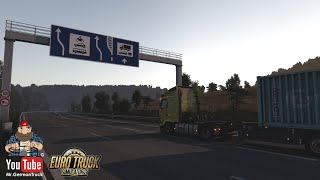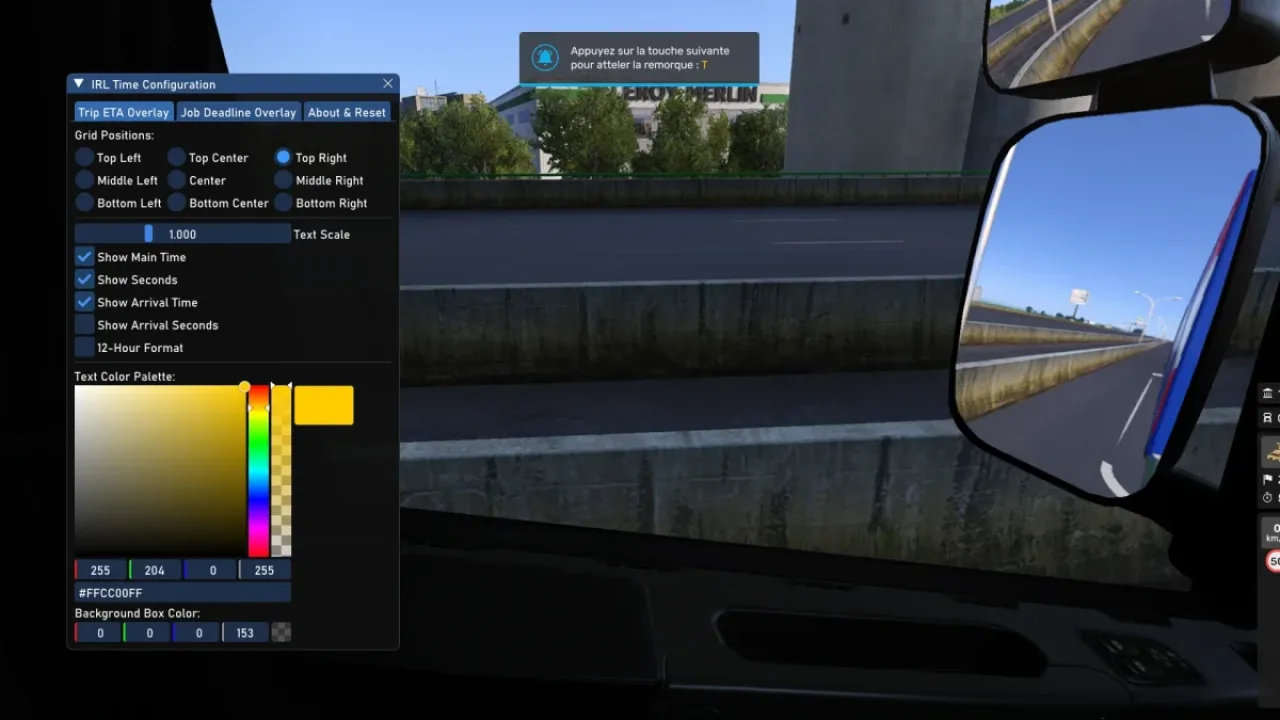

Picture by maz, from the mod's Steam Workshop page.
Topo Map
Replaces the in-game map background with a topographic map of Europe, with hills, mountains, rivers and lakes.
- Author
- maz
- Game version
- 1.61 1.60as listed by the author (see the official page)
- Players
- Needs
- Nothing extra, the base game is enough
- Price
- Free
- Link checked
- 10 November 2026 (the download page opens; not a test of the mod)
Hear about more like this? We'll show new ones in Your week on My mods.
Does it work for you on ETS2 1.61?
Screenshots (3)


Screenshots by maz, from the mod's Steam Workshop page. Click a picture to see it full size.
About this mod
Topo Map changes the background of the game's world map into a relief map. Mountains and valleys are shaded, and seas, lakes and rivers are drawn in, so you can see at a glance where a route crosses the Alps or follows a coast. The roads and cities on top stay the same.
The relief is built from open height data (Viewfinder Panoramas) and OpenStreetMap contours with OpenTopoMap tools, all credited by the author. It covers the original SCS map only, so it doesn't line up with ProMods or other map mods.
The author lists 1.58, 1.59, 1.60 and 1.61. It needs about 300 MB of extra texture memory, which can slow down low-end PCs.
Features
- Shaded terrain relief on the world map
- Seas, lakes and rivers drawn in
- Optional mod for Convoy sessions
How to install Topo Map
- Open the mod's Steam Workshop page (sign in to Steam if asked) and press Subscribe. Steam downloads it for you.
- Start Euro Truck Simulator 2. On the profile screen, open the Mod Manager.
- Find Topo Map in the list and move it to Active mods, then press Confirm changes.
Notes for this mod
- Needs around 300 MB of extra video memory for its textures.
- Not made for ProMods or other map mods.
Helpful guides
 ETS2 Iceland DLC: 10 November Release, Cities & Cruising Iceland EventOut 10 November 2026: 14 cities, the Ring Road, ferries, Northern Lights and how to finish the Cruising Iceland event
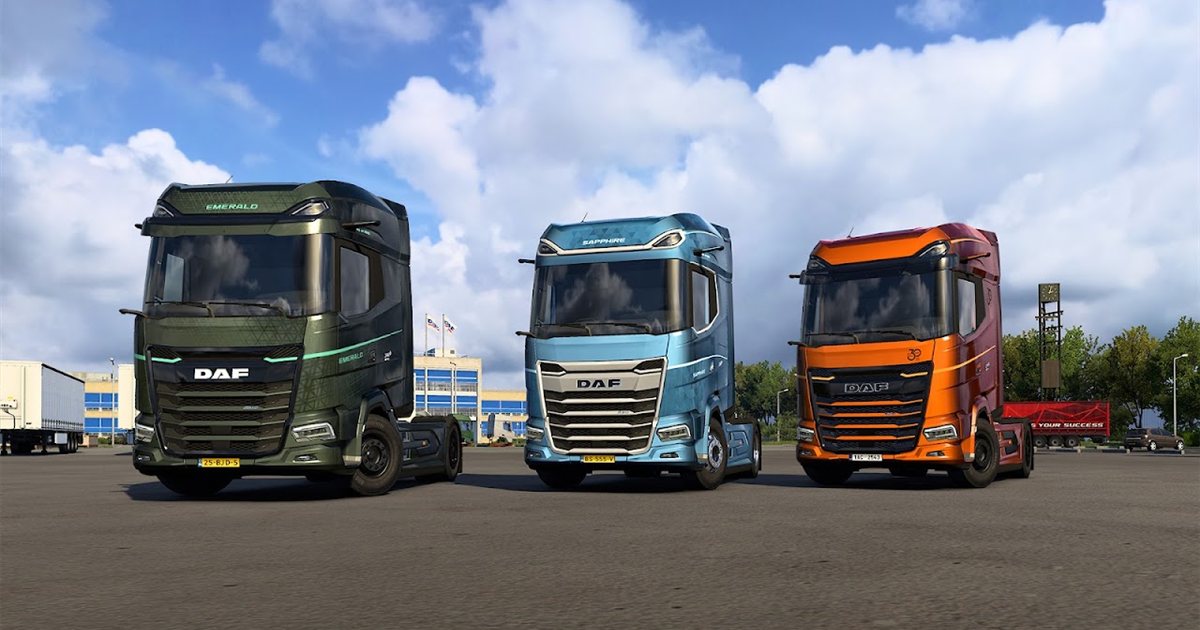 ETS2 1.62 Update Is Out: New Garages, DAF XG+ Editions & ModsOut now: new garages, three DAF XG+ editions, a better Iveco S-Way cab, and what it means for your mods
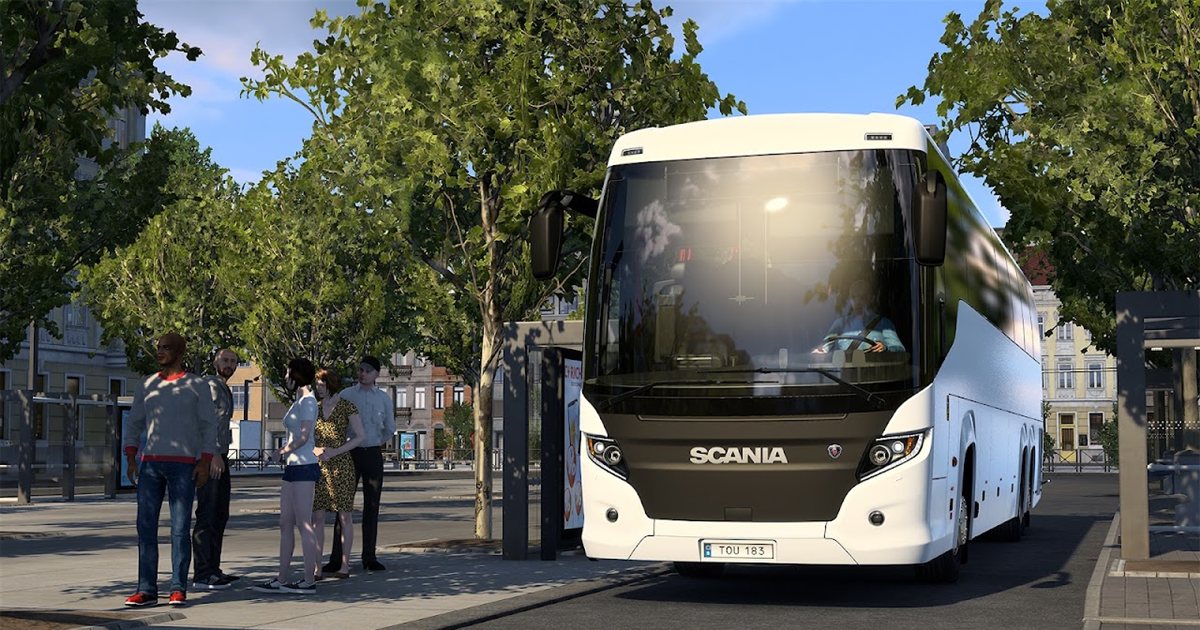 ETS2 Coaches DLC: 12 November Release Date & FeaturesOut 12 November 2026: the three coaches, passenger jobs, Coach Mode and how to get your profile ready
 Best ETS2 Bus Mods for 1.61: Coaches, Passengers & MapsChoose a coach, city bus, passenger mod or bus map, and check what each one needsETS2 Console and Developer Mode: How to Enable It and Useful CommandsSwitch on the built-in console: time, weather, game speed and moving your truck
 Best ETS2 Realism Mods for 1.61: Sound, Physics, Traffic and WeatherSound, physics, traffic, weather and lights: what to install, what clashes, in what orderInstalling from Steam WorkshopSubscribing, switching the mod on, and removing it safelyIf the game crashesHow to find the mod that causes it in a few restarts
Link broken, or the mod has a newer version? Tell us and we'll check it.